![N Illustration Of A [OBJECT] In A Retro Cartoon Style](/img/prompts/gpt-image-2-prompts/b60fdf8d77-d.webp) illustration
1:1
illustration
1:1
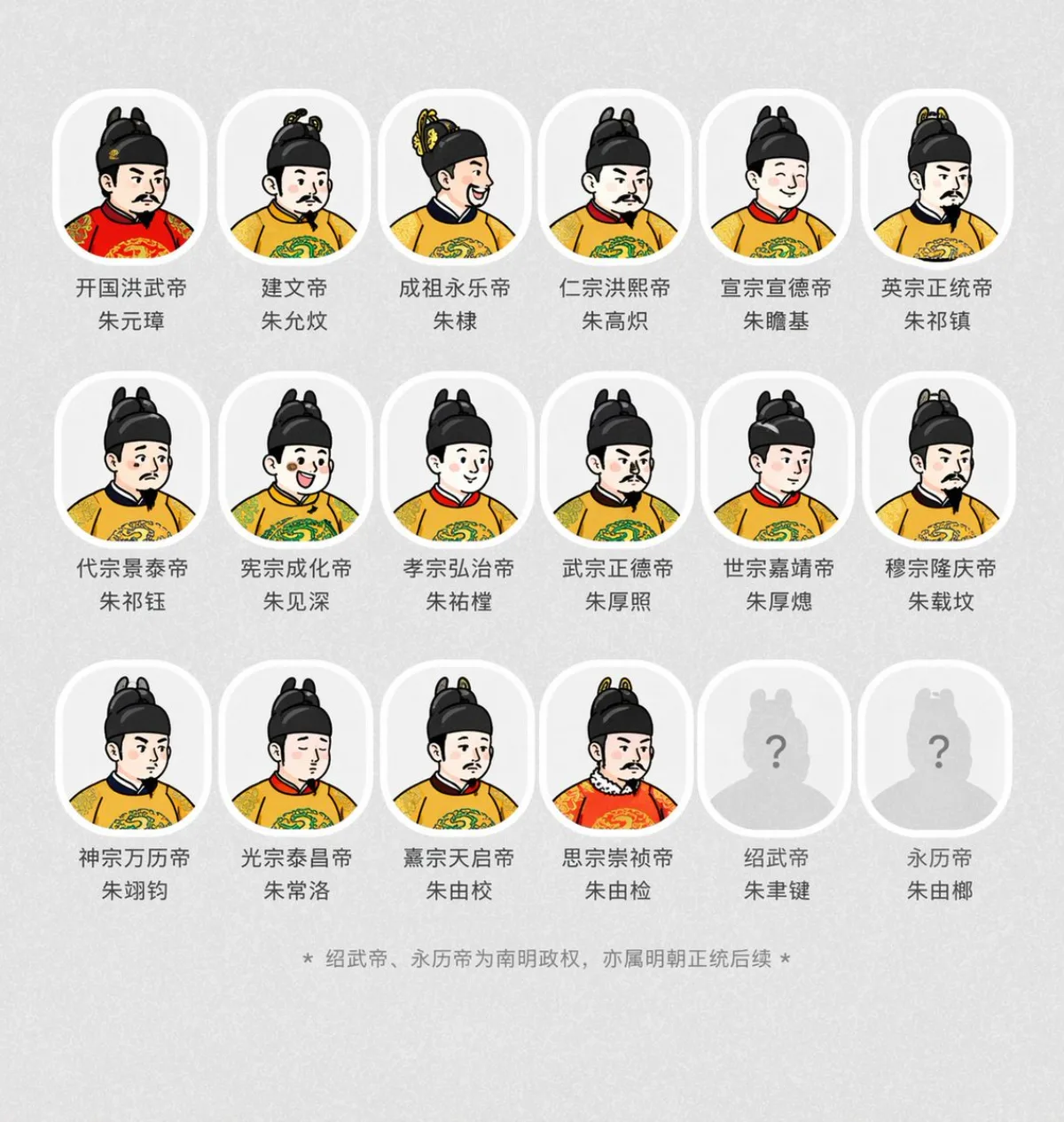
N Illustration Of A [OBJECT] In A Retro Cartoon Style
Subject
Generate an illustration of a [OBJECT] in a retro cartoon style. All shading and highlights should be made from clean, separate color blocks. Add small sparkle accents or motion lines for charm, but keep the icon the clear focus. The final result must be crisp, clean, and vector friendly with sharp edges and no texture or raster effects. Outline all shapes alongside thick, bold black lines. Apply only flat, solid colors with no gradients, smudging, airbrushing, or blur. Use a simplified color palette (such as teal, coral, mustard, and white) for a retro feel. Set the illustration on a plain white background. Square aspect ratio. Iteration: ask for the same composition in three color palettes
Composition
Square aspect ratio.
Lighting
Natural window light from camera-left, gentle bounce on the shadow side.
Setting
Set the illustration on a plain white background.
Style
Create an illustration of a in a retro cartoon style.
Details
The final result must be crisp, clean, and vector friendly with sharp edges and no texture or raster effects.
![A Digital Illustration Of A [SUBJECT]](/img/prompts/gpt-image-2-prompts/deed248cc0-d.webp)