 illustration
1:1
illustration
1:1
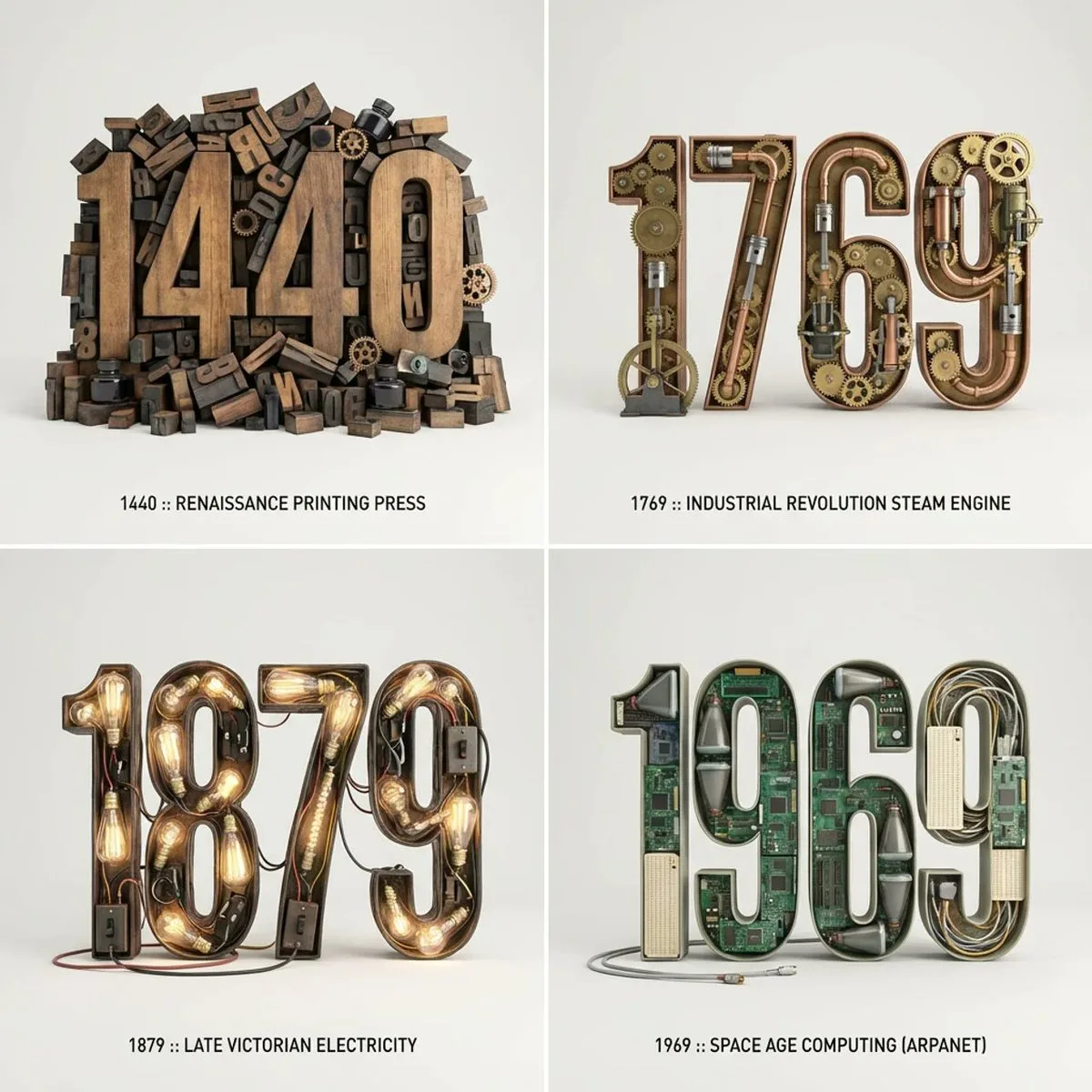
Modern 3D Typographic Sculpture of Historical Inventions
Subject
Picture this: 2x2 grid, do this for 4 important years in history and their most important inventions { Anchor: `[Letter/Number] :: [Era/Theme (e.g., 1980s Retro Tech / Victorian Steampunk)]::4`
Morphology: `3D Typographic sculpture of [Letter/Number], character shape defined by a dense pile of [Era/Theme] objects, chaotic but legible assemblage, graphic design asset::3`
Material Physics: `Textures of [Era/Theme] objects (plastic, rust, wood), occlusion between stacked items, true-to-life scale of constituent parts forming the glyph::3`
Illumination: `Three-point studio lighting, softbox overhead, clean background for isolation::2`
Render Stack: `Cinema 4D render
Composition
2x2 grid, do this for 4 important years in history and their most important inventions { Anchor: `[Letter/Number] :: [Era/Theme (e.g., 1980s Retro Tech / Victorian Steampunk)]::4.
Lighting
Three-point studio lighting, softbox overhead, clean background for isolation::2.
Setting
Illumination: `Three-point studio lighting, softbox overhead, clean background for isolation::2.
Style
Picture this: 2x2 grid, do this for 4 important years in history and their most important inventions { Anchor: `[Letter/Number] :: [Era/Theme (e.g., 1980s Retro Tech / Victorian Steampunk)]::4.
Details
Render Stack: `Cinema 4D render, isometric or front-facing, environmental occlusion, 8k, Adobe Substance material suite::1.