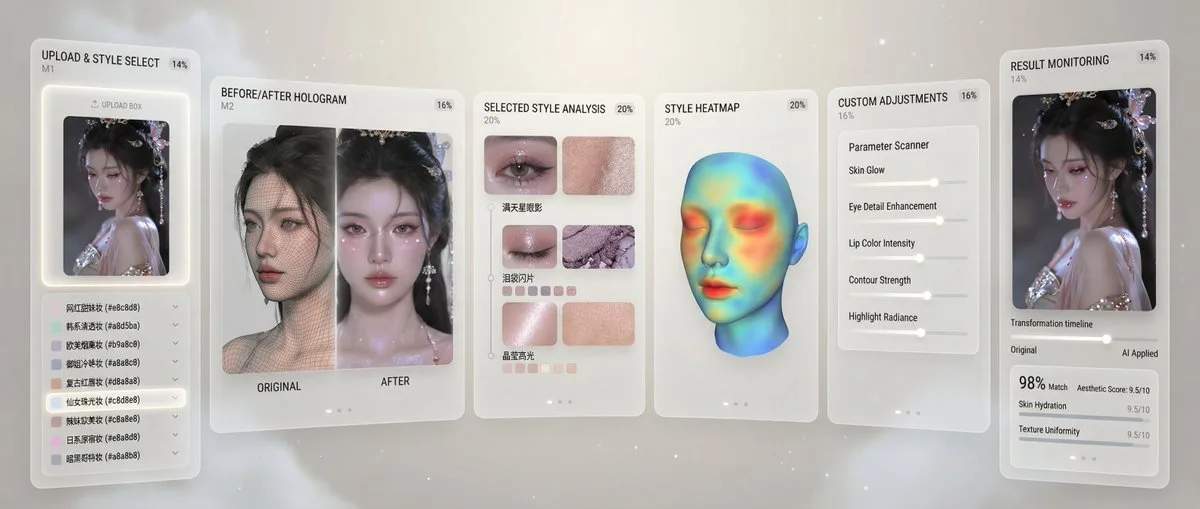
AI Makeup Recreation Guide portrait 16:9

AI Makeup Recreation Guide

Advanced portraitphotographyfashionillustration
Subject
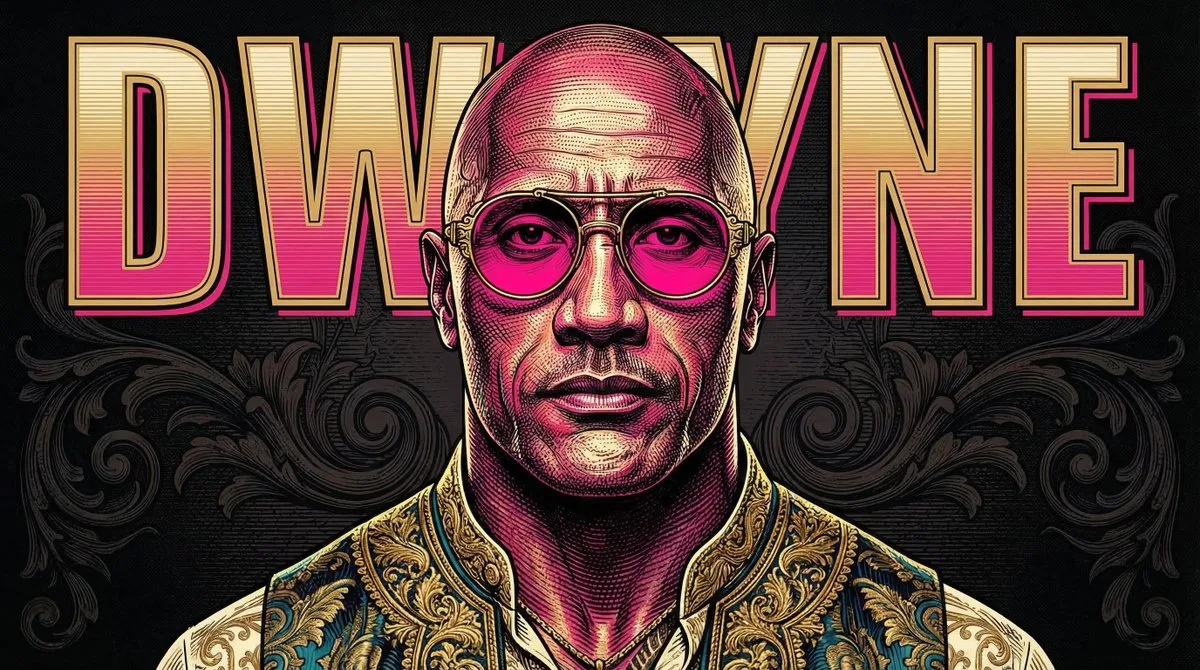
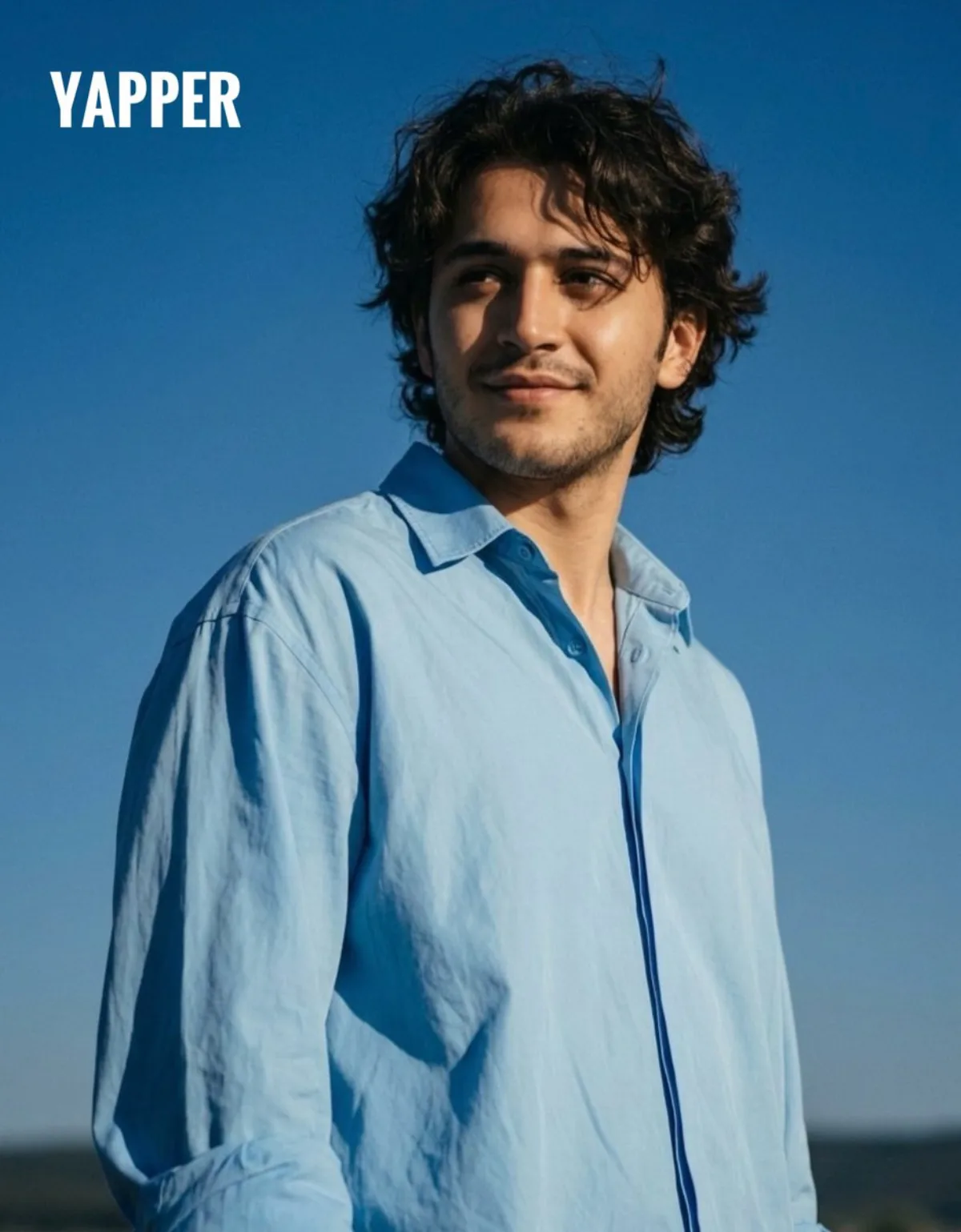
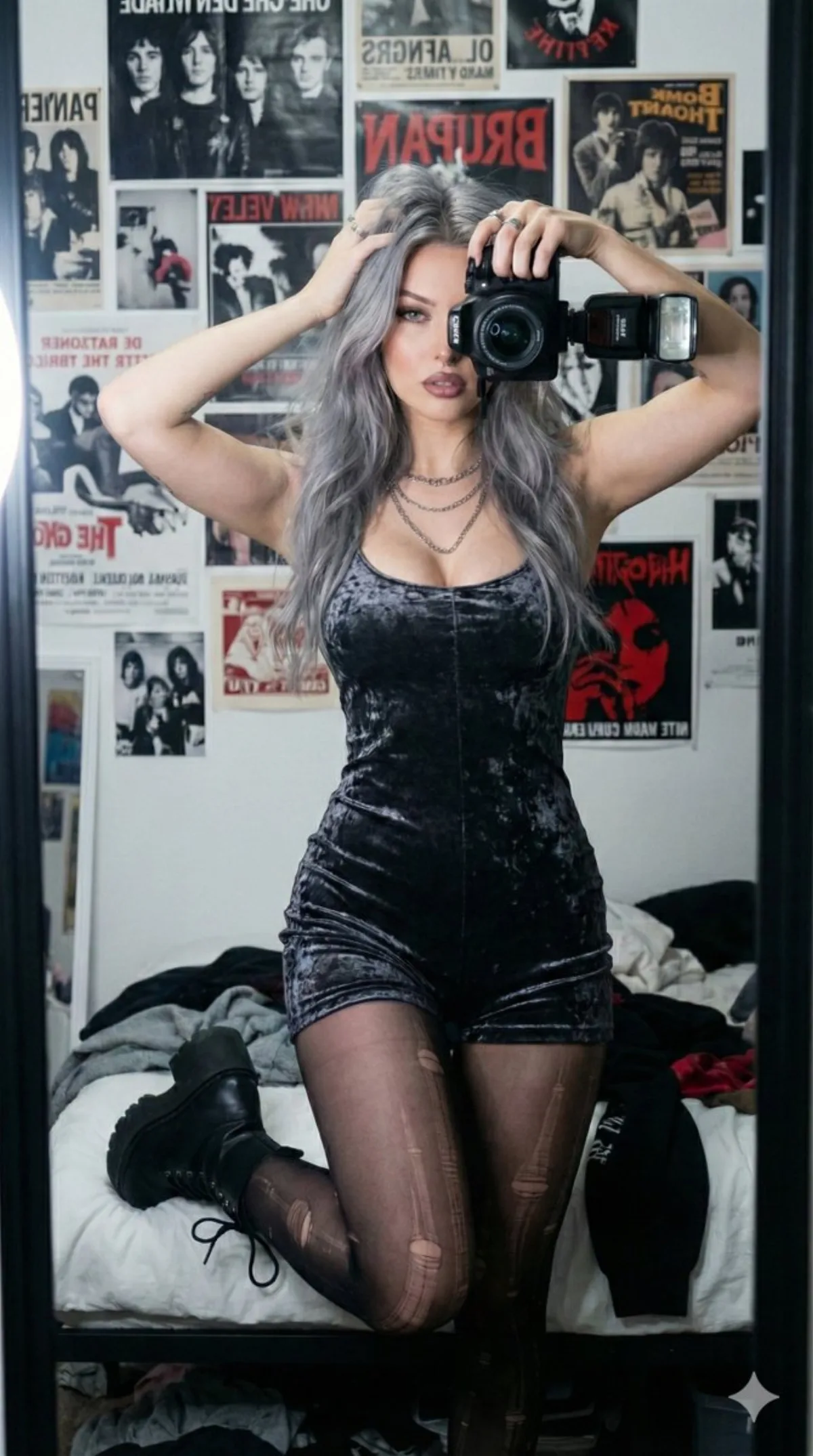
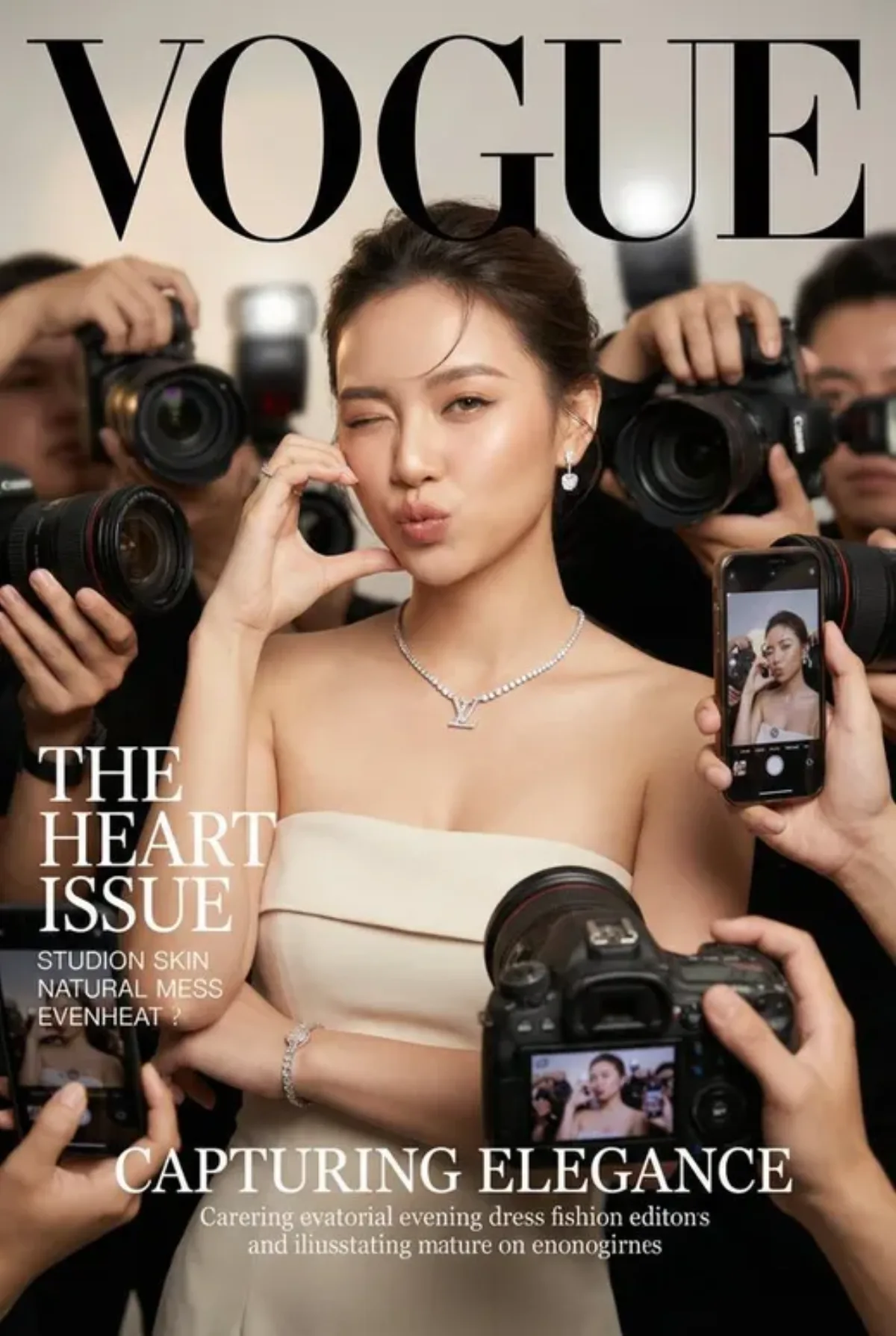
Imagine: aI 妆容复刻教学指南 这是一套利用 AI 图像生成技术,从参考图中精准提取妆容信息并一键复刻到你的人像照片上的完整工作流。 📋 整体流程概览 步骤 说明 目的 第一步 反推妆容 Prompt 从参考图提取妆容细节 第二步 生成妆容描述词 获得可复用的妆容提示词 第三步 一键上妆 将妆容应用到你的照片 🔍 第一步:反推妆容 Prompt 用以下提示词让 AI 分析参考图中的妆容细节: ✨ 提示词模板(三选一或组合使用): 模板 1:毫米级精细反推 超精细反推参考图妆容,分区域标注: 底妆:毛孔隐形手法 眼影:渐变色彩配比 眼线:防水持妆配方 唇妆:唇线勾勒技巧 手部妆容:美甲款式、手部底妆、指节腮红 生成毫米级复刻提示词 模板 2:光影适配分析 反推图片中妆容的光影适配逻辑: 分析不同光源下妆容的显色变化 明确眼妆亮片的粒径大小 明确唇妆的成膜速度 明确修容的粉质细腻度 附带妆容修改微调的参数建议 模板 3:专业美妆教程式 针对特写妆容照片进行反推,重点拆解: 眼妆:睫毛嫁接层次 眉妆:野生毛流打造 腮红:膏粉结合手法 手部:白嫩质感妆容(指缘油护理、手部高光位置) 生成专业级美妆教程式提示词 ✍️ 第二步:生成妆容 Prompt 根据需求选择不同侧重点的 Prompt 方案: 方案一:毫米级复刻与技术拆解 适用场景:需要精确复刻妆容手法与色彩配比 (best quality, 8k, masterpiece, hyper-intricate close-up portrait based o
Composition
Lighting
Setting
Style
Details

How to Use This Prompt

Get from copy-paste to final image in 4 quick steps.

1
Copy the prompt
Hit the 📋 Copy button above — your clipboard now has the full prompt, with the tip text auto-stripped.
2
Replace any placeholders
Look for bracketed terms like [SUBJECT], [BRAND COLOR], or {style}. Swap them with your specifics for best results.
3
Pick your aspect ratio
This prompt was tested at 16:9. Square (1:1) works well for social, 9:16 for stories, 16:9 for hero banners.
4
Generate in your favorite model
Paste into Nano Banana 2, GPT Image 2, Midjourney, Flux 2 or DALL-E. Each model interprets it slightly differently — try 2-3 to pick the winner.

Compatible AI Models

This prompt is tested and works well across these models. Click any badge to learn more.

Variation Ideas

Mini tweaks to make this prompt fit YOUR brand or story:

Try the same composition at three aspect ratios (1:1, 4:5, 16:9) to see which framing tells the story best.
Swap the main subject for your own product, character or brand identity while keeping the lighting + style intact.
Switch the lighting (golden hour ↔ studio softbox ↔ blue hour ↔ neon night) to dramatically change the mood.
Add a single style modifier at the end — e.g. 'shot on 85mm', 'film grain', 'editorial Vogue style', 'cinematic anamorphic'.

Frequently Asked Questions

Which AI model produces the best result for this prompt?
All four major models (Nano Banana 2, GPT Image 2, Midjourney v7, Flux 2) can render this prompt well. Nano Banana 2 excels at character consistency and text. GPT Image 2 is strongest at multi-element scenes with text. Midjourney has the most painterly artistic style. Flux 2 is the best open-source option.
Can I use this prompt for commercial work?
Yes — every prompt on AI Image Free is free for commercial use. The reference image is AI-generated and serves as visual inspiration. The actual image you generate using this prompt is owned by you (subject to your chosen AI model's terms of service).
How do I customize this prompt for my own brand?
Look for bracketed placeholders like [SUBJECT], [COLOR], [BRAND]. Replace those with your specifics. You can also append your own style descriptors at the end (e.g. 'in our brand colors #FF6B35 and #2D3142') for a branded version.