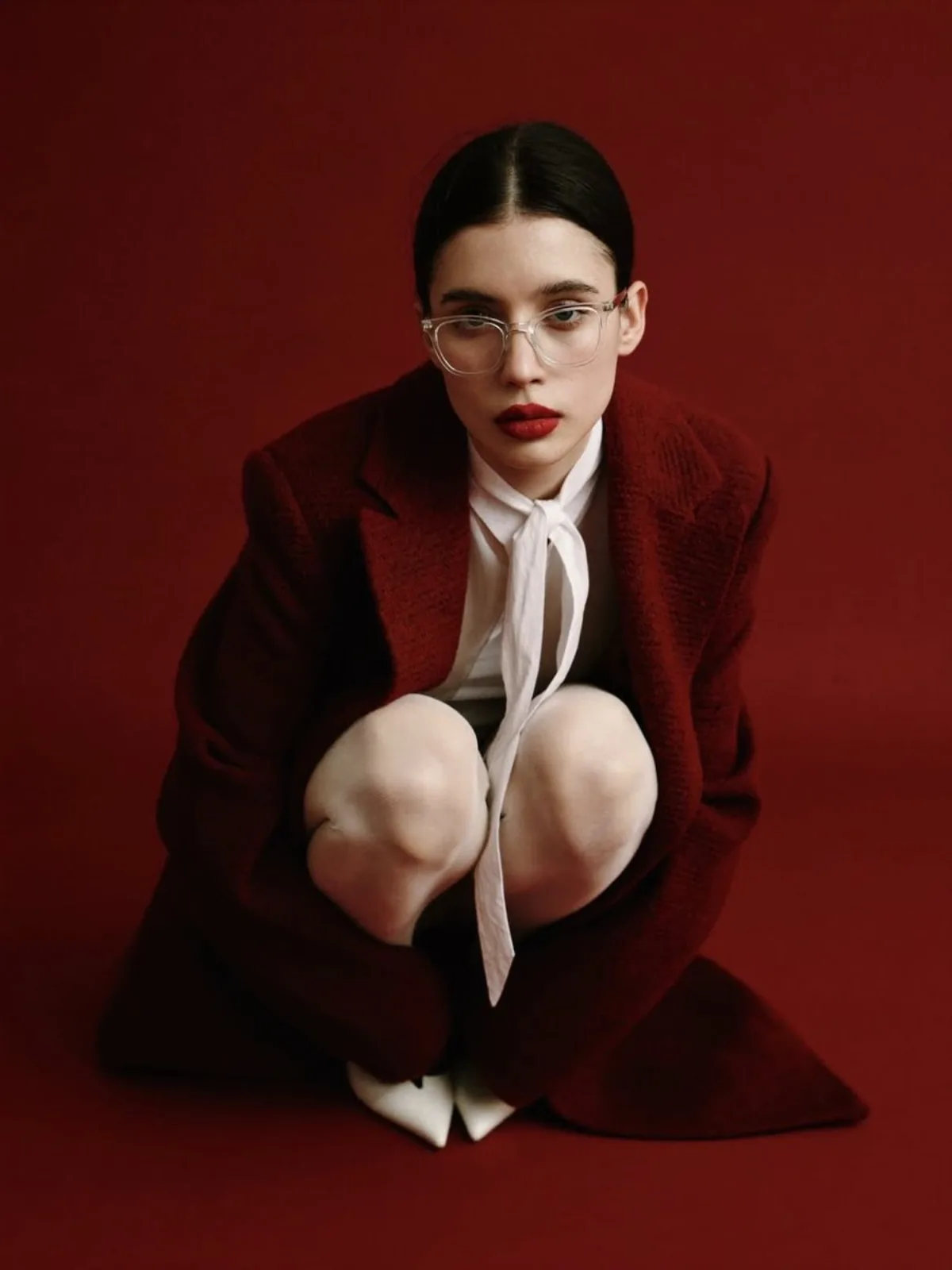
 portrait
3:4
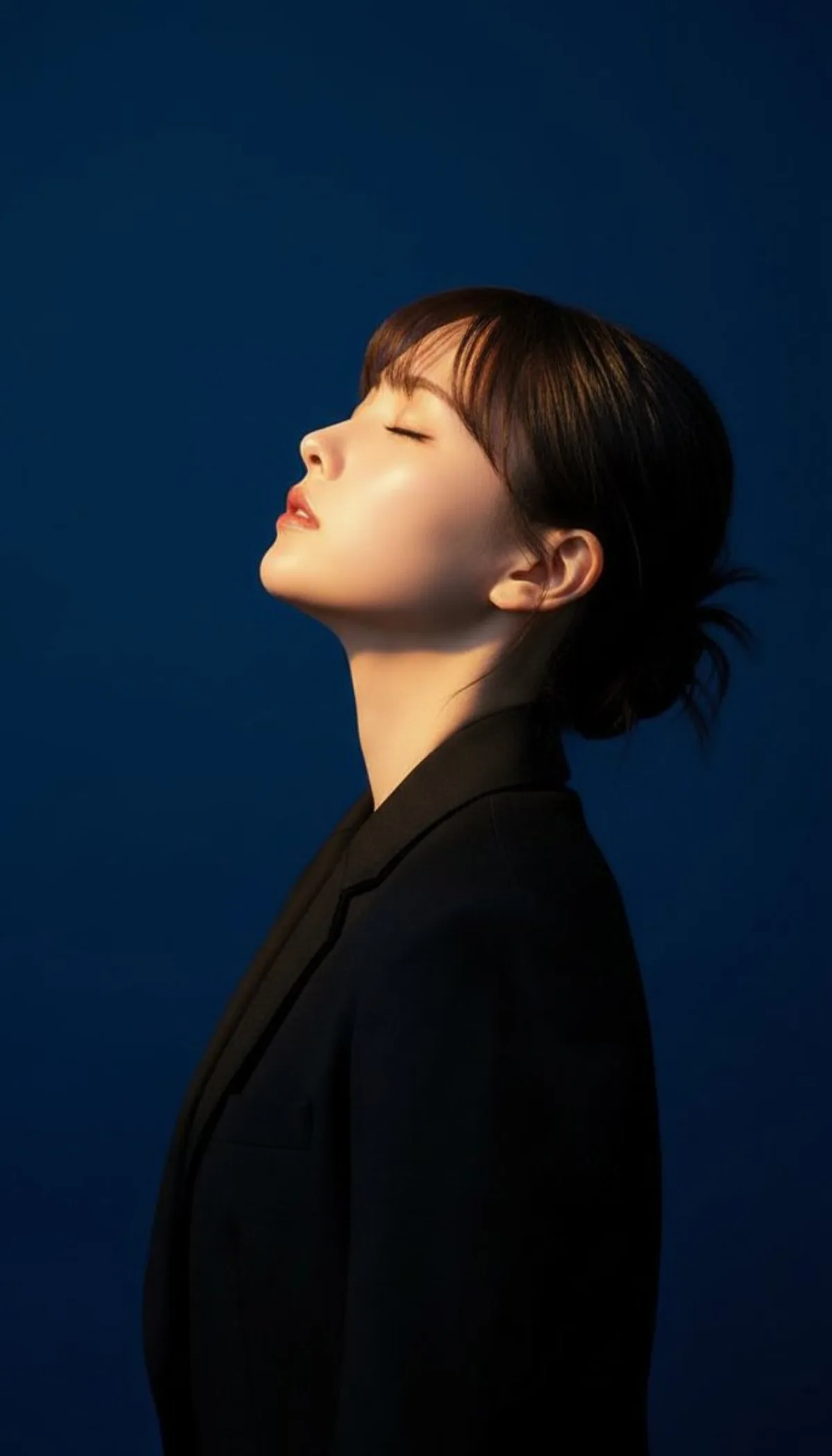
portrait
3:4
A Editorial Casual Portrait of a Young Woman with Tattoos
Subject
{
"aspect_ratio": "3:4",
"photo_style": "casual everyday smartphone photo",
"subject": "A young woman alongside long, messy platinum blonde wavy hair and dark roots, wearing a simple grey and pink tank top. The entire scene is in deep focus, including the white textured lamp in the background. A young woman including messy platinum blonde hair and dark roots is lying on her stomach on a bed including black sheets and a grey tufted headboard. She has a red koi fish tattoo on her forearm and is wearing a simple grey tank top. She is resting on her stomach, looking directly at the camera with a relaxed expression, her hand near her mouth with long red almond-shaped nails.",
"environment
Composition
Tight shot portrait shot from a slightly high angle looking down, subject centered in the frame, informal and spontaneous framing.
Lighting
Type": "natural light.
Setting
The entire scene is in deep focus, including the white textured lamp in the background.
Style
Iteration: clone the same subject in a flat illustration style for thumbnails.
Details
Materials_and_textures": "Diffused fabric of the tank top, skin texture, fine hair strands, quilted velvet headboard, gold jewelry on the wrist.