 portrait
9:16
portrait
9:16
Cinematic Beach Portrait: Stylish Man at Golden Hour
Subject
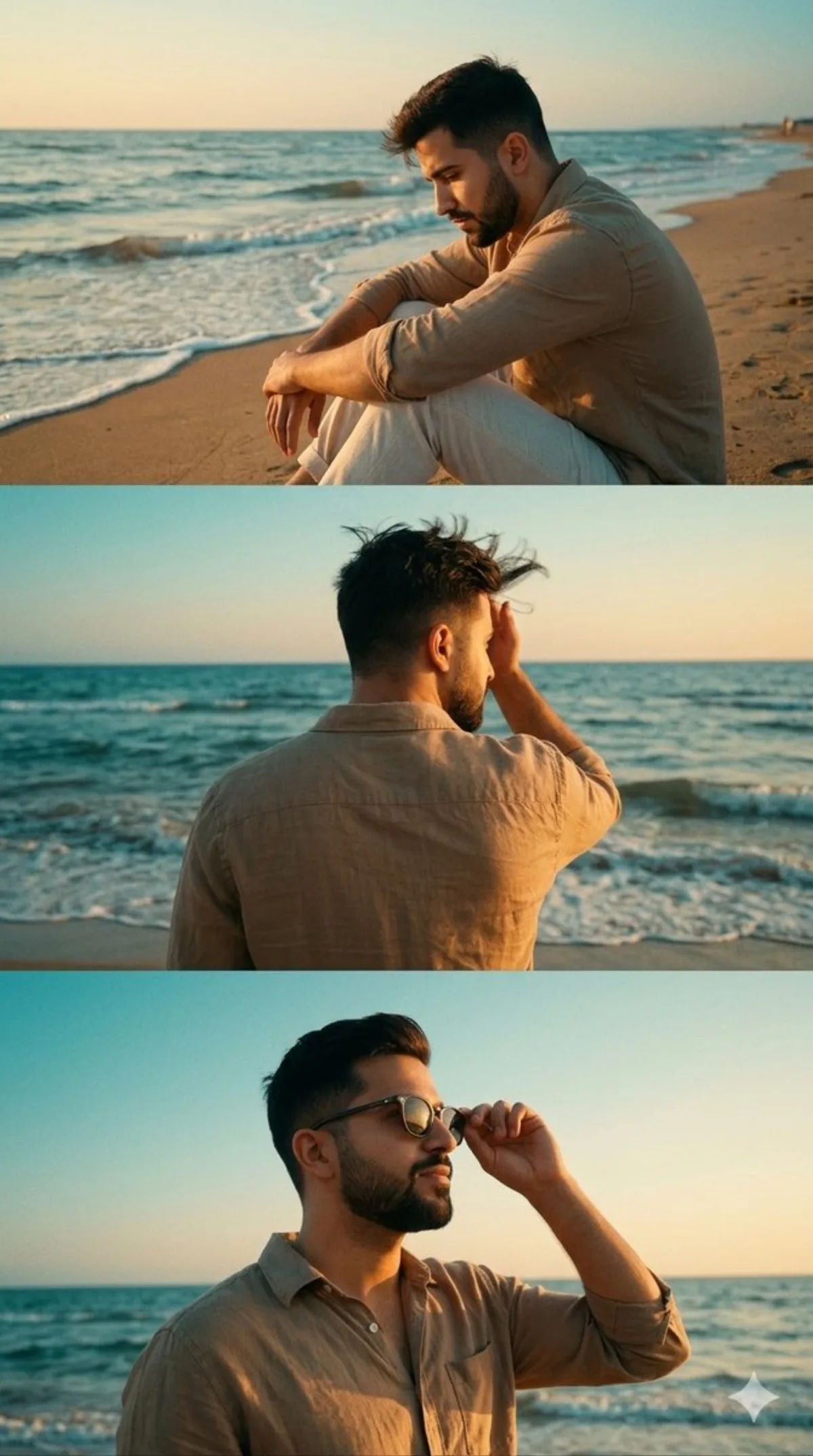
Frame setup: a film-style three-panel vertical collage featuring a stylish young man at a serene beach during golden hour. In the top panel, he is sitting on the sand with one knee up, resting his arm on it, gazing down thoughtfully as waves approach. In the bottom panel, he is captured from a low-angle front shot, adjusting his dark sunglasses while looking toward the horizon with a confident, calm expression. He is wearing a crisp, earth-toned beige linen button-down shirt. In the middle panel, he stands facing the ocean including one hand running through his hair, shirt slightly flowing in the breeze, capturing a candid emotional moment. The lighting is inviting and brooding featuring a s
Composition
A film-style three-panel vertical collage featuring a stylish young man at a serene beach during golden hour.
Lighting
Frame setup: a film-style three-panel vertical collage featuring a stylish young man at a serene beach during golden hour.
Setting
Seamless background in a neutral palette for visual focus.
Style
The lighting is inviting and brooding featuring a soft teal-and-orange color grade, muted film grain texture, and high-fashion editorial aesthetic.
Details
He is wearing a crisp, earth-toned beige linen button-down shirt.