 portrait
1:1
portrait
1:1
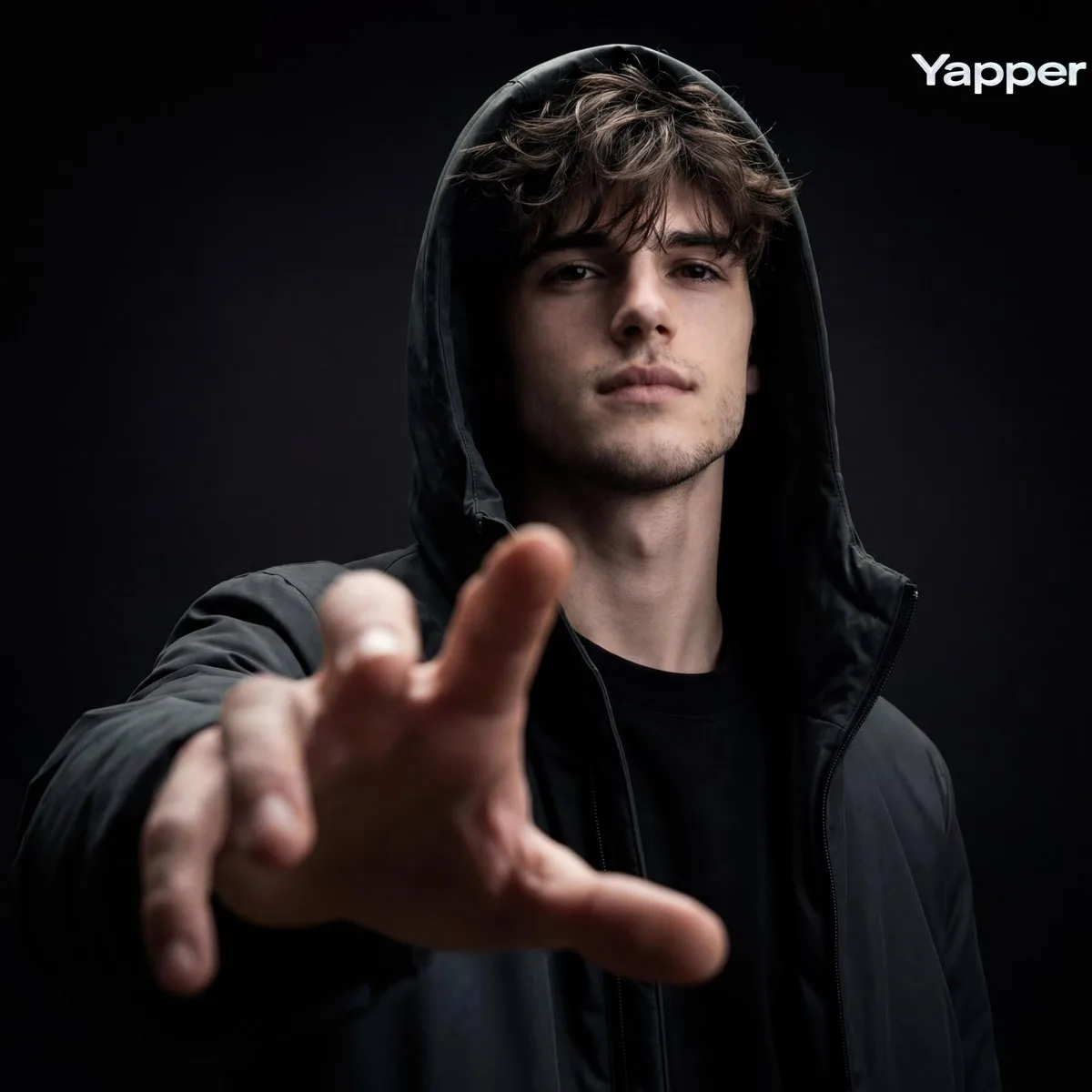
Cinematic Fashion Editorial Portrait with Hand Perspective
Subject
Render brief: produce A Cinematic Fashion-editorial Portrait Of A Person Using Their Photo As Identity Reference, Framed As A Striking Low-angle Medium Close-up (Chest To Head) With Strong Perspective Distortion From An Extended Hand Reaching Toward The Camera, Fingers Slightly Open And Dominating The Foreground; The Subject Stands Centered Against Deep Negative Space, Head Slightly Tilted Downward, Gaze Directed Straight Into The Lens, Expression Calm, Serious, Confident, And Emotionally Restrained; Styling Is Dark And Minimal With A Matte Hooded Jacket Or Hoodie Layered Over A Simple Dark Top, Hood Worn Up, No Logos, Graphics, Jewelry, Or Accessories; Lighting Is Low-key And Sculptural Fea
Composition
Cinematic Fashion Editorial Portrait with Hand Perspective.
Lighting
Soft diffused key light with subtle rim separation, balanced shadow falloff.
Setting
Contextual scene placement reinforcing the narrative behind the image.
Style
Polished commercial render with brand-ready clarity.
Details
Premium finish — clean edges, true-to-life shadows, color-graded contrast.