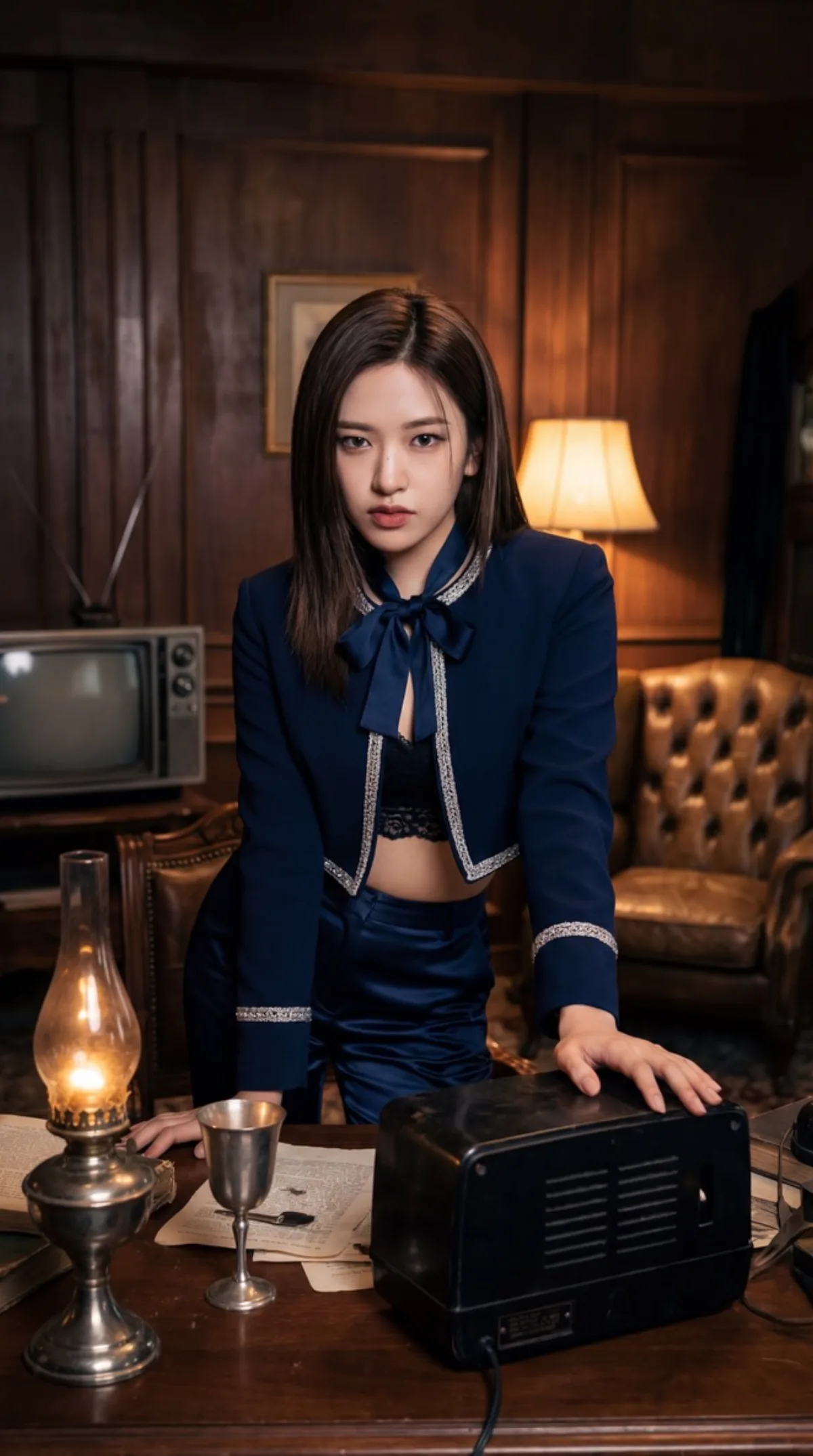
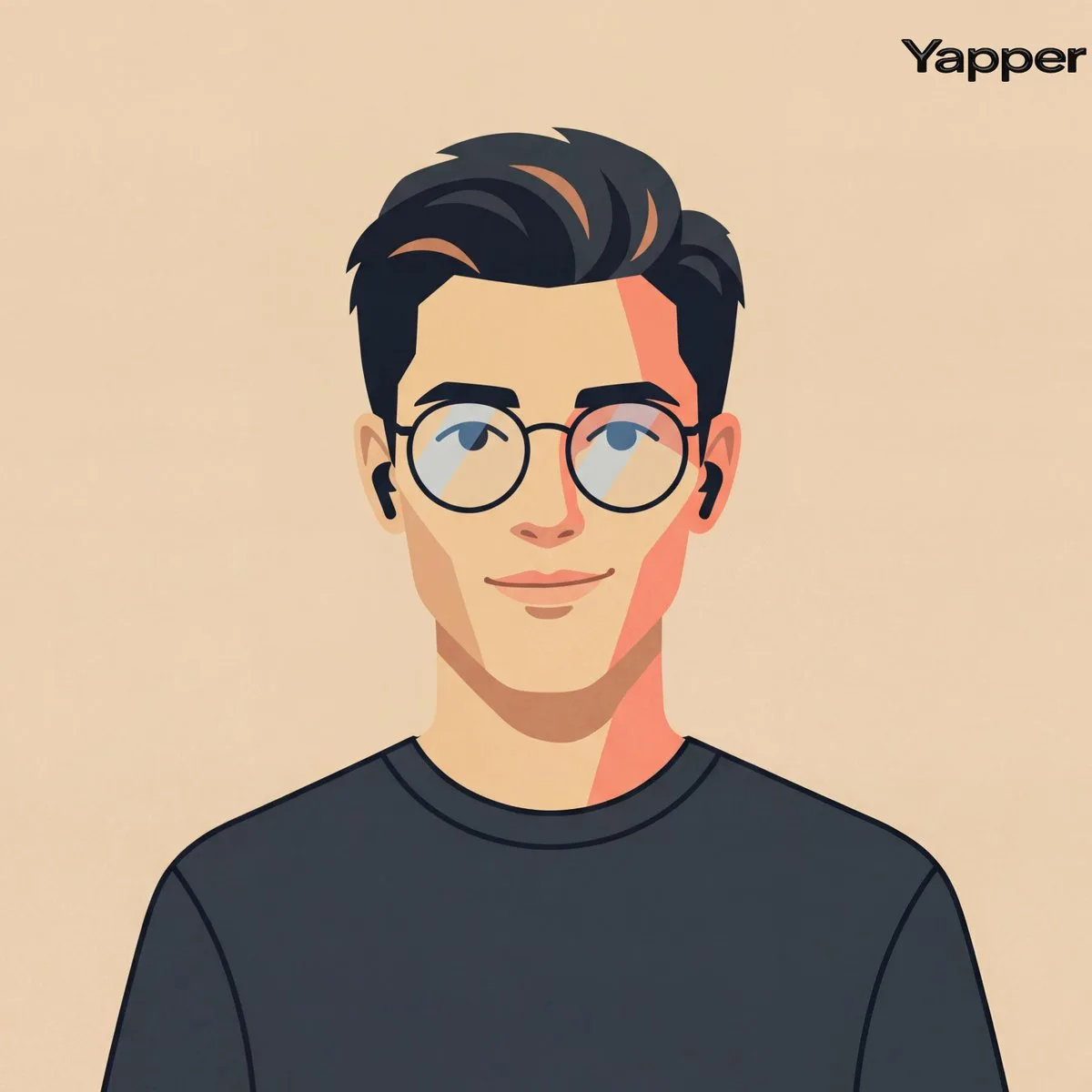
 portrait
1:1
portrait
1:1
A Editorial Cinematic Streetwear Portrait with Neon Lighting
Subject
Cinematic medium shot of a male figure featuring uploaded face as
reference, styled in high-end streetwear. The background is a
heavily blurred urban night scene featuring bokeh circles of cyan, white,
and amber city lights, indicating a shallow shallow focus typical of
an 85mm f/1.8 lens. Lighting is striking and atmospheric, characterized by
intense red neon rim lighting highlighting the silhouette and facial
contours, contrasted against a soft cool fill. The subject wears a glossy
black satin bomber jacket over a clean white crew-neck t-shirt and
black joggers alongside visible white drawstrings, hands casually placed
in pockets. High-fidelity textures on the jacket fabric and
skin, photo
Composition
Three-quarter angle with the subject slightly off-center for visual interest.
Lighting
Lighting is striking and atmospheric, characterized.
Setting
Heavily blurred urban night scene featuring bokeh circles of cyan, white.
Style
Polished commercial render with brand-ready clarity.
Details
Photographic-grade depth of field with subtle bokeh in the background.