 portrait
9:16
portrait
9:16
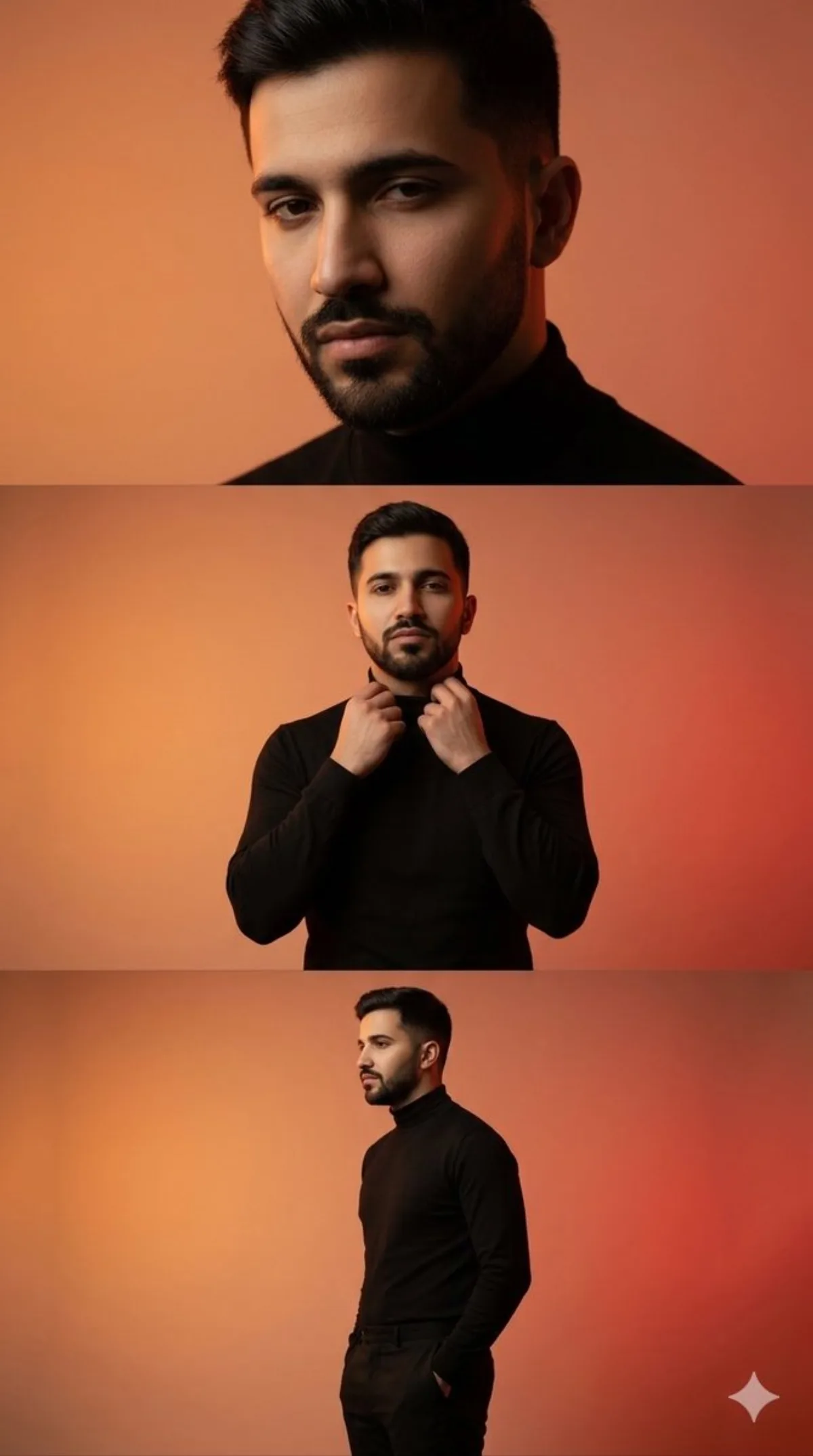
A Refined Cinematic Three-Panel Male Fashion Editorial
Subject
A movie-quality three-panel vertical collage featuring a stylish young man in a pared-back studio aesthetic photoshoot. He is wearing a clean neutral-toned fitted shirt and tailored trousers. In the bottom panel, he is shown in a side profile, hands in pockets, creating a relaxed editorial pose. In the middle panel, he stands facing forward featuring one hand adjusting his collar, showcasing a calm, confident expression. Diffused diffused studio lighting creates smooth highlights and gentle shadows, with a minimal background and subtle gradient tones. In the top panel, he is captured in a close-up portrait, slightly looking down alongside soft shadows sculpting his face. High-fashion editori
Composition
A movie-quality three-panel vertical collage featuring a stylish young man in a pared-back studio aesthetic photoshoot.
Lighting
Diffused diffused studio lighting creates smooth highlights and gentle shadows, with a minimal background and subtle gradient tones.
Setting
Clean studio backdrop with subtle gradient transitioning to the floor.
Style
Stylized illustration with painterly texture and modern color palette.
Details
Carefully tuned color palette and lighting to keep brand mood consistent.