 portrait
9:16
portrait
9:16
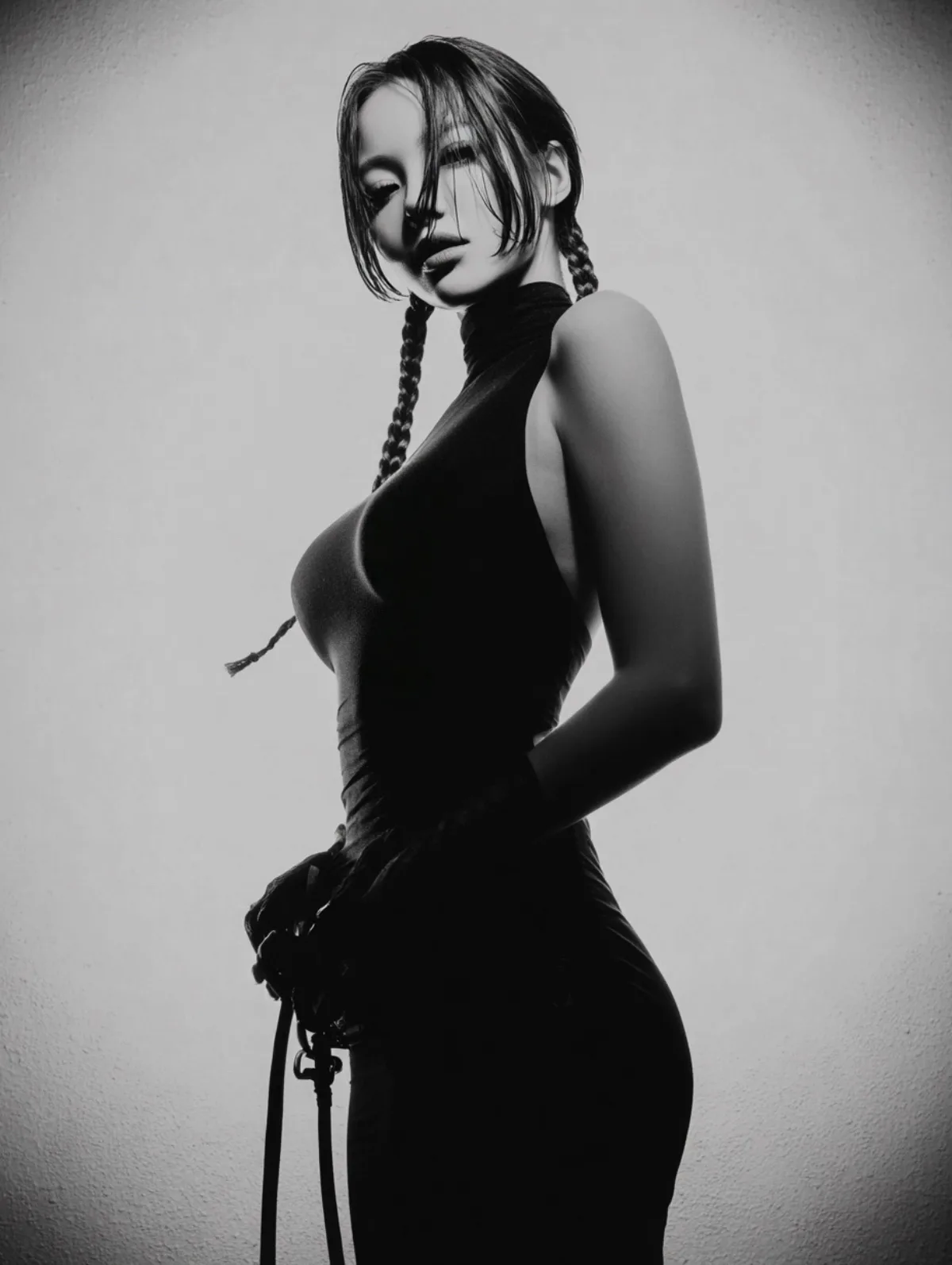
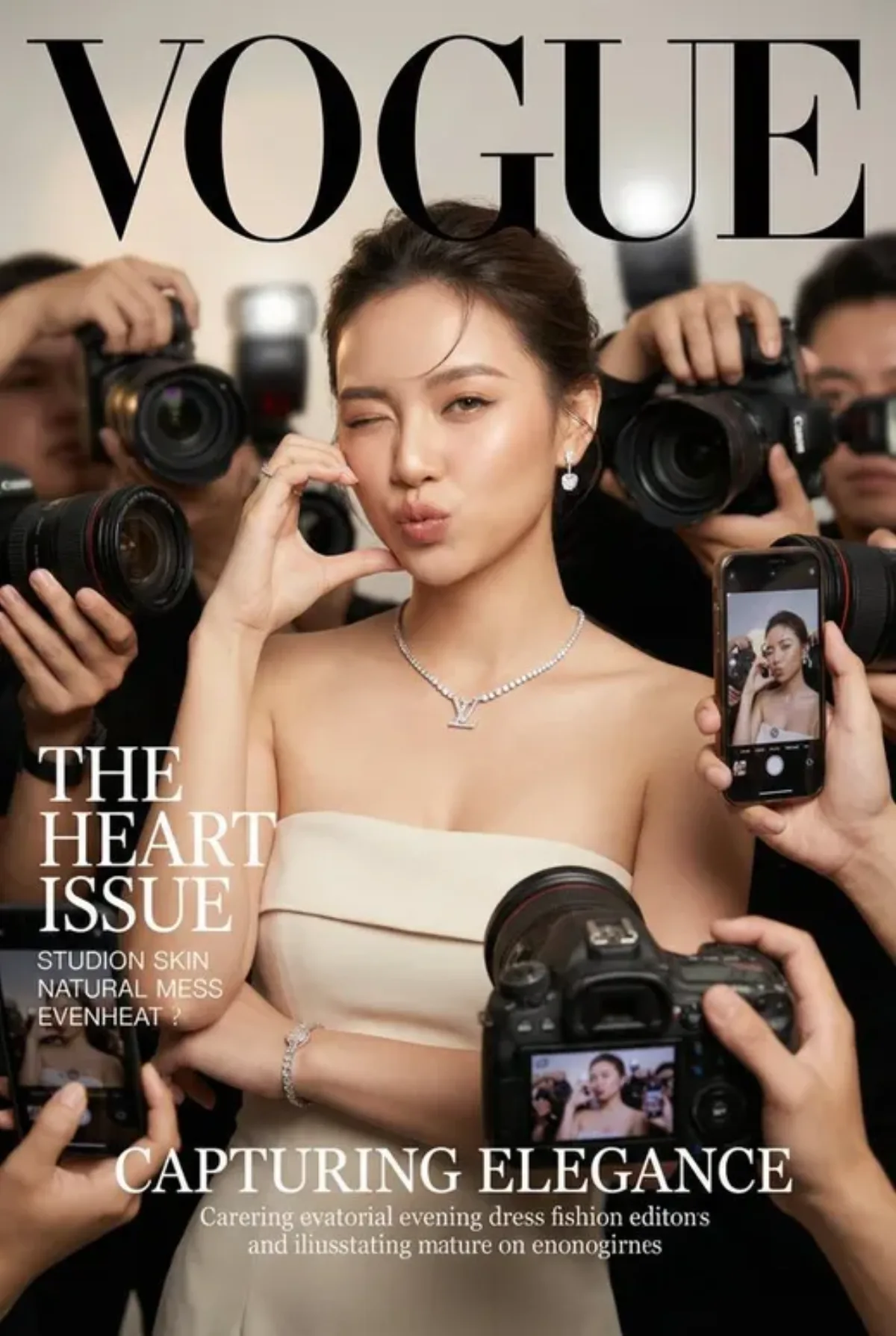
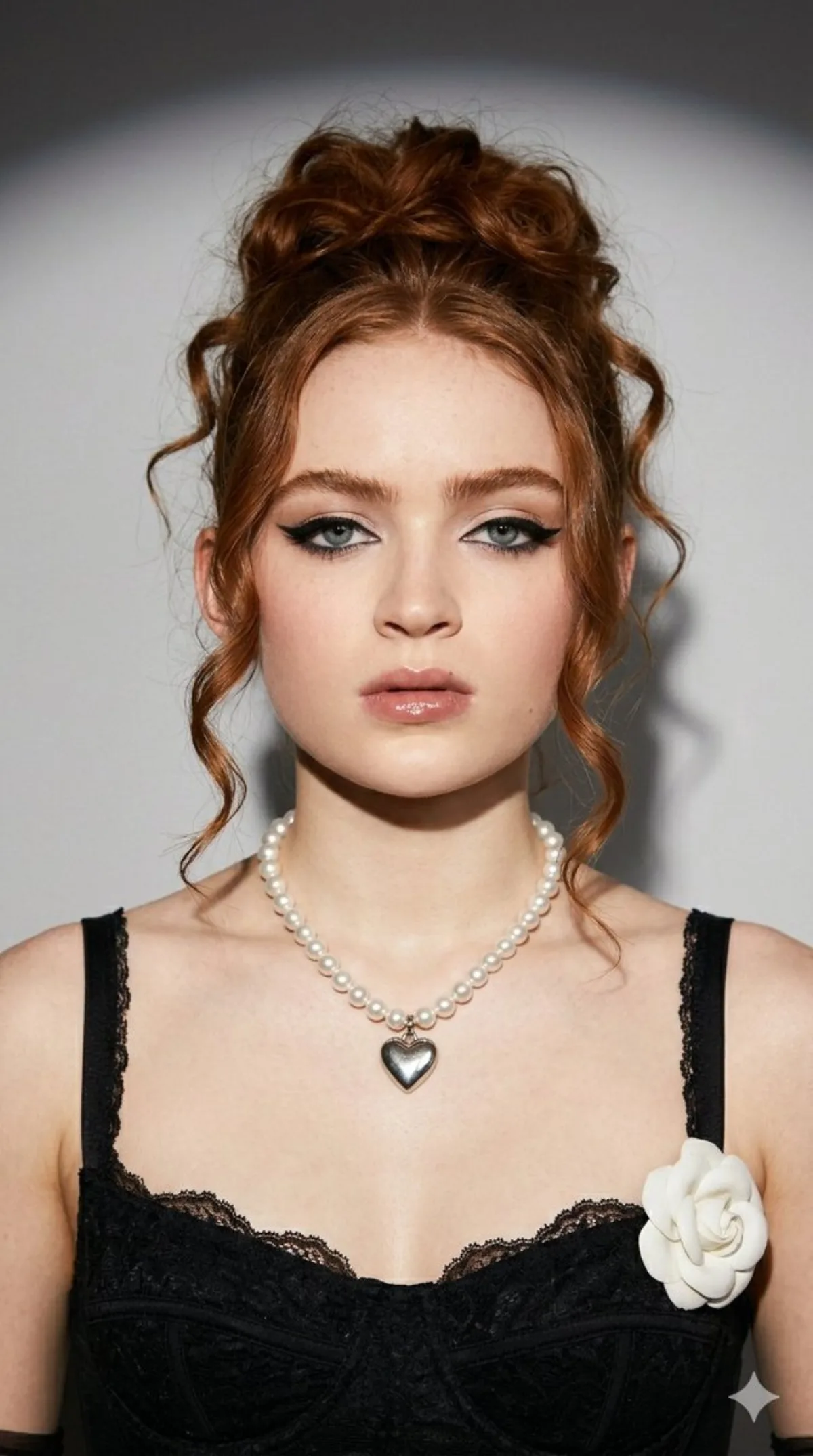
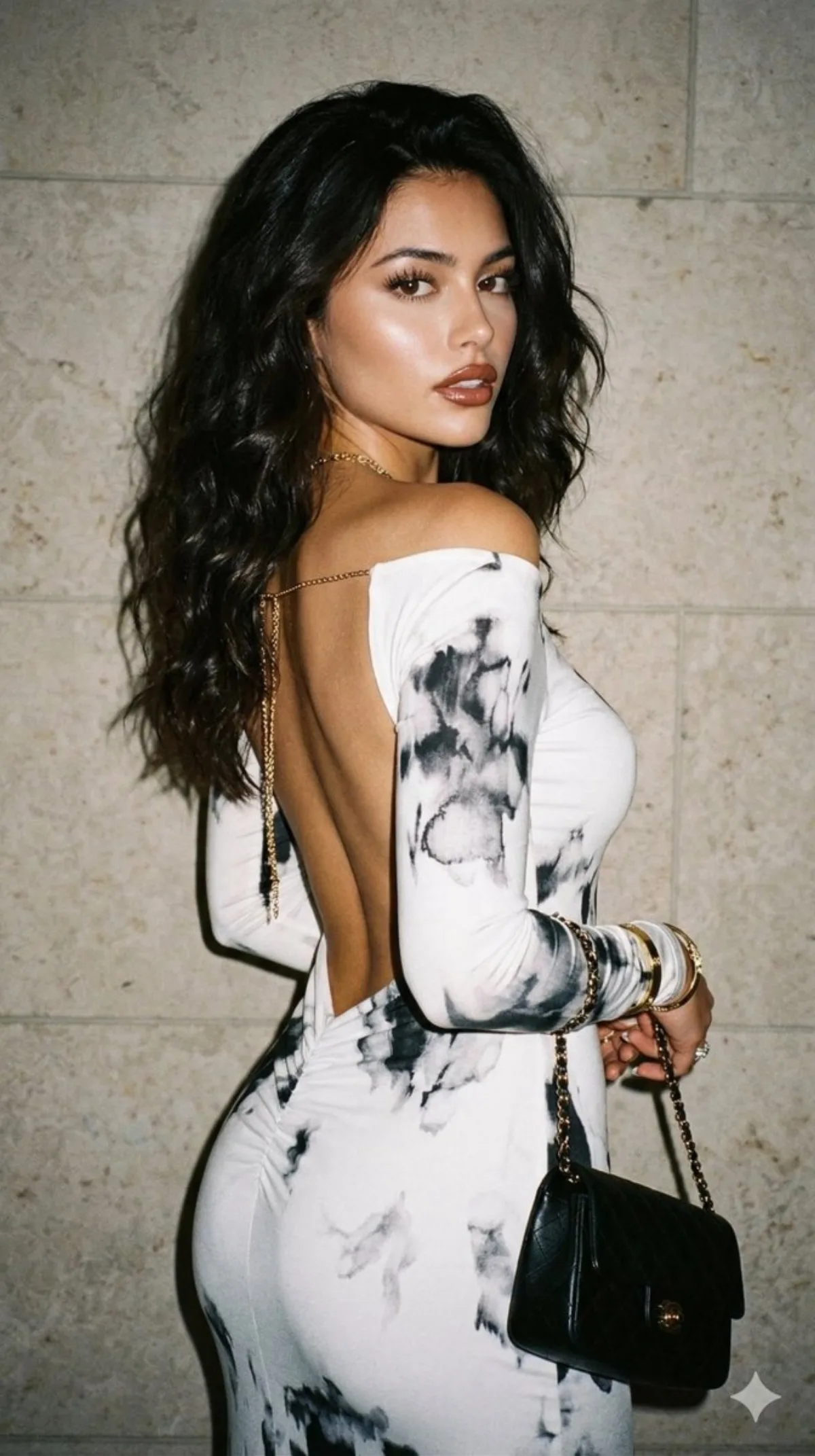
Dreamy Y2K Portrait with Voluminous Hair and 90s Grain
Subject
Render brief: create a dreamy, close-up portrait in {argument name="style" default="Y2K"} style, with voluminous hair styled in loose waves. I pose with my back slightly turned to the camera, looking over my shoulder with a confident and sensual expression. My skin is flawless and luminous under the camera flash, which illuminates my skin and dress. I'm wearing a tight-fitting, long-sleeved white dress with a black watercolor print, an off-the-shoulder neckline, and an open back, with slight ruching at the lower back to accentuate my curves. My makeup is authentic yet glamorous, including defined eyebrows, voluminous lashes, and glossy brown lips outlined with a brown lip liner. I accessoriz
Composition
Render brief: create a dreamy, close-up portrait in style, with voluminous hair styled in loose waves.
Lighting
Natural window light from camera-left, gentle bounce on the shadow side.
Setting
The photo should have a grainy 90s aesthetic, with a textured stone wall in neutral tones behind me, and the flash creating a dark and slightly shadowed background.
Style
Editorial photographic style with cinematic color grading.
Details
My makeup is authentic yet glamorous, including defined eyebrows, voluminous lashes, and glossy brown lips outlined with a brown lip liner.