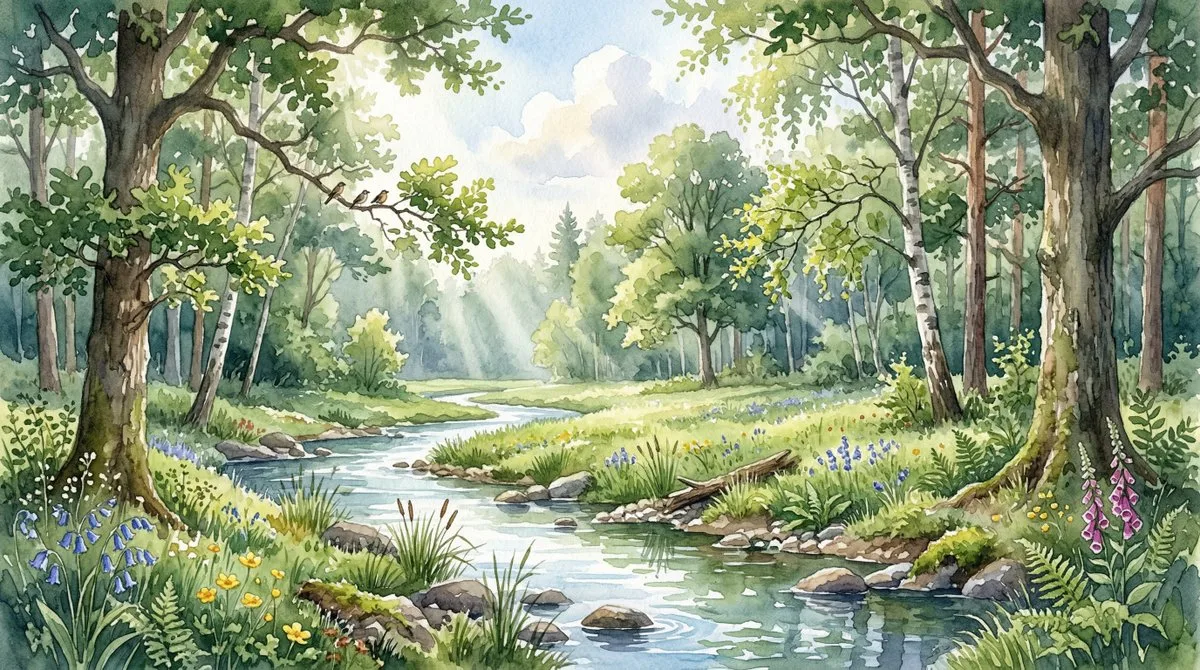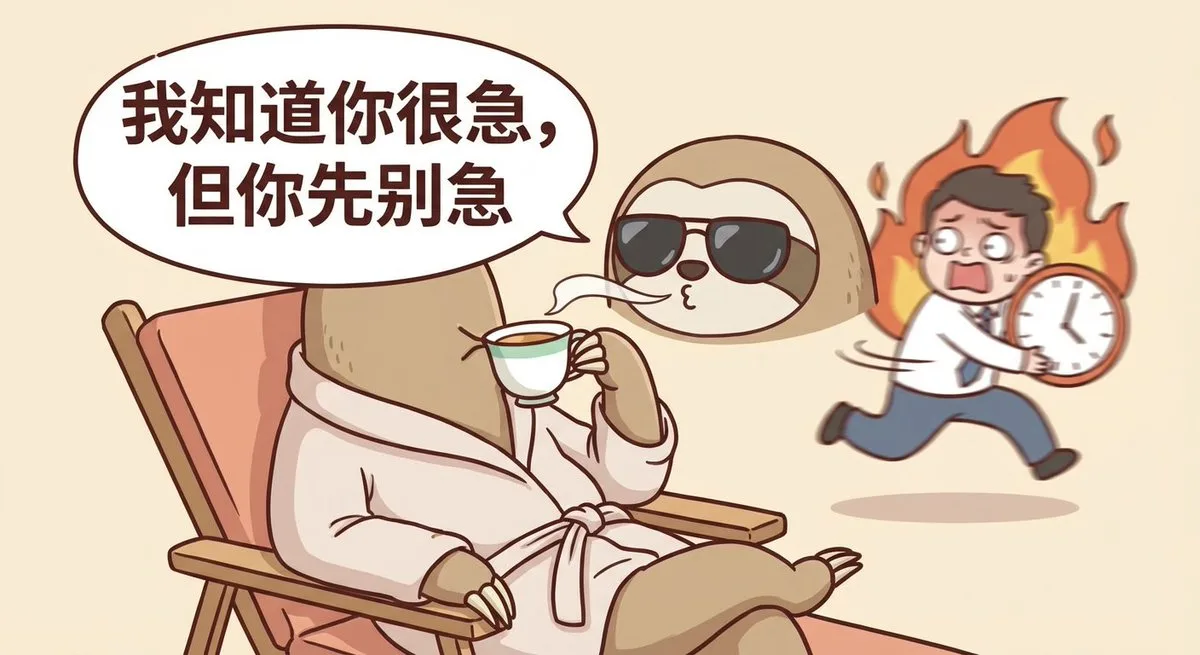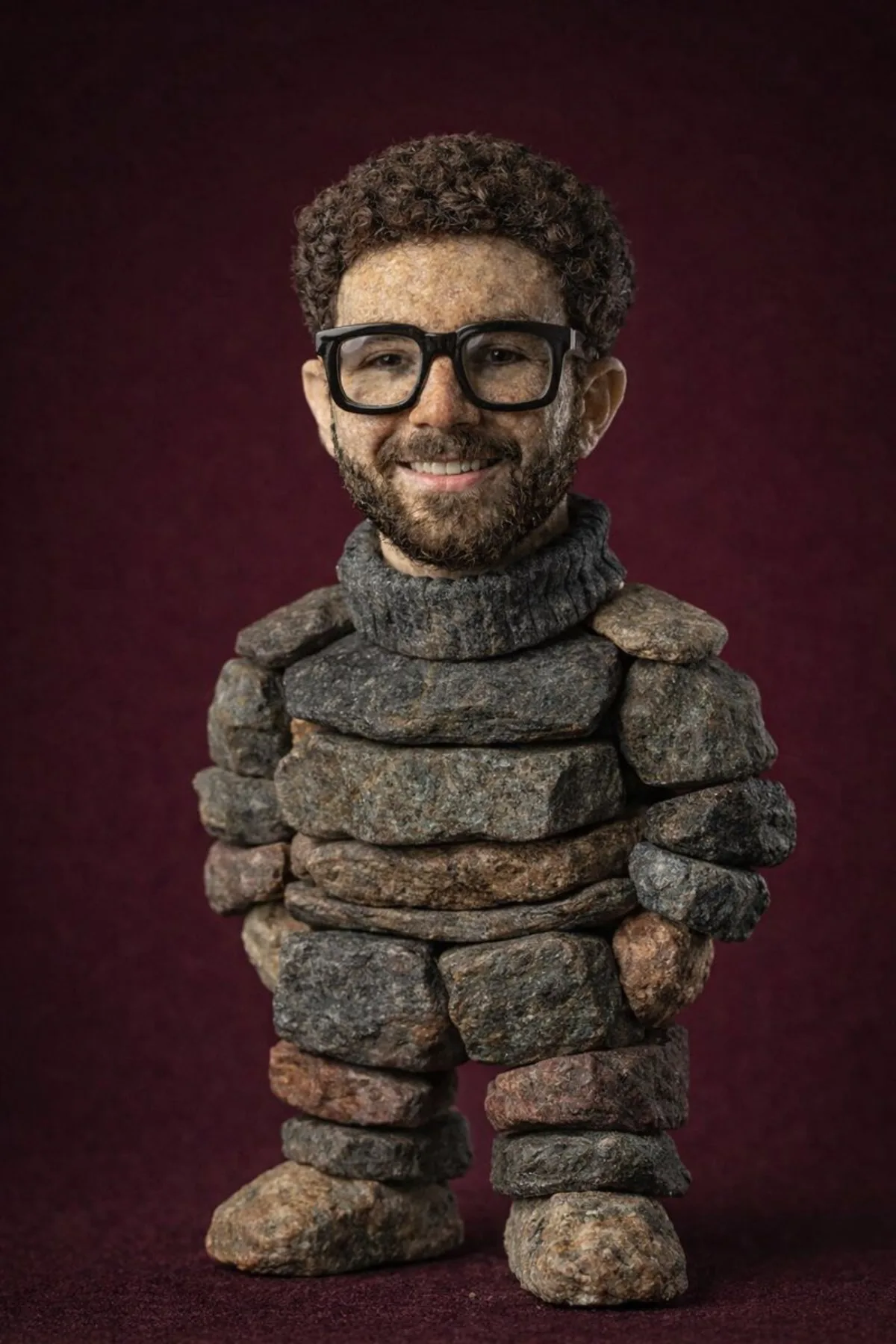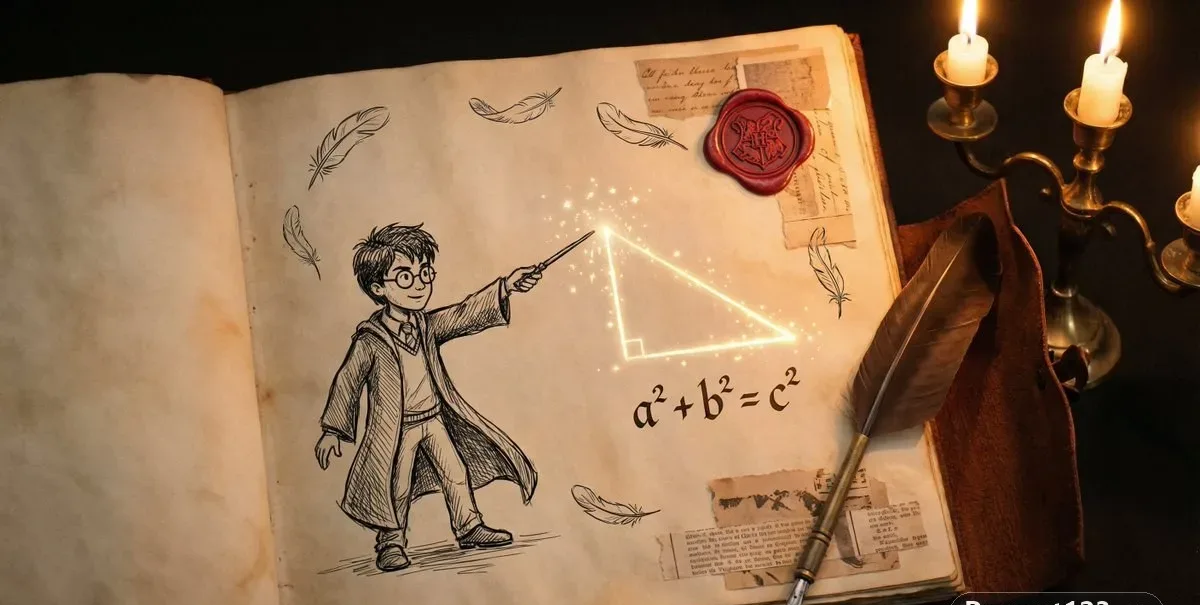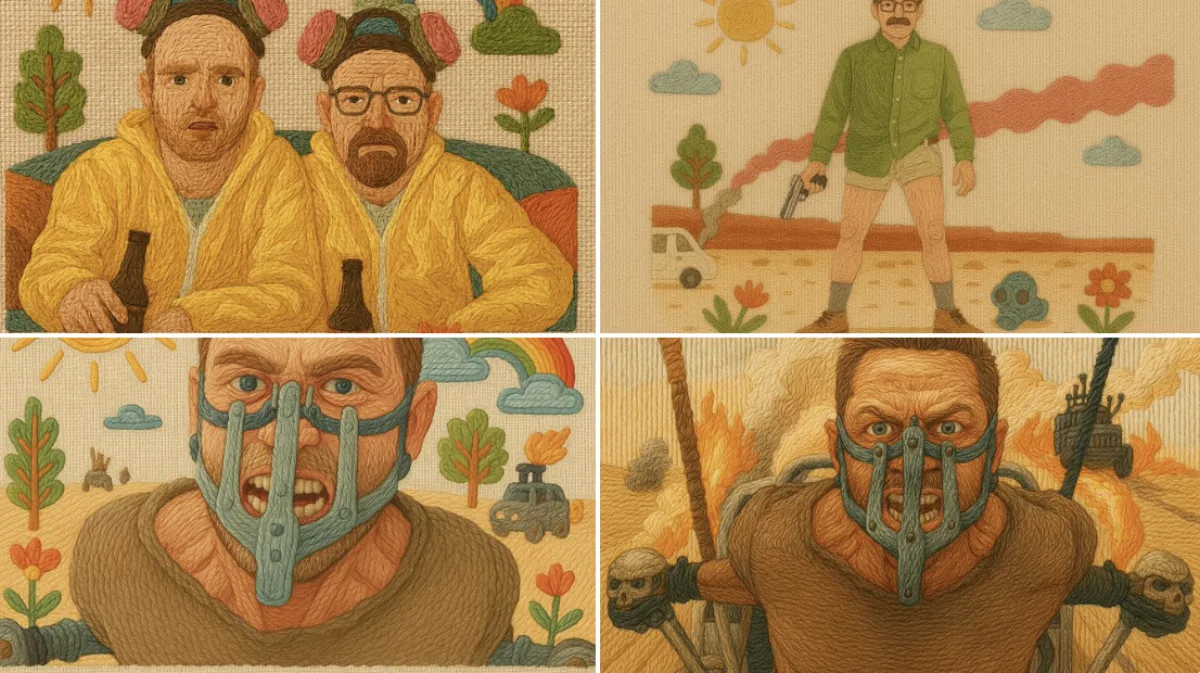
Embroidered Illustration Style illustration 16:9

Embroidered Illustration Style

Intermediate illustration
Subject
Shot description: a handcrafted illustration that simulates traditional embroidery using colorful threads on linen fabric. The background is made of woven linen, with gentle pastel or folk-inspired colors. The composition is friendly and magical, evoking a storybook charm. Raised contours and directional thread flow create a tactile, cozy appearance. All elements are “stitched” including visible yarn textures, using techniques like satin stitch, backstitch, and French knots. Include decorative details such as flowers, suns, clouds, trees or symbols to enhance the folk embroidery style. Use case: drop your own product or character into this scene with a reference image.
Composition
Lighting
Setting
Style
Details

How to Use This Prompt

Get from copy-paste to final image in 4 quick steps.

1
Copy the prompt
Hit the 📋 Copy button above — your clipboard now has the full prompt, with the tip text auto-stripped.
2
Replace any placeholders
Look for bracketed terms like [SUBJECT], [BRAND COLOR], or {style}. Swap them with your specifics for best results.
3
Pick your aspect ratio
This prompt was tested at 16:9. Square (1:1) works well for social, 9:16 for stories, 16:9 for hero banners.
4
Generate in your favorite model
Paste into Nano Banana 2, GPT Image 2, Midjourney, Flux 2 or DALL-E. Each model interprets it slightly differently — try 2-3 to pick the winner.

Compatible AI Models

This prompt is tested and works well across these models. Click any badge to learn more.

Variation Ideas

Mini tweaks to make this prompt fit YOUR brand or story:

Try the same composition at three aspect ratios (1:1, 4:5, 16:9) to see which framing tells the story best.
Swap the main subject for your own product, character or brand identity while keeping the lighting + style intact.
Switch the lighting (golden hour ↔ studio softbox ↔ blue hour ↔ neon night) to dramatically change the mood.
Add a single style modifier at the end — e.g. 'shot on 85mm', 'film grain', 'editorial Vogue style', 'cinematic anamorphic'.

Frequently Asked Questions

Which AI model produces the best result for this prompt?
All four major models (Nano Banana 2, GPT Image 2, Midjourney v7, Flux 2) can render this prompt well. Nano Banana 2 excels at character consistency and text. GPT Image 2 is strongest at multi-element scenes with text. Midjourney has the most painterly artistic style. Flux 2 is the best open-source option.
Can I use this prompt for commercial work?
Yes — every prompt on AI Image Free is free for commercial use. The reference image is AI-generated and serves as visual inspiration. The actual image you generate using this prompt is owned by you (subject to your chosen AI model's terms of service).
How do I customize this prompt for my own brand?
Look for bracketed placeholders like [SUBJECT], [COLOR], [BRAND]. Replace those with your specifics. You can also append your own style descriptors at the end (e.g. 'in our brand colors #FF6B35 and #2D3142') for a branded version.