 portrait
9:16
portrait
9:16
Ethereal Dawn Portrait in Sand Dunes: A Crafted Take
Subject
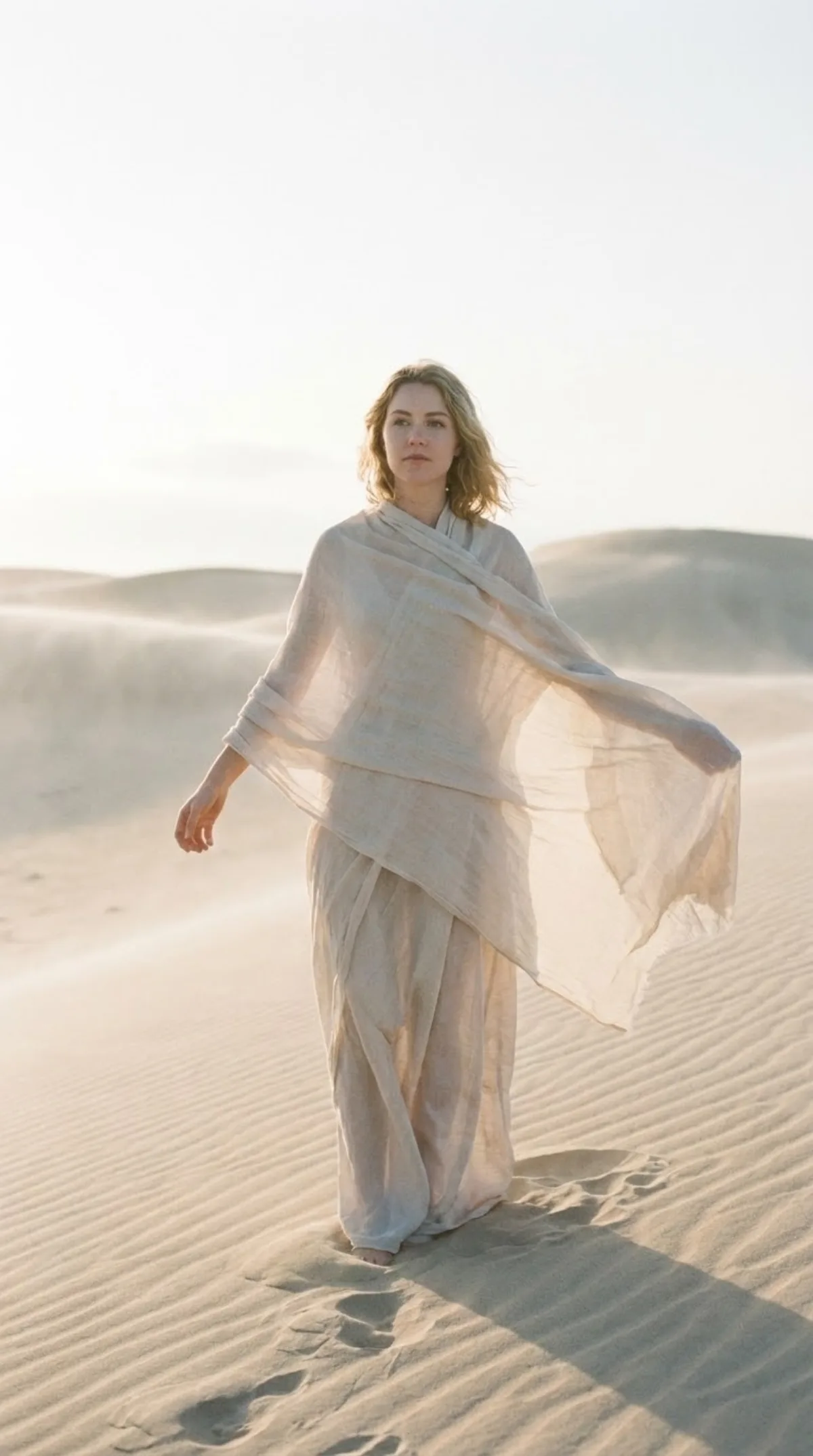
Visualization: the main subject is the person in the attached reference photo (hereinafter referred to as THE_SUBJECT). The scene takes situate at dawn, featuring mist lingering low across the dunes. THE_SUBJECT’s arms are held slightly outward from the body in a relaxed, natural way, as if she is settling or arranging the fabric around her shoulders. Create an ethereal early-morning portrait of THE_SUBJECT standing alone among softly contoured sand dunes. Her posture feels grounded yet light against the open landscape. Colors are softly muted alongside natural-form pastel shifts, highlights bloom gently, and fine natural-form grain is present without overpowering detail. The gesture feels i
Composition
Create an ethereal early-morning portrait of THE_SUBJECT standing alone among softly contoured sand dunes.
Lighting
Cinematic three-point setup — warm key, cool fill, accent rim for depth.
Setting
The scene takes situate at dawn, featuring mist lingering low across the dunes.
Style
Carefully and accurately replicate THE_SUBJECT’s facial features, hairstyle, skin tone, proportions, and overall appearance exactly as shown in the reference image.
Details
THE_SUBJECT’s arms are held slightly outward from the body in a relaxed, natural way, as if she is settling or arranging the fabric around her shoulders.