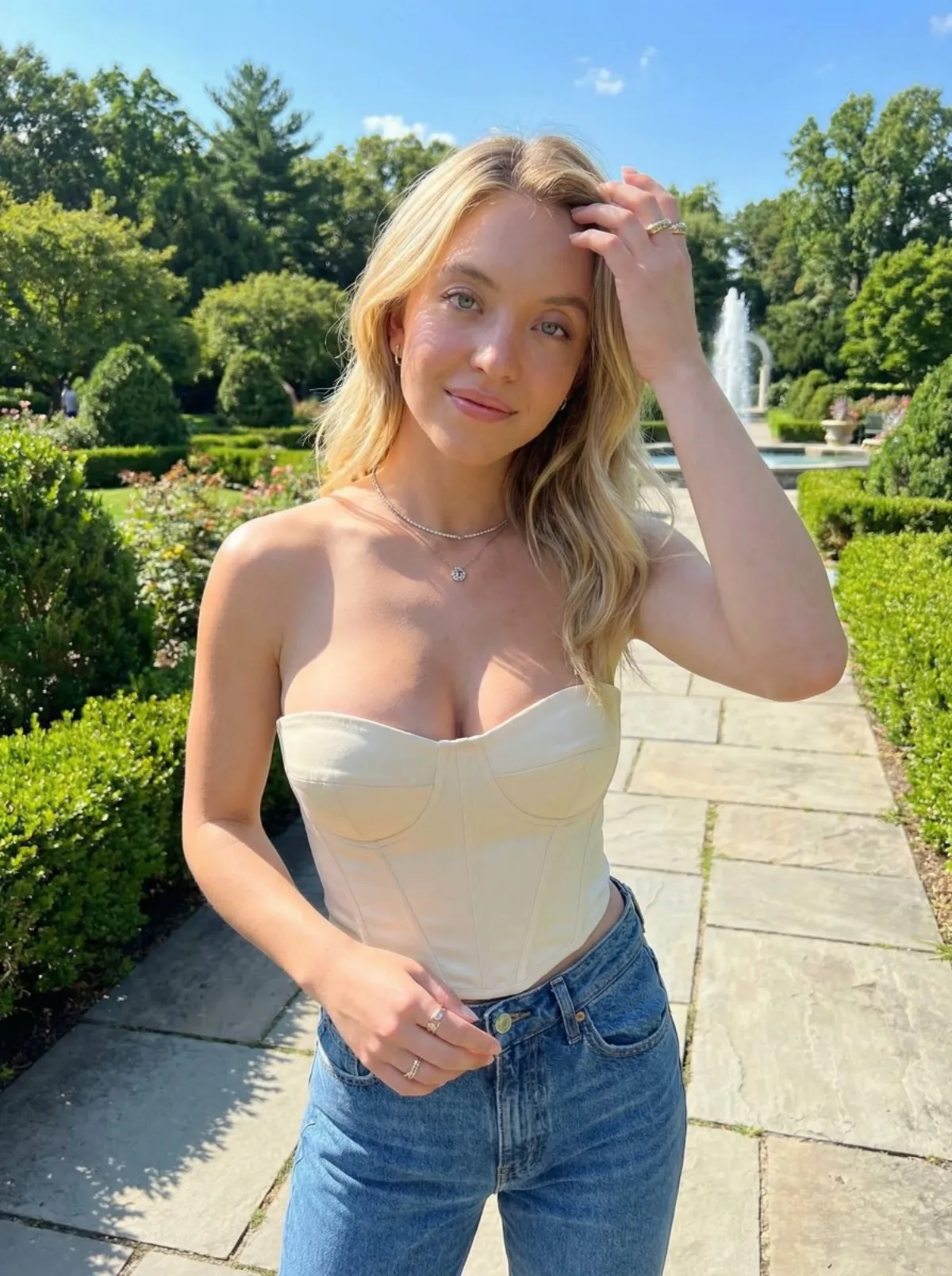
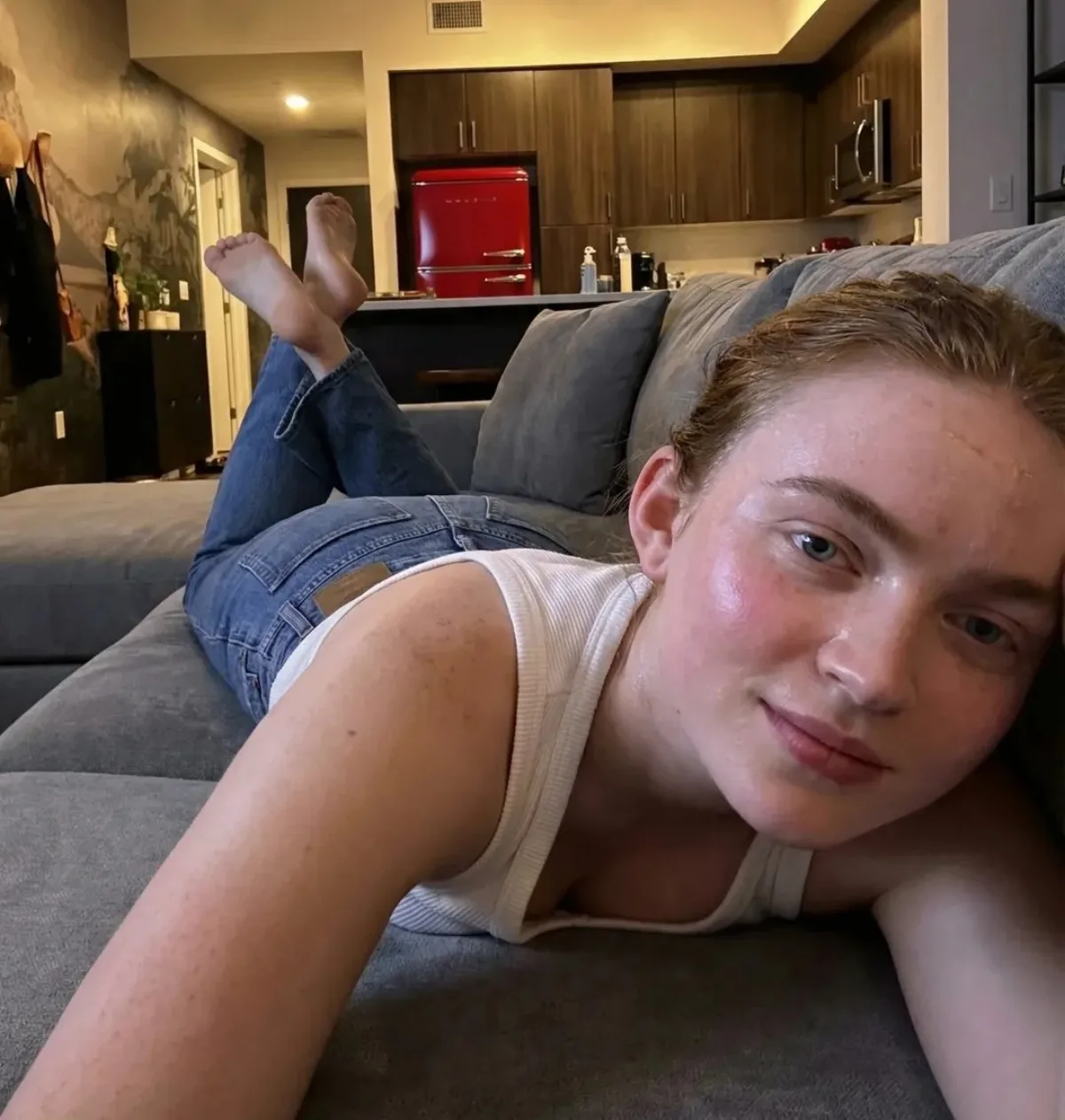
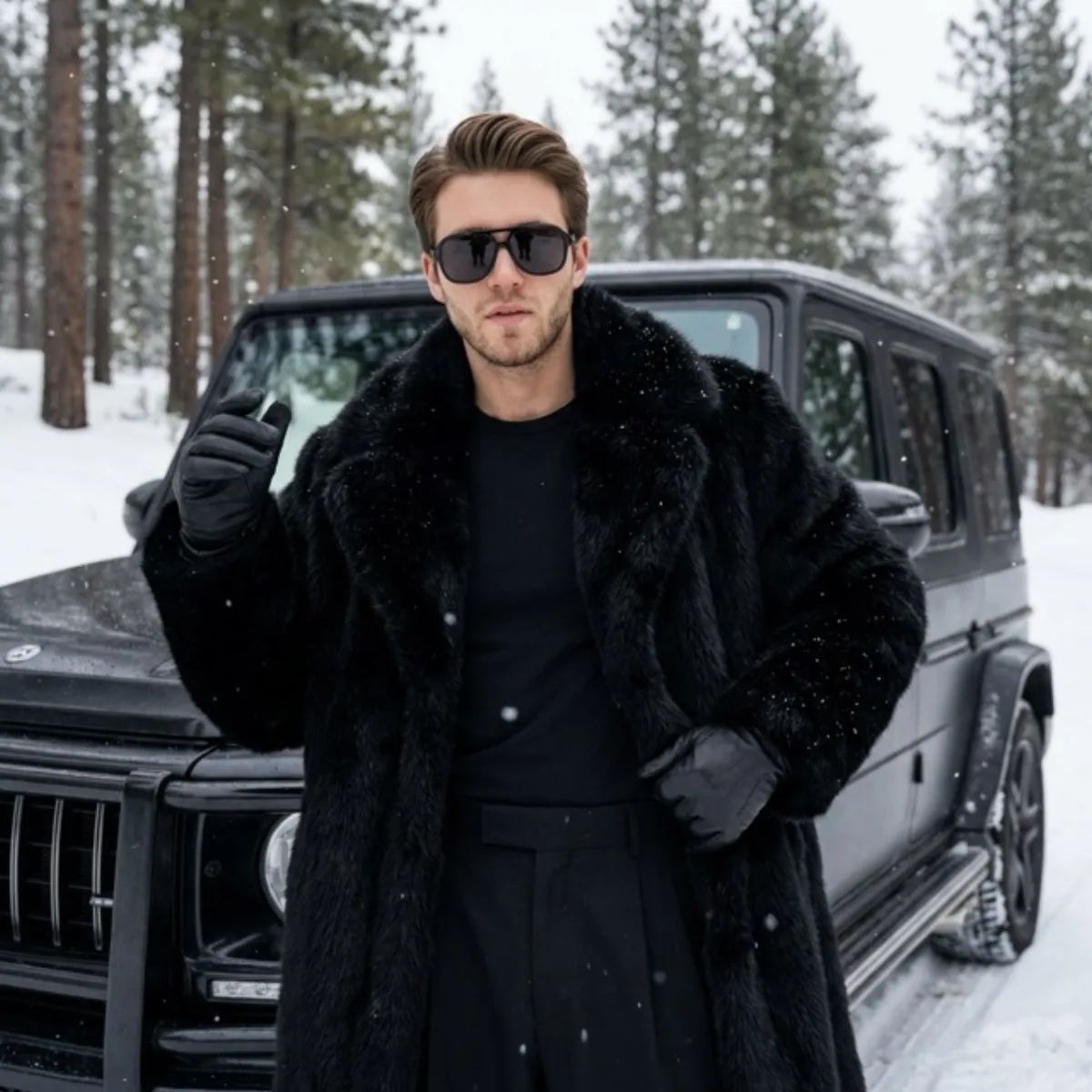
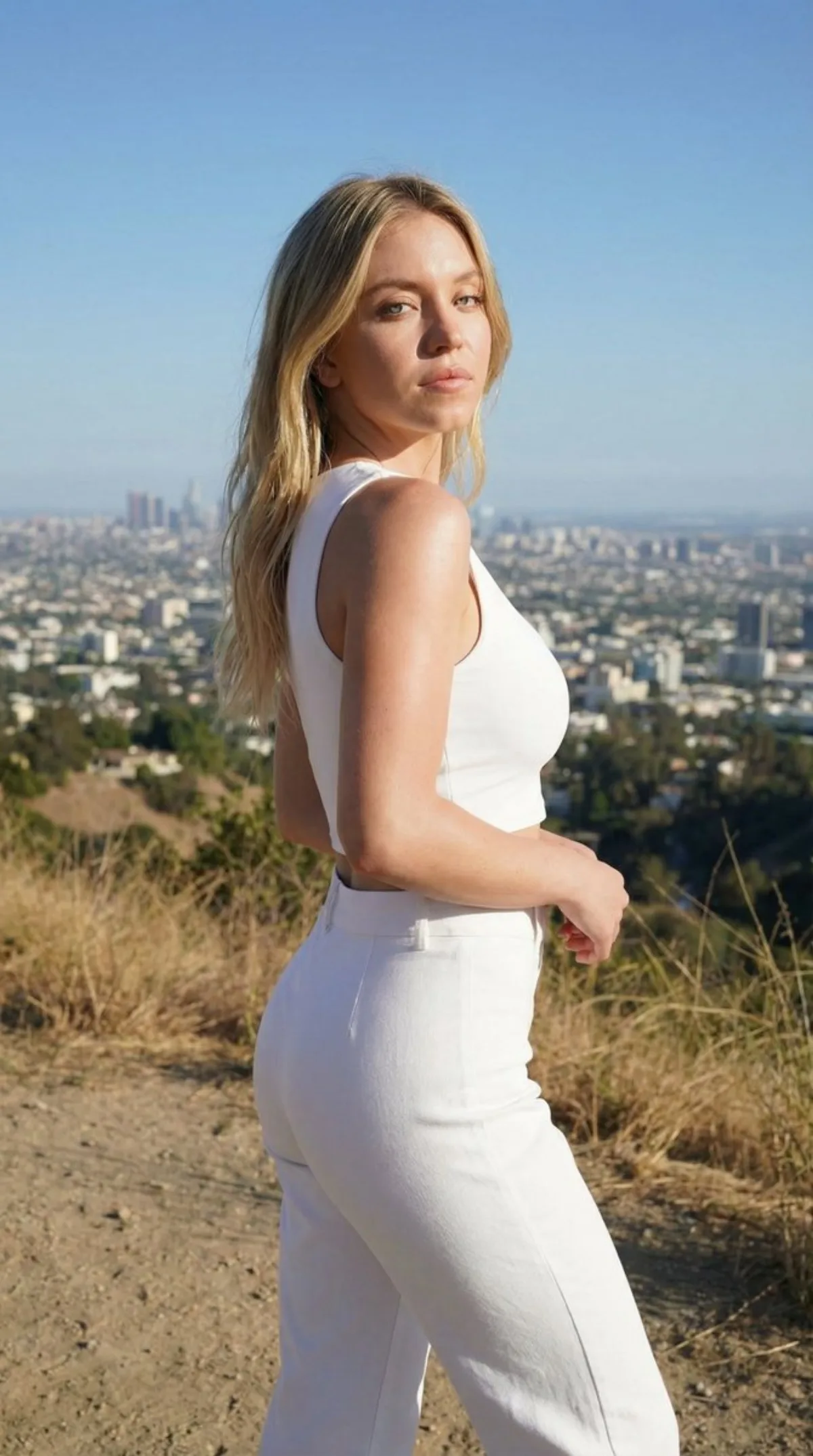
 portrait
1:1
portrait
1:1
Four-Corner Puzzle 2026 Blessing
Subject
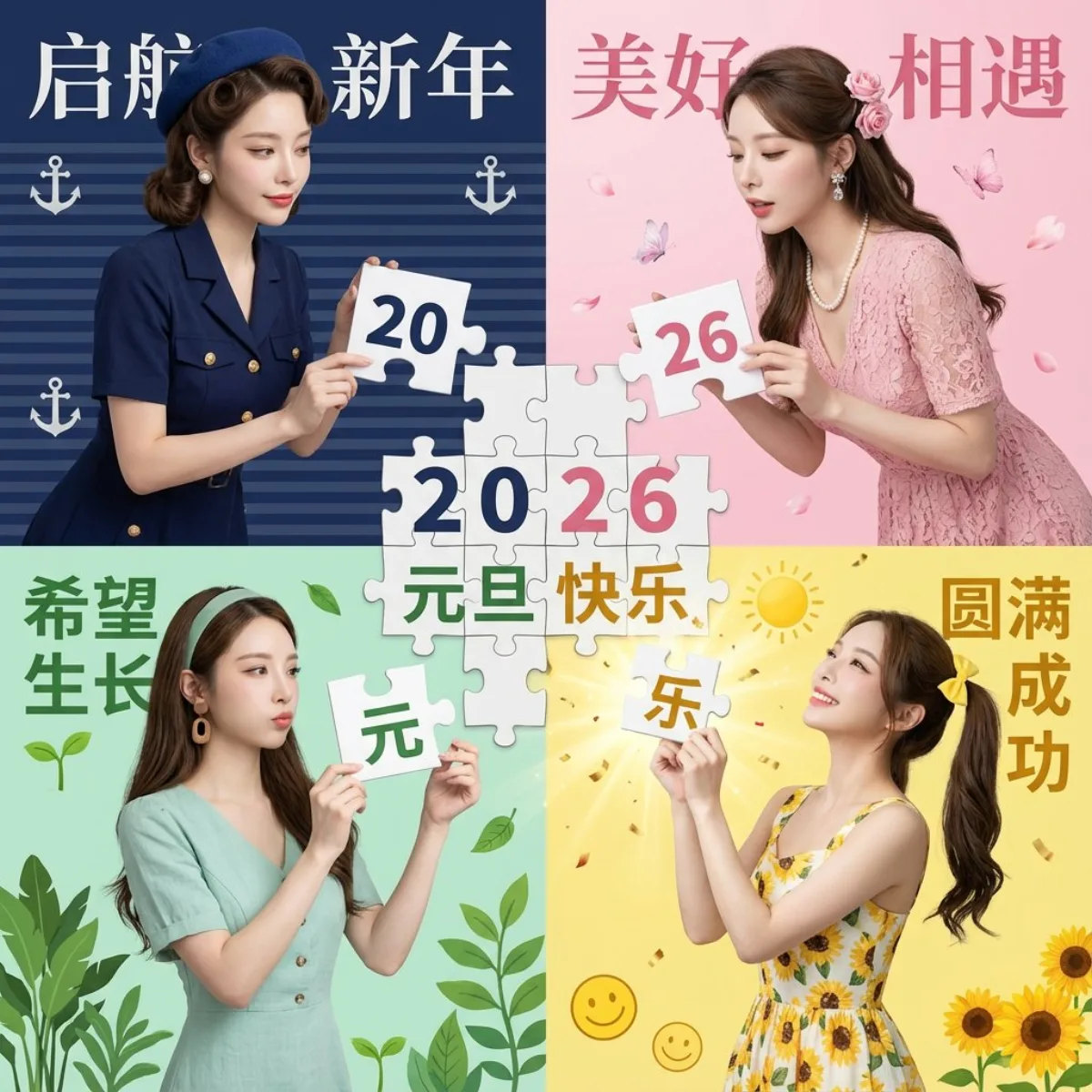
The same woman in all four panels of a 2x2 grid, each in a different outfit, holding and converging four puzzle pieces from the four corners toward the center to complete the full pattern '2026元旦快乐'.
Composition
High-end studio 2x2 grid, puzzle-interaction four-panel composition where pieces gather from the four corners to the center forming a complete image. Bottom-right (lemon-yellow bg): yellow sunflower-print dress, twin tails with yellow bow, both hands lifting the final bottom-right piece reading '快乐', head tilted back, gaze on the completed puzzle, triumphant smile, gold burst and confetti at center; sun, '圆满成功', smiley, sunflowers. Top-right (cherry-blossom-pink bg): pink lace dress, pearl necklace, half-up hairstyle with pink rose clip and crystal earrings, both hands lifting the top-right piece reading '26' moving toward center to join the top-left, gaze on the seam, focused and expectant, leaning forward; pink sakura, '美好相遇', butterflies, petals. Bottom-left (mint-green bg): mint-green cotton-linen artsy dress, natural long hair with green hairband and wooden earrings, both hands lifting the bottom-left piece reading '元旦' moving up to dock with the top-left, gaze on the puzzle, earnest, lips slightly pressed; green plants, '希望生长', sprouts, leaves. Top-left (navy-blue bg): navy uniform-style dress with gold buttons, retro curls with blue beret and pearl earrings, both hands lifting a large top-left piece reading '20' moving toward the center puzzle area, focused gaze, earnest, slight smile; navy stripes, anchor, '启航新年'.
Lighting
Bright ring light.
Setting
Four distinctly colored backdrops (lemon yellow, cherry-blossom pink, mint green, navy blue) with matching motifs and blessing words.
Style
Fashion-magazine style; refinement note: explicitly specifying a render engine (Octane / Unreal / Redshift) greatly improves image quality.
Details
Key: keep precise facial features, preserve the original face structure, characters fully consistent with the uploaded reference. Clear sheer makeup. 85mm lens, f/1.8 aperture.