 portrait
1:1
portrait
1:1
High-Fashion Editorial Portrait with Cinematic Grain
Subject
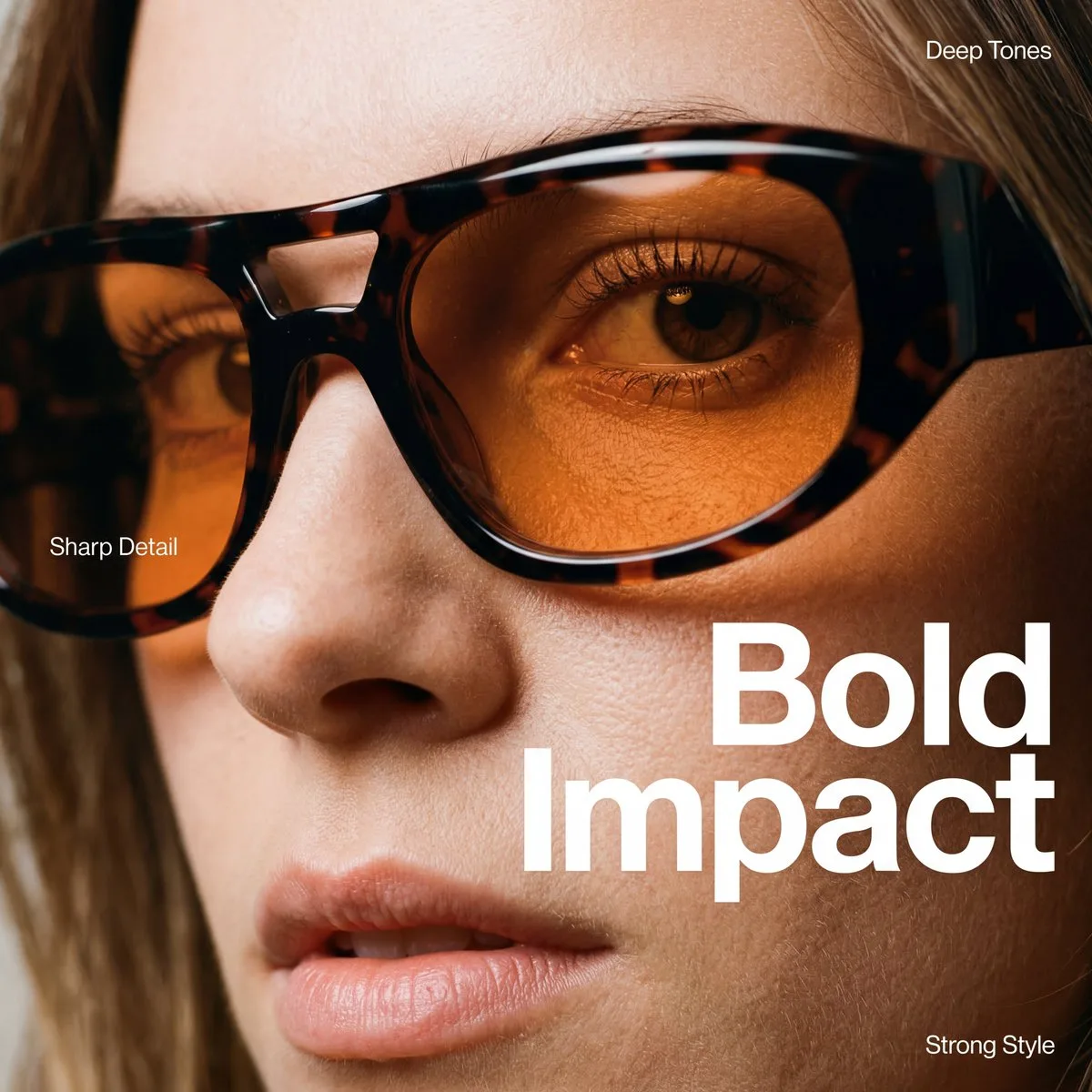
An extreme close-up, high-fashion editorial portrait focusing on the right side of a person's face. The lighting is soft-side lighting from the right, creating a gentle shadow on the left side of the nose and a subtle highlight on the cheekbone and lower lip. Lighting: Cozy studio lighting with a soft-focus depth of field. Eyewear: Large-frame, wrap-around sunglasses made of high-gloss dark tortoiseshell acetate (mottled black and deep mahogany). Three smaller, delicate labels are scattered: "Deep Tones" (top right), "Crisp Detail" (on the left lens), and "Strong Style" (bottom right). Color Palette: A rich mix of skin tones (#E8A88A), burnt orange (#B8541C), and deep espresso (#1A0D0B), con
Composition
An extreme close-up, high-fashion editorial portrait focusing on the right side of a person's face.
Lighting
Cozy studio lighting with a soft-focus depth of field. Eyewear: Large-frame, wrap-around sunglasses made of high-gloss dark tortoiseshell acetate (mottled black and deep mahogany).
Setting
The background consists of out-of-focus hair and skin, keeping all attention on the eye and the texture of the acetate frames.
Style
Polished commercial render with brand-ready clarity.
Details
Lighting: Cozy studio lighting with a soft-focus depth of field.