 portrait
3:4
portrait
3:4
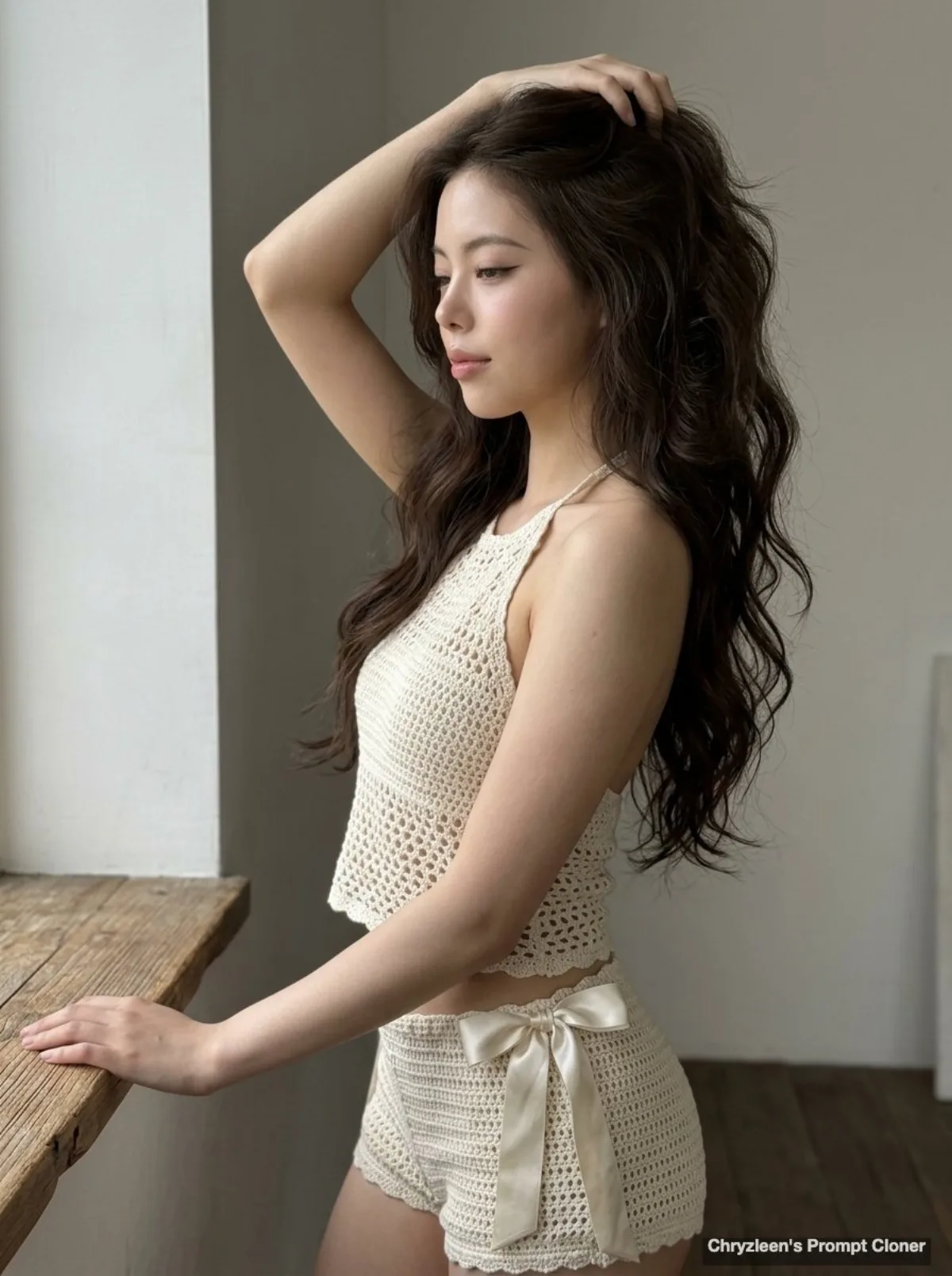
Hyper-realistic photo of a young woman with mermaid waves (Editorial)
Subject
Composition idea: generate image: Use the attached reference image as a visual guide for the character’s appearance. A hyper-realistic, ultra-well-defined photograph taken on an iPhone 15 Pro, ISO 50, f/1.8, capturing a young woman in a candid, mid-moment pose. She is angled 70 degrees away from the camera in a side profile, her weight shifted onto one hip including her spine naturally curved. Her left arm is bent at an acute angle, hand running through long, voluminous espresso-colored mermaid waves, while her right hand rests lightly on a wooden ledge. Aspect Ratio: 3:4. Her "clean girl" makeup includes a crisp flick of brown liner and a dewy glass-skin finish. The generated subject should
Composition
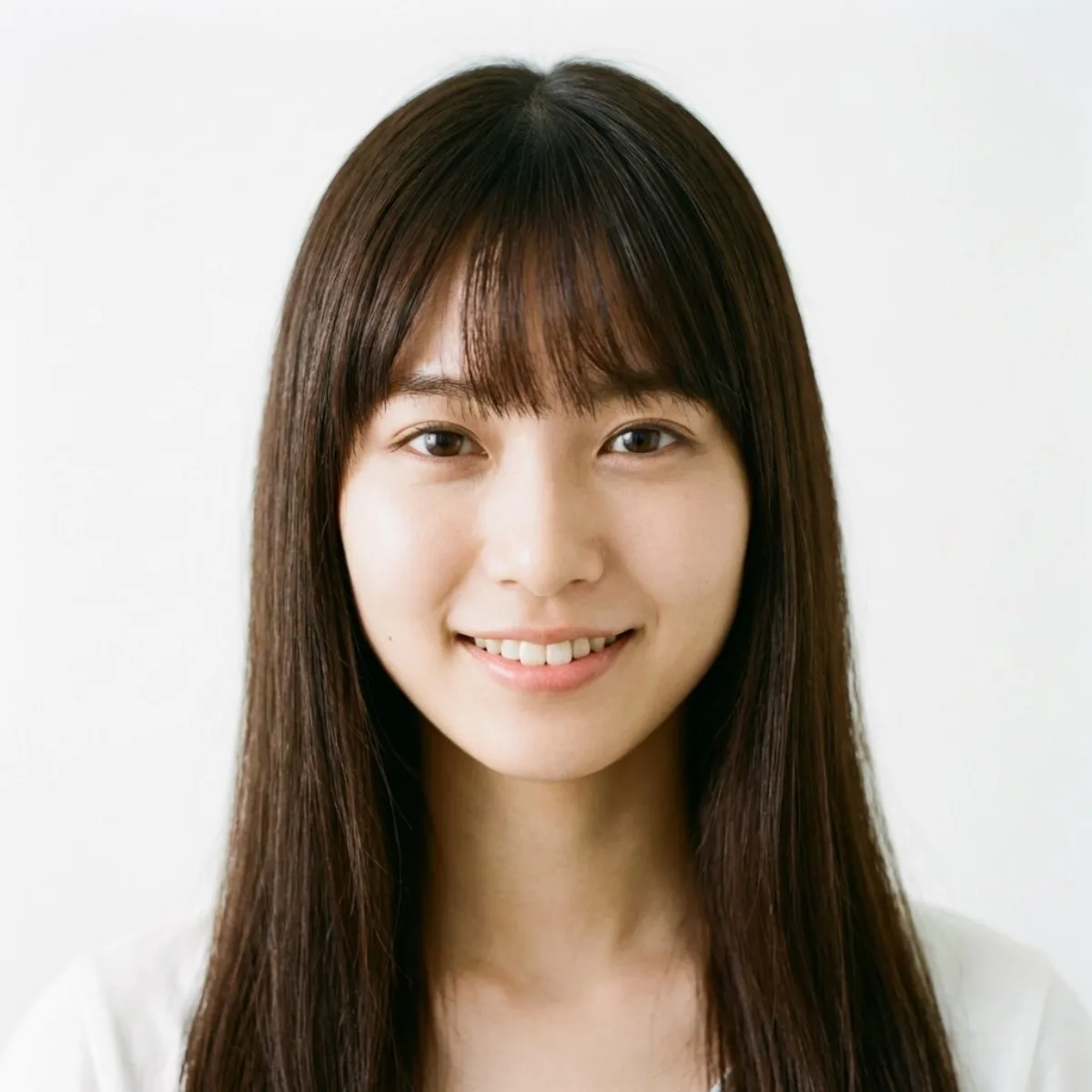
Composition idea: generate image: Use the attached reference image as a visual guide for the character’s appearance.
Lighting
The scene is illuminated by soft, diffused front-side lighting, rendered with digital clarity and incredible sharpness from the fabric textures to the pared-back interior background, devoid of bokeh…
Setting
Her left arm is bent at an acute angle, hand running through long, voluminous espresso-colored mermaid waves, while her right hand rests lightly on a wooden ledge.
Style
A hyper-realistic, ultra-well-defined photograph taken on an iPhone 15 Pro, ISO 50, f/1.8, capturing a young woman in a candid, mid-moment pose.
Details
Her "clean girl" makeup includes a crisp flick of brown liner and a dewy glass-skin finish.