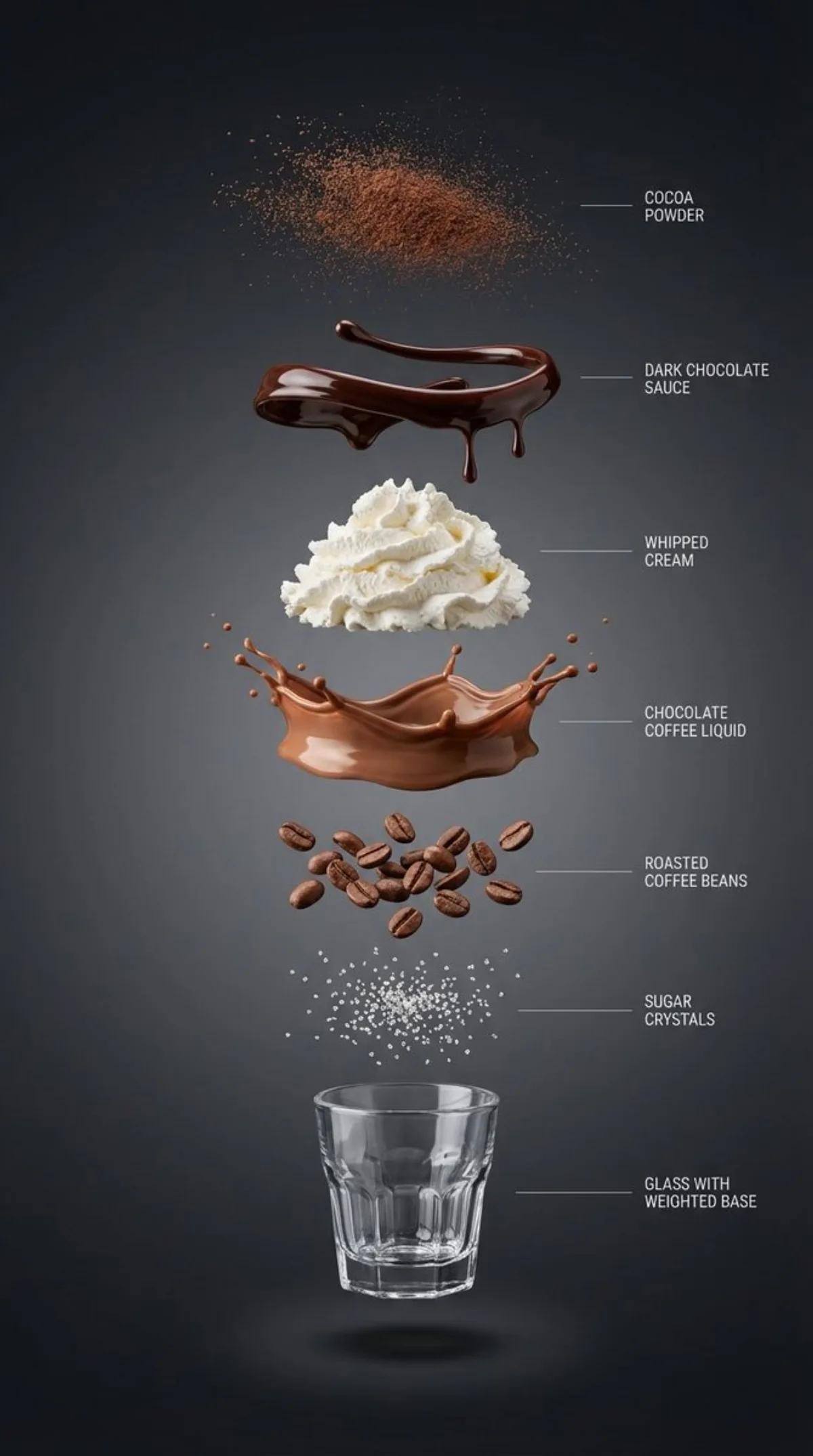
Hyperrealistic Vertical Explosion Cutaway product 9:16

Hyperrealistic Vertical Explosion Cutaway

Advanced foodinfographicproductminimalistphotography
Subject
{ “subject”: “巧克力咖啡饮品的超写实垂直爆炸分解图”, “layout”: “中心垂直对齐,各组件独立悬浮且间距清晰”, “layers”: [ { “component”: “可可粉微粒”, “position”: “顶部” }, { “component”: “光泽深色巧克力酱丝带与滴落状”, “position”: “独立层” }, { “component”: “轻盈的打发奶油堆”, “position”: “独立层” }, { “component”: “丝滑的巧克力咖啡液态层”, “position”: “独立层” }, { “component”: “烘焙咖啡豆”, “position”: “独立层” }, { “component”: “糖晶体”, “position”: “独立层” }, { “component”: “带配重底座的小型透明螺纹玻璃杯(空杯)”, “position”: “底部” } ], “background”: “高级深色背景:干净的影棚背景,近黑色的石墨色至木炭色渐变,柔和且平滑”, “lighting_and_style”: { “lighting”: “柔和且受控的影棚光,每层下方有清晰的分层阴影”, “detail”: “超锐利微距写实主义,右侧极简细指示线与英文标签”, “category”: “高端产品信息图”, “resolution”: “8K” } } ------------- { “subject”: “抹茶奶盖水果咖啡饮品的超写实垂直爆炸分解图”, “layout”: “中心垂直对齐,各组件独立悬
Composition
Lighting
Setting
Style
Details

How to Use This Prompt

Get from copy-paste to final image in 4 quick steps.

1
Copy the prompt
Hit the 📋 Copy button above — your clipboard now has the full prompt, with the tip text auto-stripped.
2
Replace any placeholders
Look for bracketed terms like [SUBJECT], [BRAND COLOR], or {style}. Swap them with your specifics for best results.
3
Pick your aspect ratio
This prompt was tested at 9:16. Square (1:1) works well for social, 9:16 for stories, 16:9 for hero banners.
4
Generate in your favorite model
Paste into Nano Banana 2, GPT Image 2, Midjourney, Flux 2 or DALL-E. Each model interprets it slightly differently — try 2-3 to pick the winner.

Compatible AI Models

This prompt is tested and works well across these models. Click any badge to learn more.

Variation Ideas

Mini tweaks to make this prompt fit YOUR brand or story:

Try the same composition at three aspect ratios (1:1, 4:5, 16:9) to see which framing tells the story best.
Swap the main subject for your own product, character or brand identity while keeping the lighting + style intact.
Switch the lighting (golden hour ↔ studio softbox ↔ blue hour ↔ neon night) to dramatically change the mood.
Add a single style modifier at the end — e.g. 'shot on 85mm', 'film grain', 'editorial Vogue style', 'cinematic anamorphic'.

Frequently Asked Questions

Which AI model produces the best result for this prompt?
All four major models (Nano Banana 2, GPT Image 2, Midjourney v7, Flux 2) can render this prompt well. Nano Banana 2 excels at character consistency and text. GPT Image 2 is strongest at multi-element scenes with text. Midjourney has the most painterly artistic style. Flux 2 is the best open-source option.
Can I use this prompt for commercial work?
Yes — every prompt on AI Image Free is free for commercial use. The reference image is AI-generated and serves as visual inspiration. The actual image you generate using this prompt is owned by you (subject to your chosen AI model's terms of service).
How do I customize this prompt for my own brand?
Look for bracketed placeholders like [SUBJECT], [COLOR], [BRAND]. Replace those with your specifics. You can also append your own style descriptors at the end (e.g. 'in our brand colors #FF6B35 and #2D3142') for a branded version.