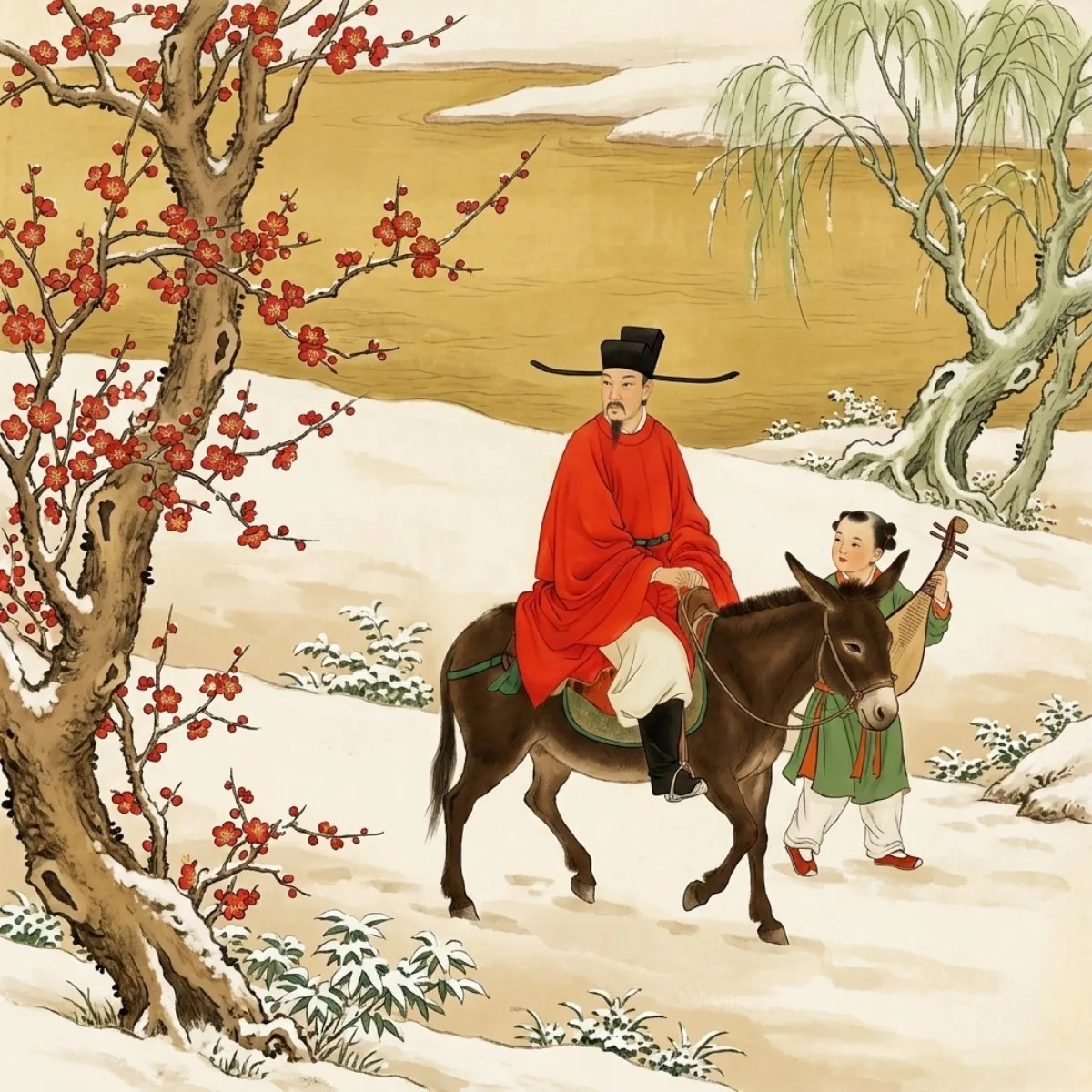
 portrait
9:16
portrait
9:16
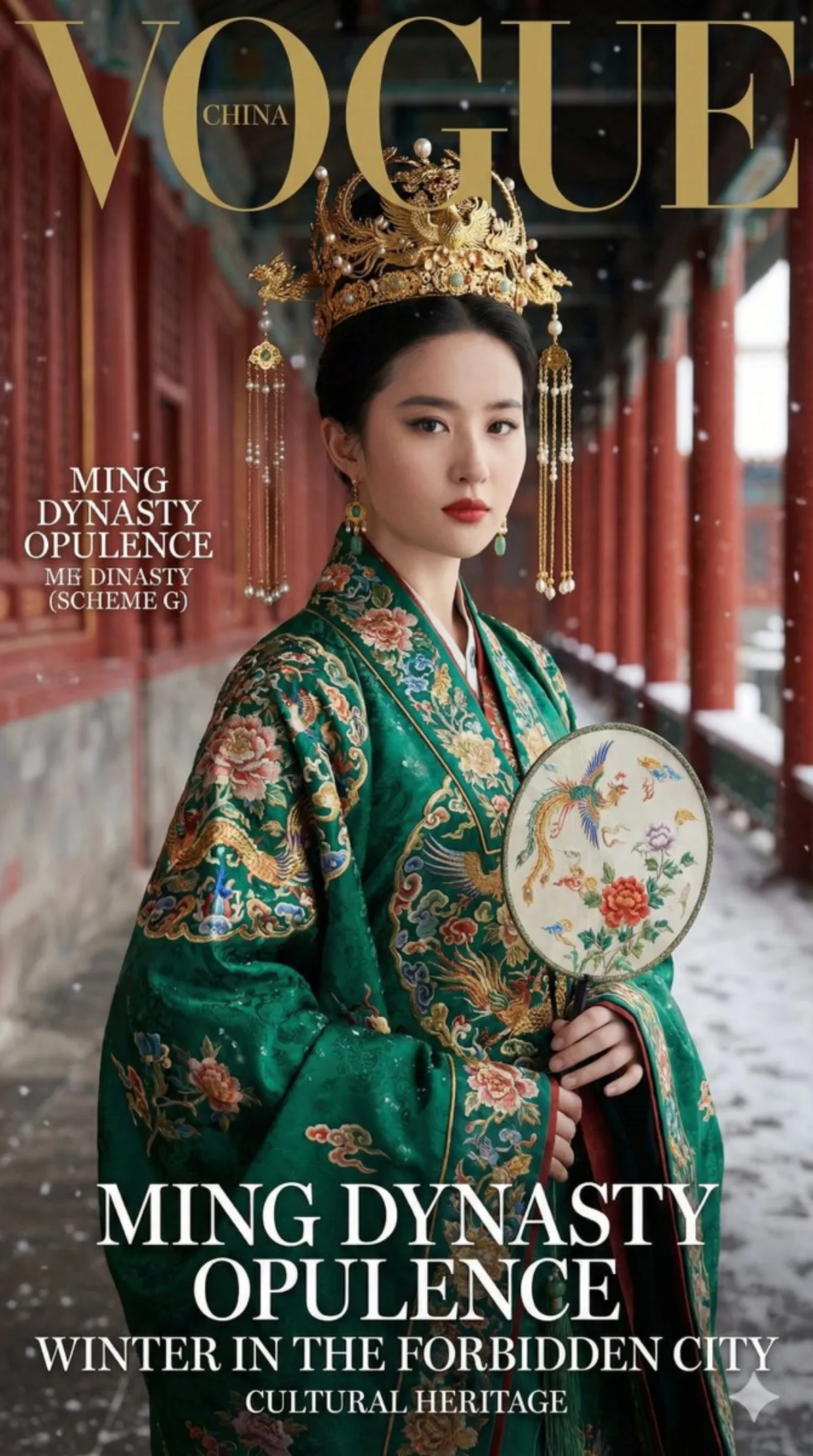
Ming Dynasty Palace Attire Portrait: A Editorial Take
Subject
An adult woman whose facial features and bone structure 100% match the uploaded FACE_REF (identity locked), wearing ornate Ming-dynasty hanfu ceremonial robes: multi-layered (white standing-collar inner robe, parallel-collar mid jacket with wide cuffs, xiapei-style outer ceremonial layer, mamian-skirt with gold-edged hem), heavy gold-dominant headdress with phoenix coronet, dense tassels, gold filigree beadwork, kingfisher and pearl ornaments.
Composition
9:16 vertical high-fashion magazine cover; model randomly chooses A) half-body cover (sharpest eyes and upper embroidery) or B) full-body cover (full layered robe and skirt motifs with stronger corridor and red-wall perspective); cover composition with negative space for layout; no torn-paper or hand-drawn effects.
Lighting
85mm portrait feel for half-body or 50mm/70mm for full-body, shallow depth of field, eyes sharpest; winter natural light plus soft fill; gold and pearl ornaments have real highlights without blowing out; embroidery texture clearly visible.
Setting
Red-walled corridor of Beijing's Forbidden City / Imperial Palace: vermilion walls and columns, carved window lattices, painted beam details, emphasized perspective depth; weather randomly fine falling snow or clear post-snow sky; clean background with no tourists, modern signage, UI or watermarks.
Style
High-end cinematic aesthetic in the cover style of a randomly chosen magazine (Vogue, Harper's Bazaar, ELLE, Cosmopolitan, Marie Claire, i-D, Allure, FLAUNT) with bilingual Chinese-English design; clean, translucent, rich texture, red walls not color-contaminating the garment.
Details
Realistic skin with fine pores, no over-smoothing; heavy craftsmanship visible: woven-gold and jacquard brocade with raised hidden patterns, gold-couching and dimensional embroidery; peony, medallion-flower, auspicious-cloud and auspicious-beast motifs (no dragons); refined edging, hidden buttons, ties, collar guards and layered chest ornaments; randomly choose one main color scheme: G emerald-green base, A apricot base, or R deep-red base, each with multi-color court embroidery (not gold-only), unified in a refined high-end tone.