 marketing
16:9
marketing
16:9
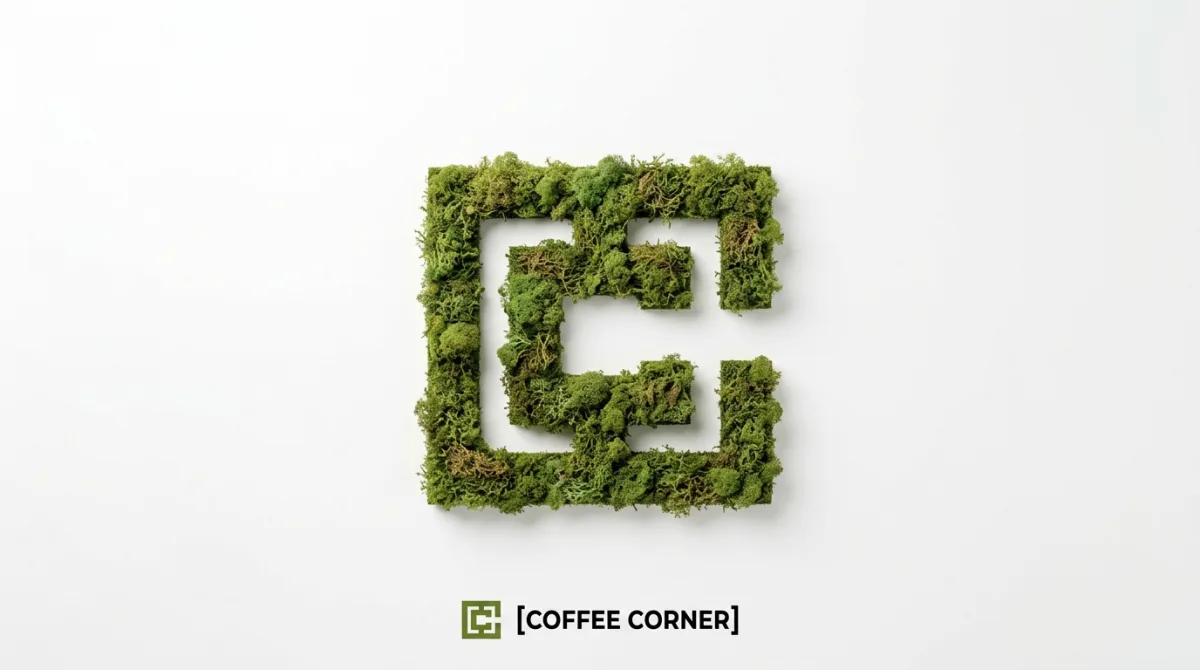
Moss-Textured Logo Icon on White Background: A Studio-Grade Take
Subject
Visualization: [BRAND NAME]: Enter the brand name here. Full minimalist negative space.
- Lighting: Bright, mild, diffused studio lighting that emphasizes the tactile moss texture while minimizing harsh shadows.
3. BOTTOM BRAND SIGNATURE (CRITICAL)
- Placement: A clean horizontal signature block centered at the bottom, far below the moss icon.
- Elements: A tiny, flat, pared-back version of the [BRAND NAME] logo icon on the left.
- Text: The word "[BRAND NAME]" in a clean, bold, black sans-serif typeface immediately to the right of the tiny logo.
- Scale: The signature must be very small compared to the central moss artifact.
4. Only the bottom signature.
1. ENVIRONMENT & LAYOUT
- View: A
Composition
Placement: A clean horizontal signature block centered at the bottom, far below the moss icon.
Lighting
Lighting: Bright, mild, diffused studio lighting that emphasizes the tactile moss texture while minimizing harsh shadows.
Setting
ENVIRONMENT & LAYOUT.
Style
Full minimalist negative space.
Details
Sharp focus on the subject with refined fabric, skin, or surface detail.