 portrait
1:1
portrait
1:1
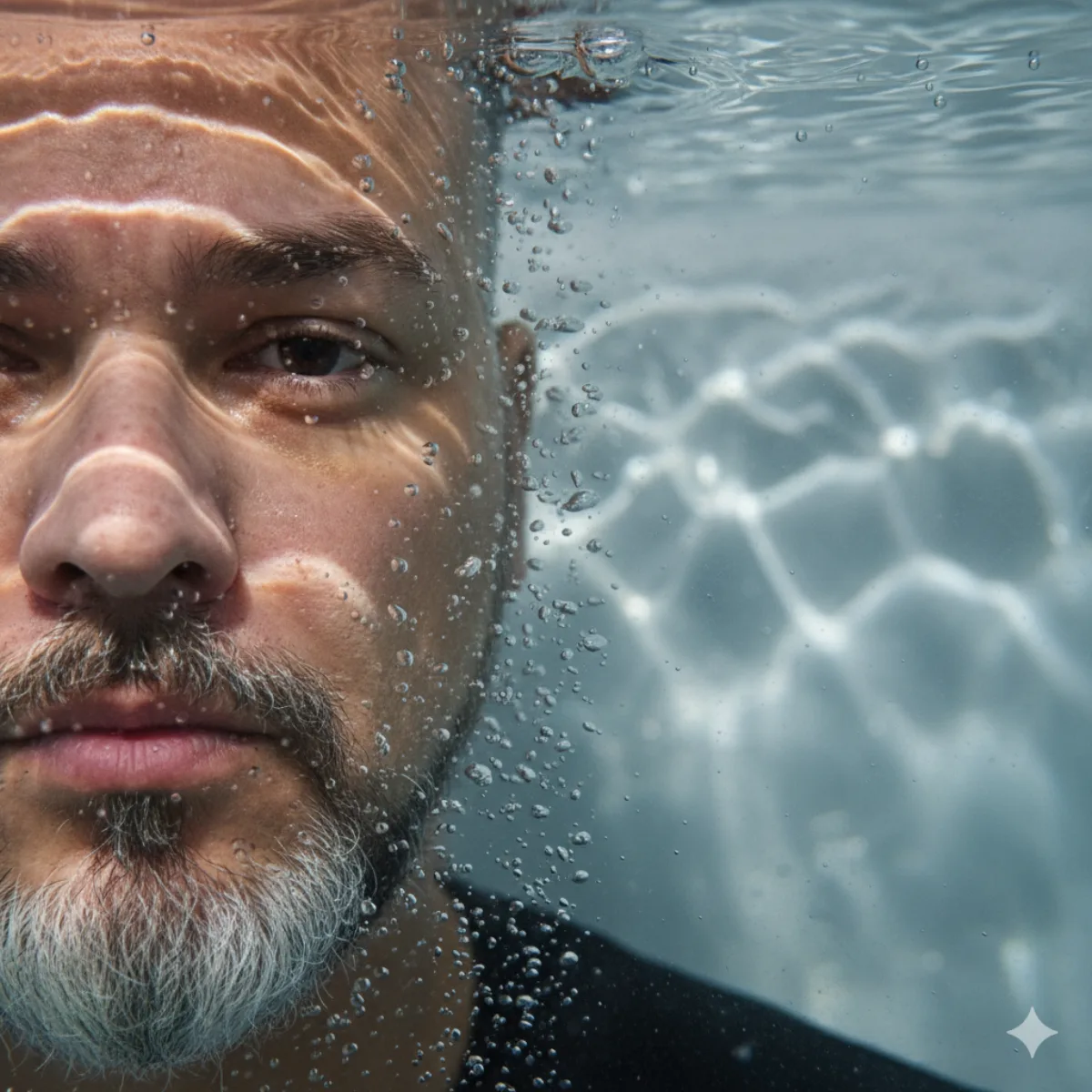
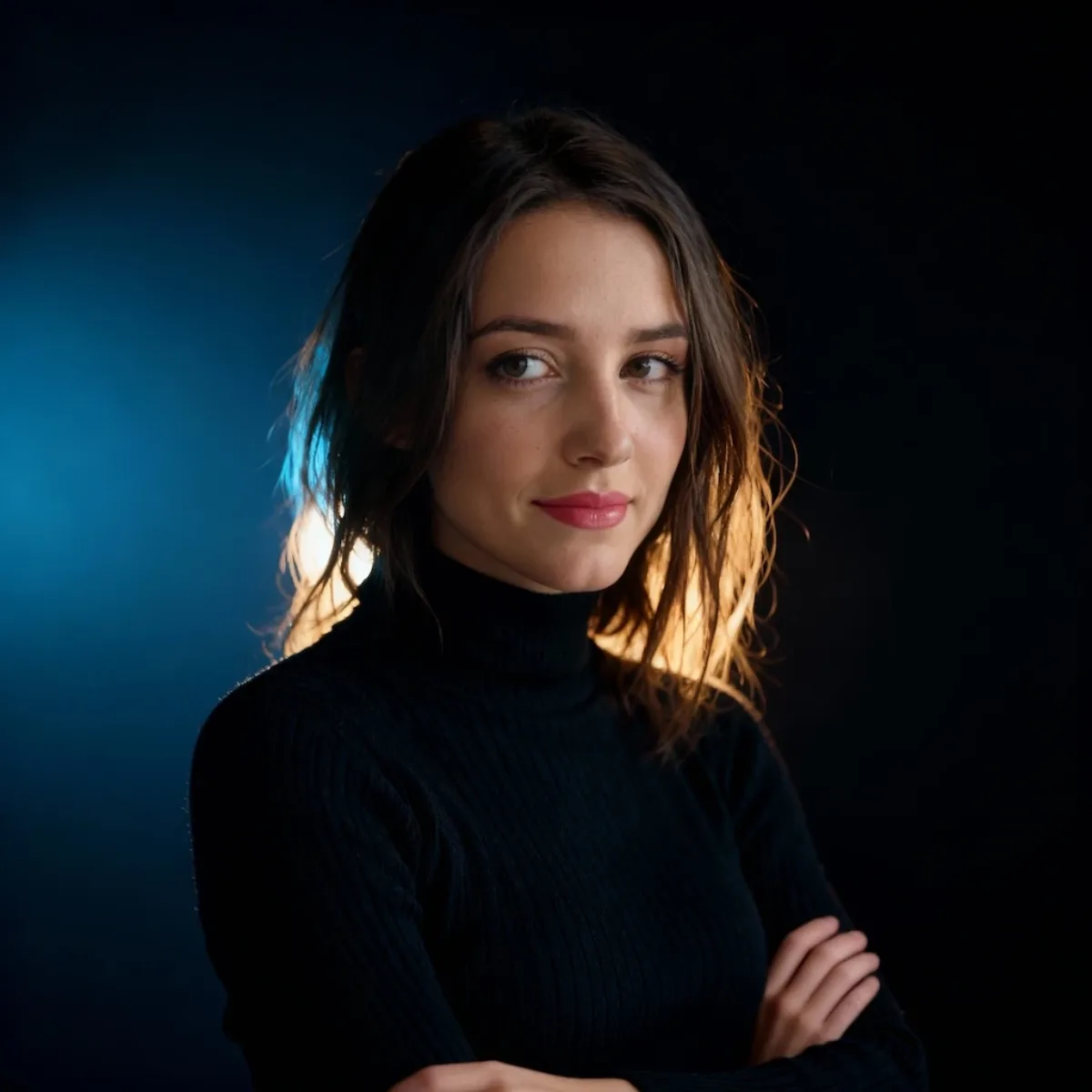
A Studio-Grade Studio Portrait with Cinematic Lighting and Contrast
Subject
Transform the image into a top-tier, studio-style, close-up face portrait. The overall style is minimalist and upmarket/sophisticated. The overall aesthetic is a cinematic color portrait, featuring a warm/fresh color contrast, delicate Film Grain, and a deep, sophisticated atmosphere. The background is a dark gradient including contrasting cold blue and inviting golden light halos to highlight the subject. She is wearing a fitted black turtleneck knit sweater, with a delicate fabric texture, clear knit patterns, and organic folds that present saturated tonal variation in the shadows under the light, rather than being a pure black block. She is slightly turned to the side, with her hands natu
Composition
Transform the image into a top-tier, studio-style, close-up face portrait.
Lighting
The image utilizes a Rim Light (Back Light) to outline the hair and the edges of the shoulders and neck, while a soft Key Light is added to the front to illuminate the face, making the skin tone…
Setting
The background is a dark gradient including contrasting cold blue and inviting golden light halos to highlight the subject.
Style
The overall style is minimalist and upmarket/sophisticated.
Details
The overall aesthetic is a cinematic color portrait, featuring a warm/fresh color contrast, delicate Film Grain, and a deep, sophisticated atmosphere.