 illustration
2:3
illustration
2:3
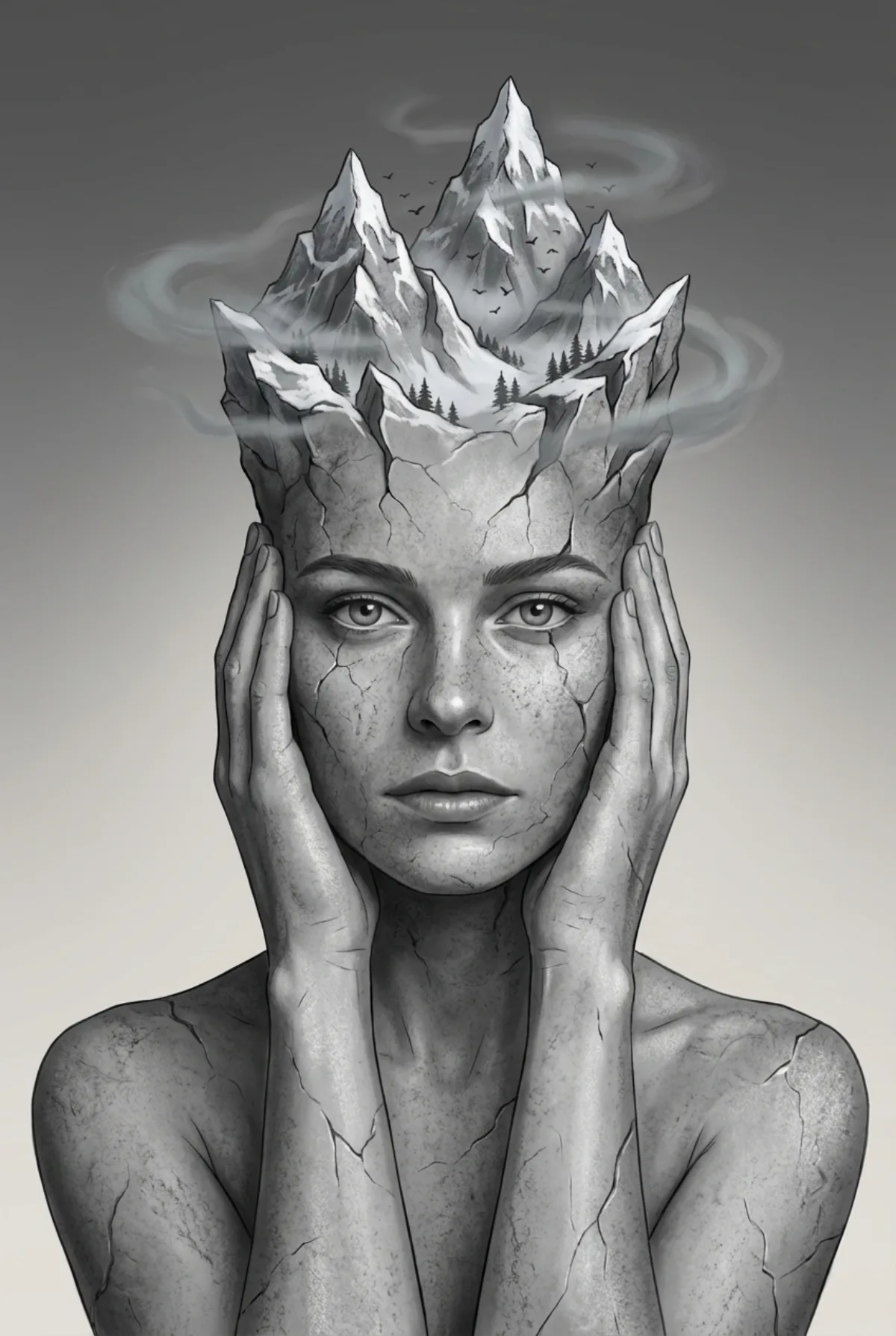
Surreal Stone Skin Mountain Head Portrait (Signature)
Subject
Shot description: surreal digital illustration alongside smooth gradient shading and clean edge rendering. Thin mist surrounds the mountain formation above the head. Lighting comes from a mild front light and a dim overhead light. Upper-body framing. Upper rock surfaces contain white snow resting on the top edges of the peaks. Eye-level camera. Rock surfaces show darker crevices and brighter edges. Single subject centered in frame. The valleys between the peaks contain small evergreen trees with thin trunks and triangular needle clusters. Vertical orientation. The change begins at the upper forehead and continues across the skull. Small birds fly between the mountain peaks. The upper part of
Composition
Single subject centered in frame.
Lighting
Lighting comes from a mild front light and a dim overhead light.
Setting
Thin mist surrounds the mountain formation above the head.
Style
Shot description: surreal digital illustration alongside smooth gradient shading and clean edge rendering.
Details
Photographic-grade depth of field with subtle bokeh in the background.