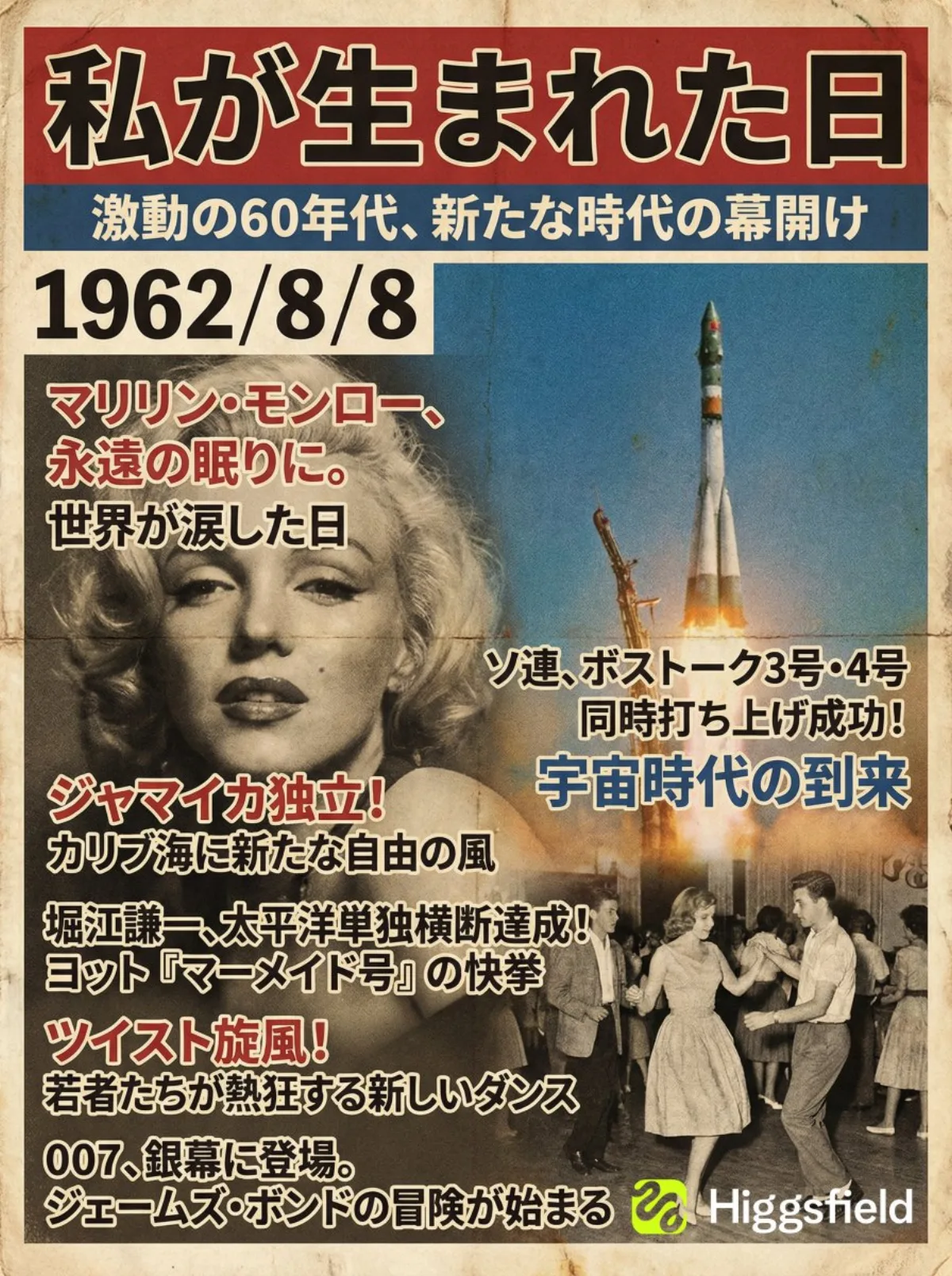
The Day I Was Born: June 15, 1994 illustration 3:4

The Day I Was Born: June 15, 1994

Advanced magazineretrorealistic
Subject
エモいやつ第二弾 自分の誕生日に発刊された雑誌を作成! ✅使い方 下記のプロンプトをコピペ。誕生日を入力するだけ Created on #Higgsfieldbanana @higgsfield_ai ---プロンプト--- 【指示内容】 ユーザーが入力した「私が生まれた日(1994/6/15)」に基づいて、 その日または前後で話題になった主要ニュースを3〜5件選び、 その時代の文化・トレンドも含めた情報を要約し、 その内容を誌面見出しとしてレイアウトした“総合雑誌の表紙画像”を生成する。 【作業手順(あなた側の内部処理)】 1. ユーザーの誕生日を読み取り、その時期に報じられた主要ニュースを複数ピックアップ。 2. その時代のデザイン傾向(フォント、色、紙質、写真トーン、レイアウト)を抽出。 3. 下記のデザイン仕様に沿って雑誌表紙を構築し、最終出力は画像のみとする。 【雑誌表紙のデザイン仕様】 ・メインタイトル:必ず「私が生まれた日」 ・副題:その年らしさ、時代背景を一言で示すキャッチコピー ・誕生日の日付(YYYY/MM/DD)を必ず誌面に配置 ・誌面構成:  - メインビジュアルはその時代を象徴する写真的背景  - 抽出したニュースを雑誌の見出しとして複数配置  - 当時の流行(音楽、映画、ファッション、技術など)も補助見出し化 ・デザインスタイル:  - 誕生年の雑誌らしいフォント、色味、写真の粒状感、紙のテクスチャ  - 視認性の高いヘッドライン構成 ・文章は正しい日本語になるように校正し、同じ文章を繰り返して使用するのは禁止 ・アスペクト比:縦長(推奨 3
Composition
Lighting
Setting
Style
Details

How to Use This Prompt

Get from copy-paste to final image in 4 quick steps.

1
Copy the prompt
Hit the 📋 Copy button above — your clipboard now has the full prompt, with the tip text auto-stripped.
2
Replace any placeholders
Look for bracketed terms like [SUBJECT], [BRAND COLOR], or {style}. Swap them with your specifics for best results.
3
Pick your aspect ratio
This prompt was tested at 3:4. Square (1:1) works well for social, 9:16 for stories, 16:9 for hero banners.
4
Generate in your favorite model
Paste into Nano Banana 2, GPT Image 2, Midjourney, Flux 2 or DALL-E. Each model interprets it slightly differently — try 2-3 to pick the winner.

Compatible AI Models

This prompt is tested and works well across these models. Click any badge to learn more.

Variation Ideas

Mini tweaks to make this prompt fit YOUR brand or story:

Try the same composition at three aspect ratios (1:1, 4:5, 16:9) to see which framing tells the story best.
Swap the main subject for your own product, character or brand identity while keeping the lighting + style intact.
Switch the lighting (golden hour ↔ studio softbox ↔ blue hour ↔ neon night) to dramatically change the mood.
Add a single style modifier at the end — e.g. 'shot on 85mm', 'film grain', 'editorial Vogue style', 'cinematic anamorphic'.

Frequently Asked Questions

Which AI model produces the best result for this prompt?
All four major models (Nano Banana 2, GPT Image 2, Midjourney v7, Flux 2) can render this prompt well. Nano Banana 2 excels at character consistency and text. GPT Image 2 is strongest at multi-element scenes with text. Midjourney has the most painterly artistic style. Flux 2 is the best open-source option.
Can I use this prompt for commercial work?
Yes — every prompt on AI Image Free is free for commercial use. The reference image is AI-generated and serves as visual inspiration. The actual image you generate using this prompt is owned by you (subject to your chosen AI model's terms of service).
How do I customize this prompt for my own brand?
Look for bracketed placeholders like [SUBJECT], [COLOR], [BRAND]. Replace those with your specifics. You can also append your own style descriptors at the end (e.g. 'in our brand colors #FF6B35 and #2D3142') for a branded version.