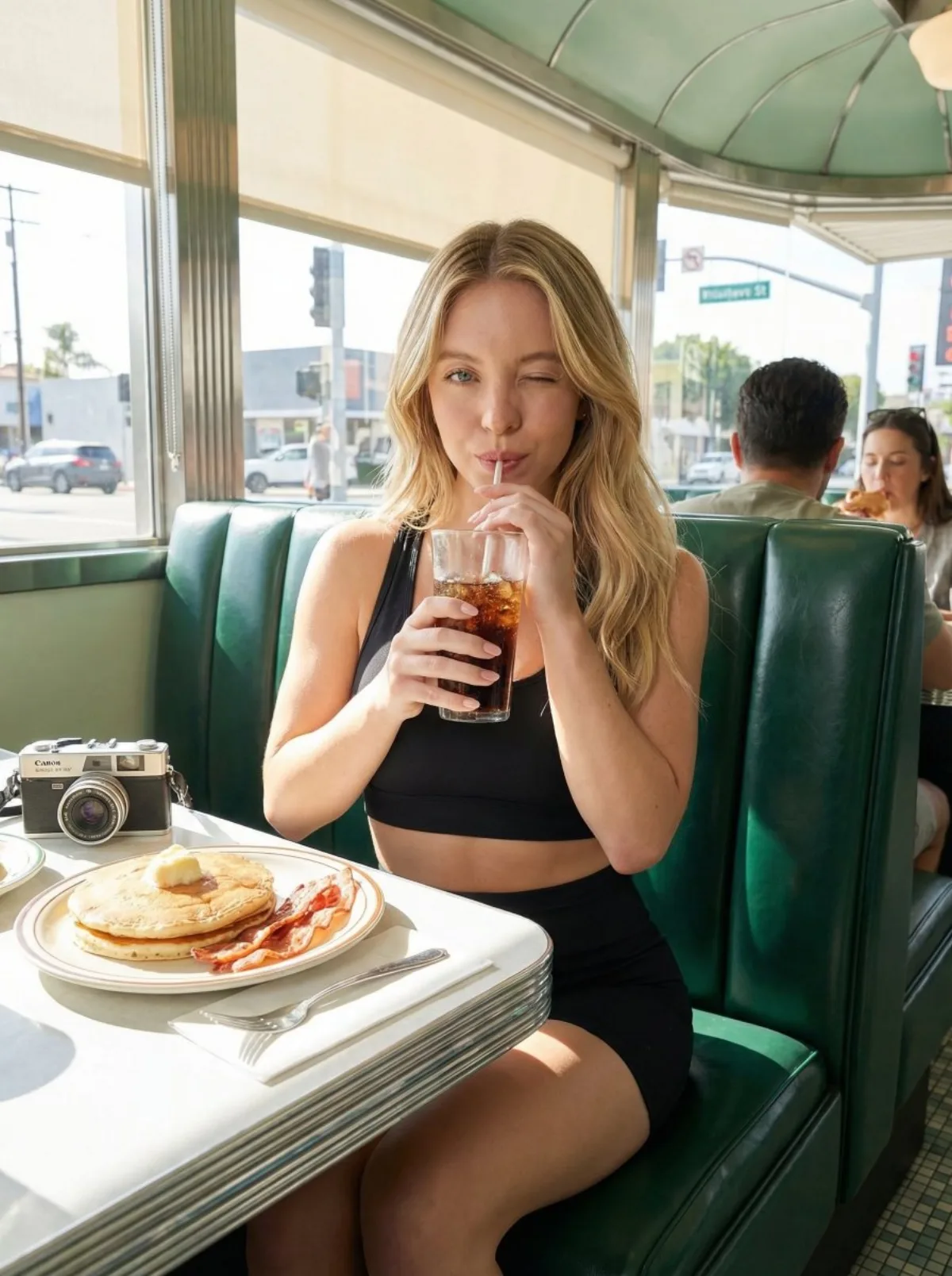
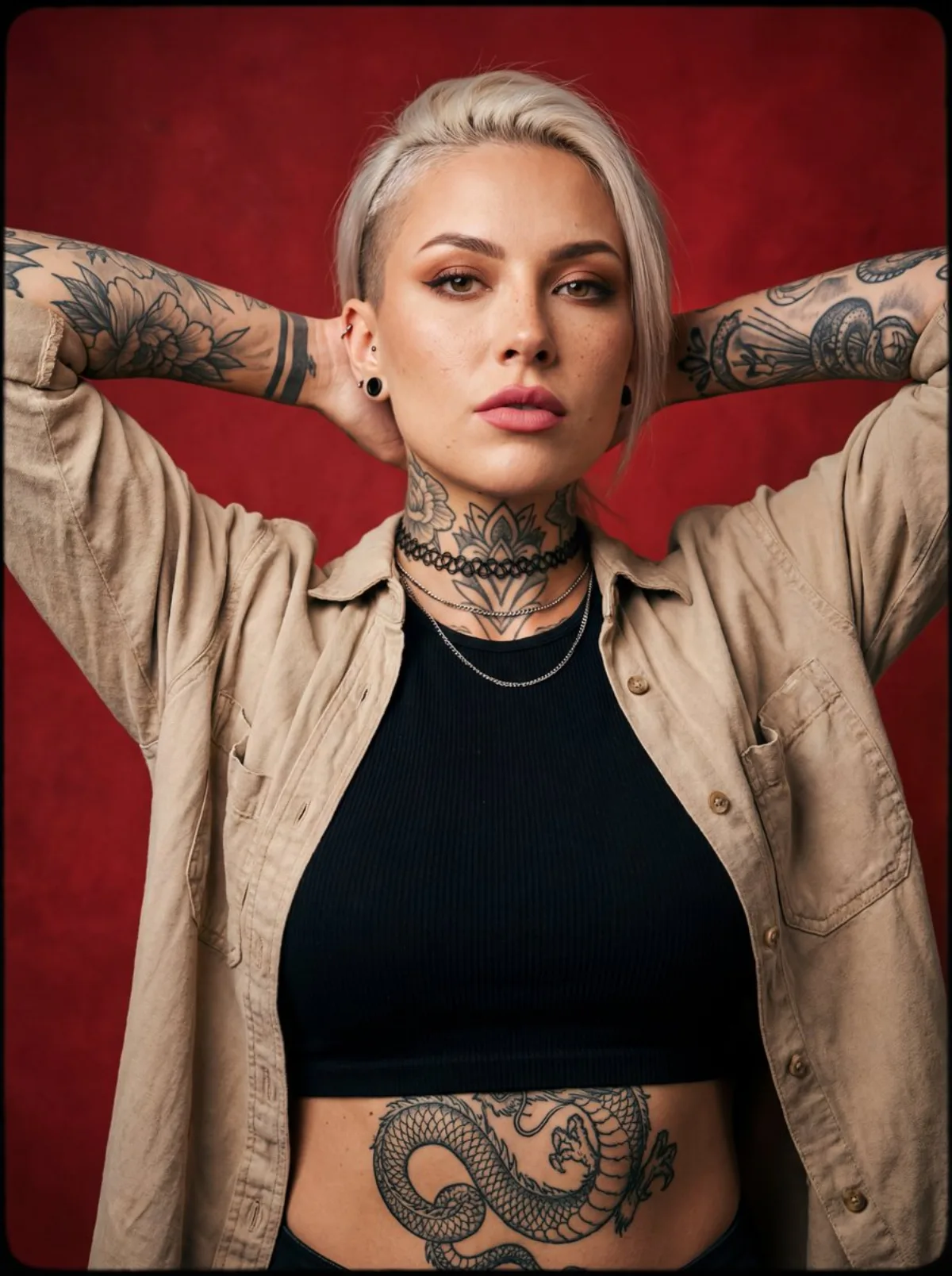
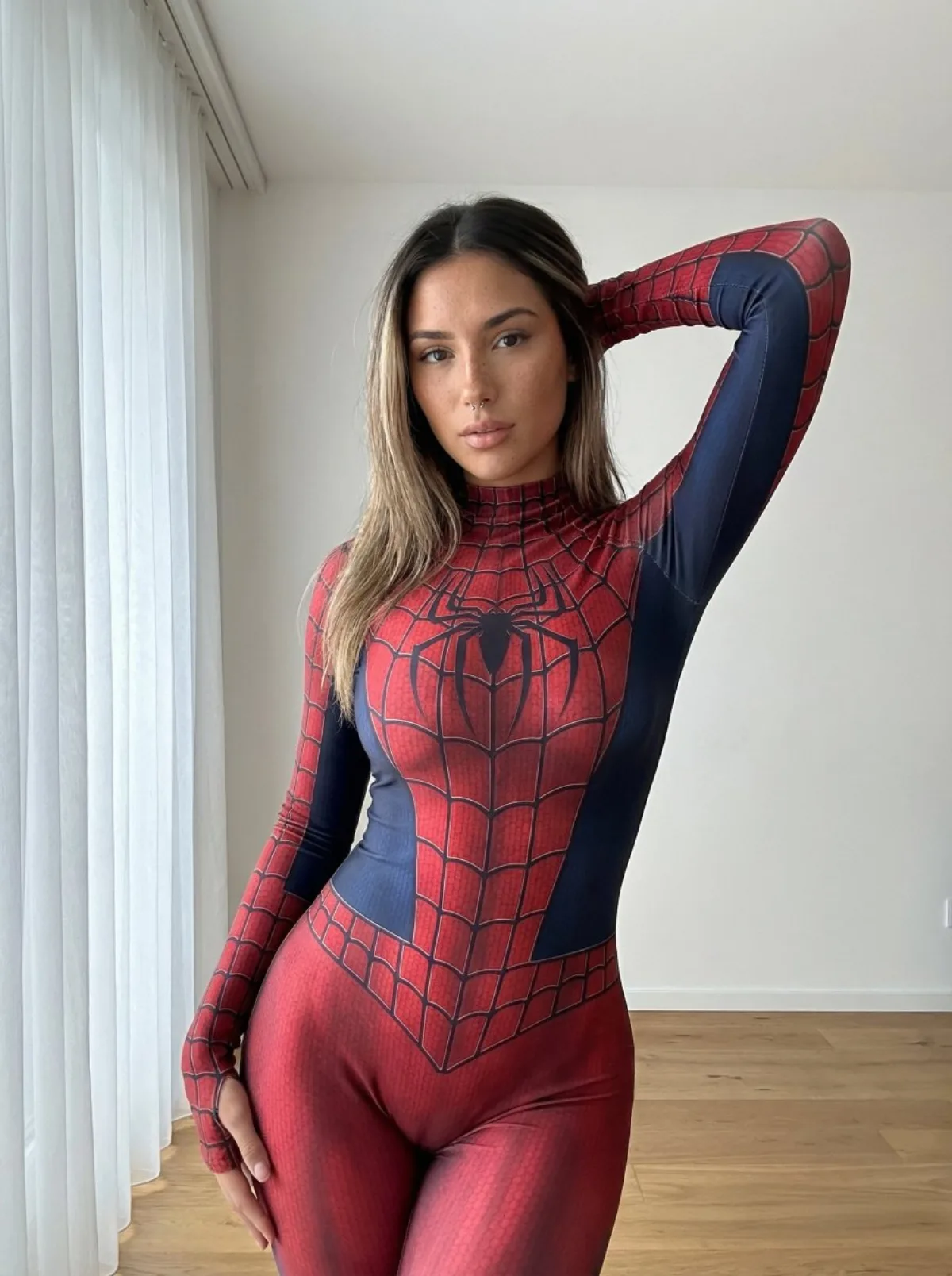
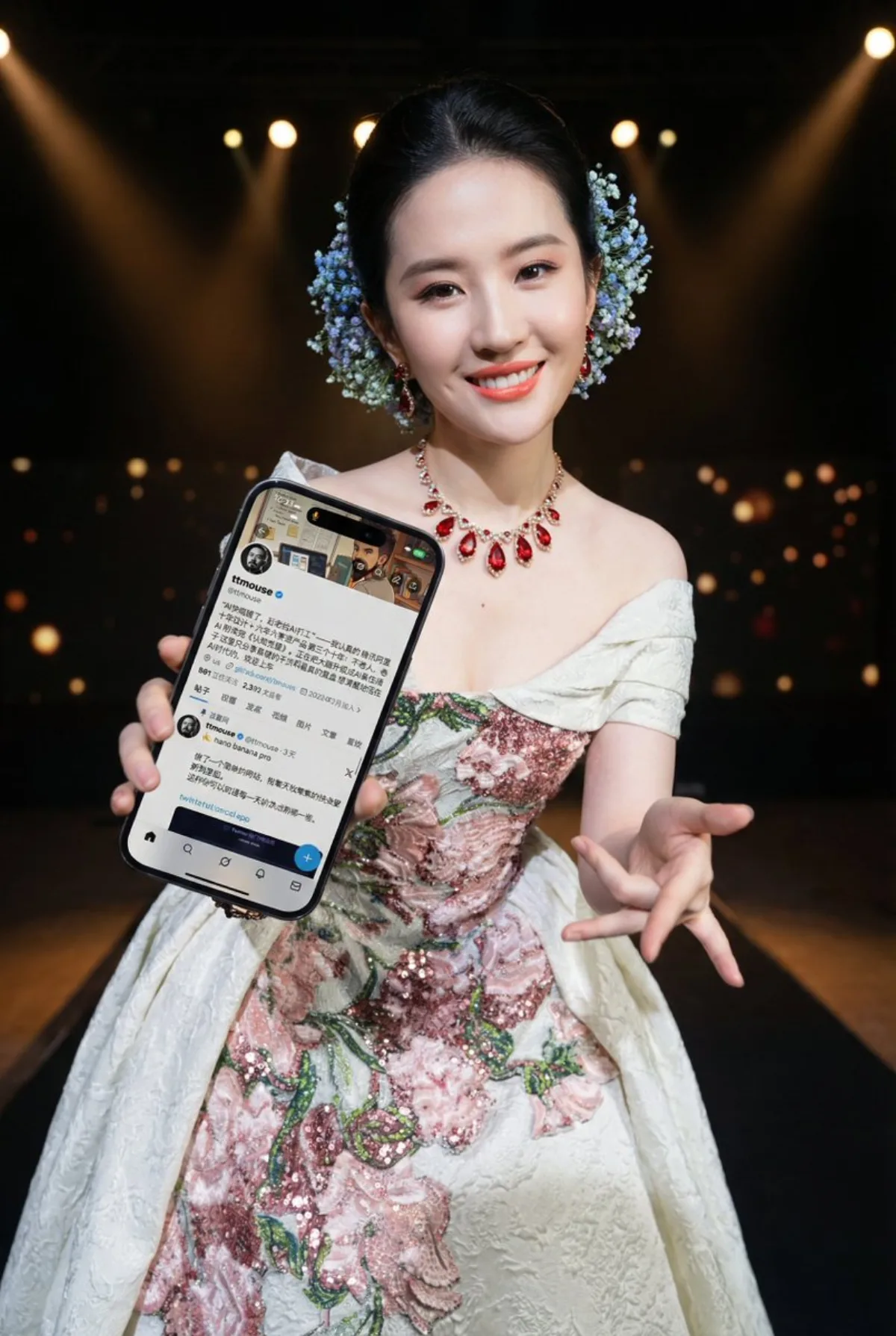
 portrait
2:3
portrait
2:3
Ultra-Wide Realistic Dynamic Portraits
Subject
An edit based on a reference person and environment (no new characters added); identity, face, hairstyle, clothing and environment style stay consistent with the original; the same person or group, all clearly recognizable, with a unified bright natural smile that preserves original demeanor.
Composition
Ultra-wide-angle phone-camera perspective: near objects exaggeratedly enlarged, far objects markedly receding, viewed from above or below; dynamic yet sharp with strong depth of field; phones may come close to the lens while keeping all subjects visually balanced; poses must change and be completely different from the reference, fashionable, intricate, fluid and powerful, emphasizing hand expression and motion while avoiding limb deformation.
Lighting
Light direction and intensity kept consistent with the reference; coherent texture and tone even as space is expanded for the wide angle.
Setting
The reference environment's style preserved (no specific season or weather dependency), atmosphere and light relationships unified.
Style
Dynamic photorealistic style; ultra-wide-angle phone-screen edit.
Details
Phones may appear, held naturally (one or two hands, low or high angle, tilted, sideways, near chest or waist, casually, partly facing the lens), at most one phone per person, screen preferably visible; only the visible phone-screen region is replaced with the second reference image, cleanly fitted to the screen shape with no stretch, compression or extra crop, and no added UI elements, icons, status bar or app frame -- only the second reference's content. Tip: adjust aspect ratio to the subject -- vertical highlights people, horizontal suits full product views.