 portrait
9:16
portrait
9:16
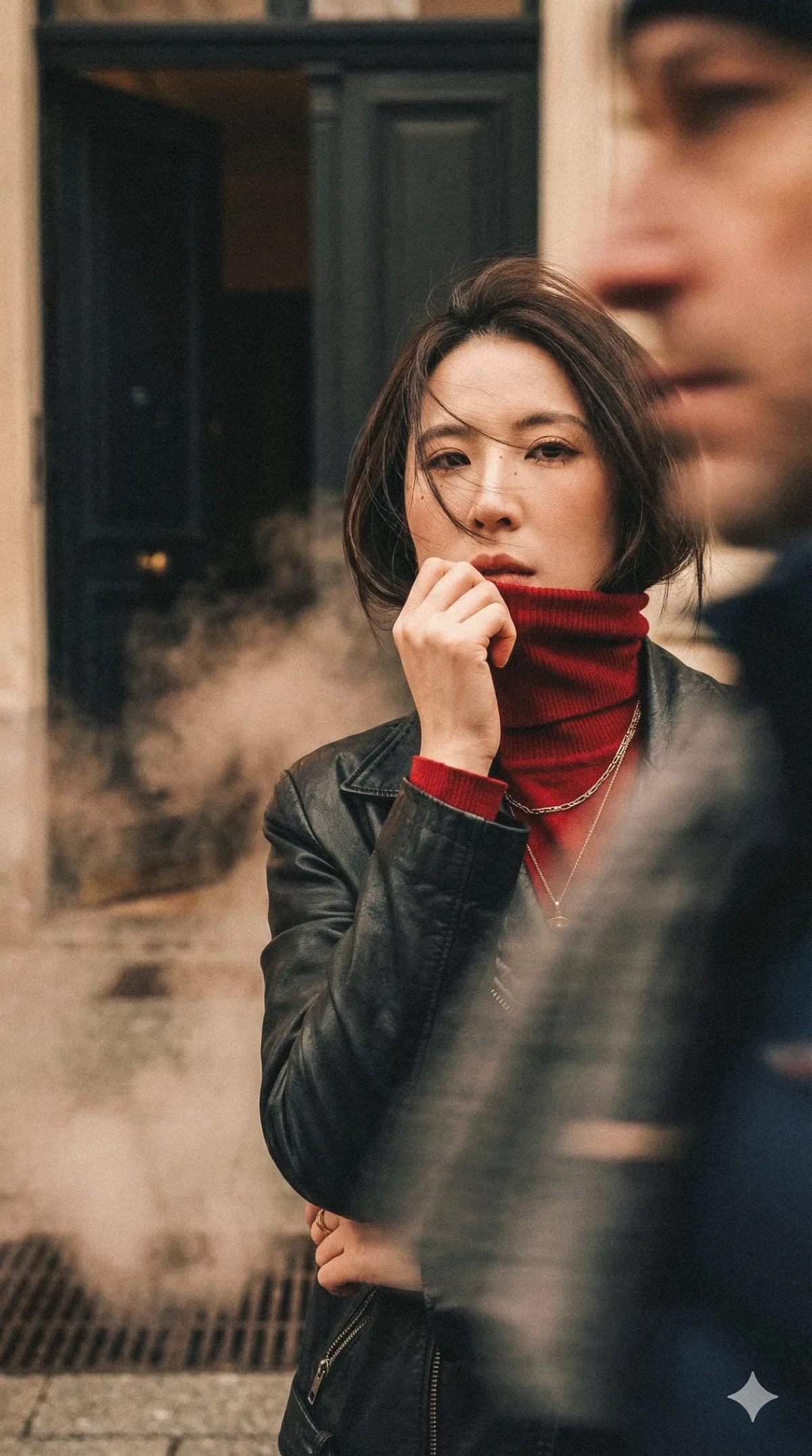
Winter Street Fashion Gaze
Subject
Using only the uploaded face reference as the main subject: a still figure tilting the head slightly up, looking at the camera, one hand pulling up a turtleneck collar to cover the jawline and lips (a fashion-magazine model pose), positioned on the right side of the frame.
Composition
Low-angle upward shot, vertical chest-up portrait, subject offset to the right, clean flowing lines.
Lighting
Soft cinematic lighting, warm tones, atmospheric; well-controlled highlights with shadow detail retained; must not change race or gender features.
Setting
Winter; steam from street heating, a European feel, a vintage apartment doorway with the door open onto darkness inside; foreground passers-by move fast with motion blur (long-exposure effect) partially blocking the frame and lens while the subject stays perfectly sharp and serene.
Style
Ultra-realistic cinematic portrait, high-end fashion 9:16 magazine-style photography, professional realistic fashion look; high detail, premium color grading, natural skin texture, subtle film feel (no obvious grain).
Details
Hair: short hair, strands blown by the wind drifting across the face, fashionably partly obscuring the features. Camera: 24mm wide-angle low-angle viewpoint, shallow depth of field, cinematic blur. Wardrobe: black vintage leather jacket with a red fine-knit turtleneck (stacked collar), gold necklace, elegant modern styling. Facial features, bone structure and natural skin (visible pores) must match 100%. No text, no logos, no watermark. Try: swap the scene for your target customer's home setting to make it more relatable.