 illustration
16:9
illustration
16:9
Fixing NotebookLM Slide Font Glitch: A Refined Take
Subject
A prompt-based method to fix broken/garbled Chinese fonts in NotebookLM-generated slides.
Composition
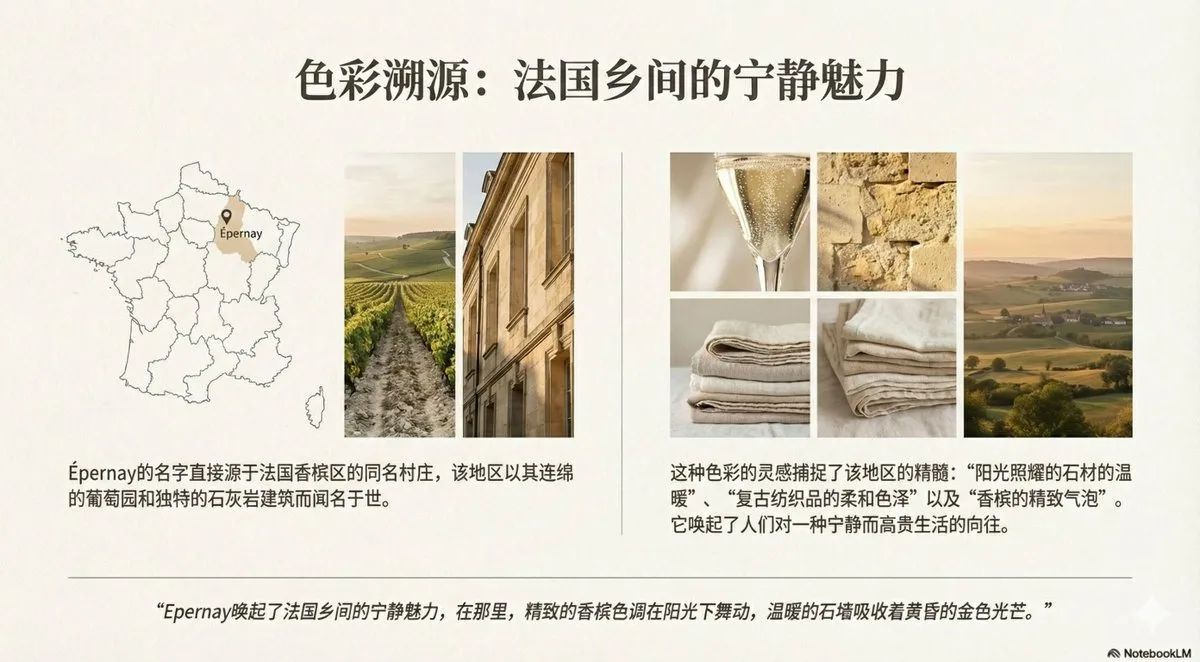
Comparison of two images (before/after) at full scale to inspect the difference in Chinese-font clarity.
Lighting
Suggestion: make a hard-light and a soft-light version separately, then compare before choosing a direction for a steadier result.
Setting
NotebookLM slide-generation workflow context.
Style
Slide-graphic style; NotebookLM-generated slide imagery upscaled and corrected.
Details
NotebookLM is a god-tier knowledge-learning tool and its slides are high quality, but the slide images are 1K (1376x768), so small Chinese body-text strokes break and look unattractive even if readable. Fix: after downloading the image, regenerate it in Gemini with the prompt 'Please regenerate this image at the highest resolution and fix the text errors', then click the icon at the top-right of the image to download the HD version. This yields a 2K version that looks nearly identical but greatly improves Chinese-font clarity, with broken text almost eliminated; zoom in on both images to compare.