 illustration
1:1
illustration
1:1
Contemporary Culinary Poster with Split Food Design
Subject
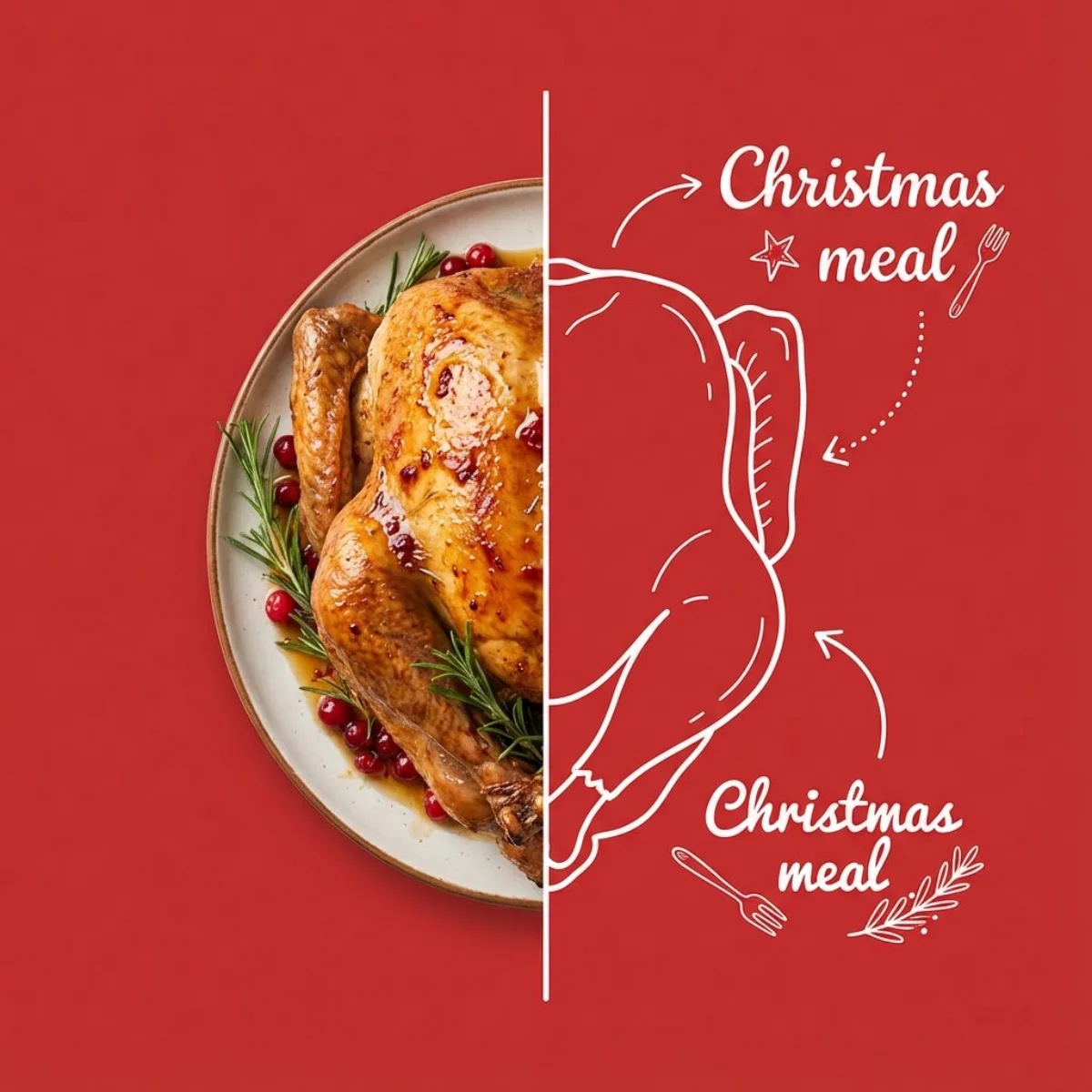
Clean contemporary square culinary poster featuring [FOOD_ITEM] against a flat [BACKGROUND_COLOR] backdrop. The first half displays a hyper-lifelike photograph of the main dish featuring authentic surface details, true-to-life coloring, and organic illumination, precisely trimmed at the midpoint divider. The second half transforms into a minimal outline illustration that mirrors the identical shape and key features of the photographed side, keeping consistent scale and viewing angle. Surrounding the illustrated portion, scatter whimsical white sketched elements and casual handwritten-style typography stating “[LABEL_TEXT]” using matching line thickness—incorporate directional pointers, dynam
Composition
The second half transforms into a minimal outline illustration that mirrors the identical shape and key features of the photographed side, keeping consistent scale and viewing angle.
Lighting
Generous blank space throughout, uniform background tone, balanced diffused studio brightness, minimal shadow presence, contemporary commercial design style, human-free, object-focused composition.
Setting
Clean contemporary square culinary poster featuring against a flat backdrop.
Style
Polished commercial render with brand-ready clarity.
Details
A razor-sharp vertical white divider cuts directly down the middle of the composition, separating the primary subject into equal portions.