 portrait
1:1
portrait
1:1
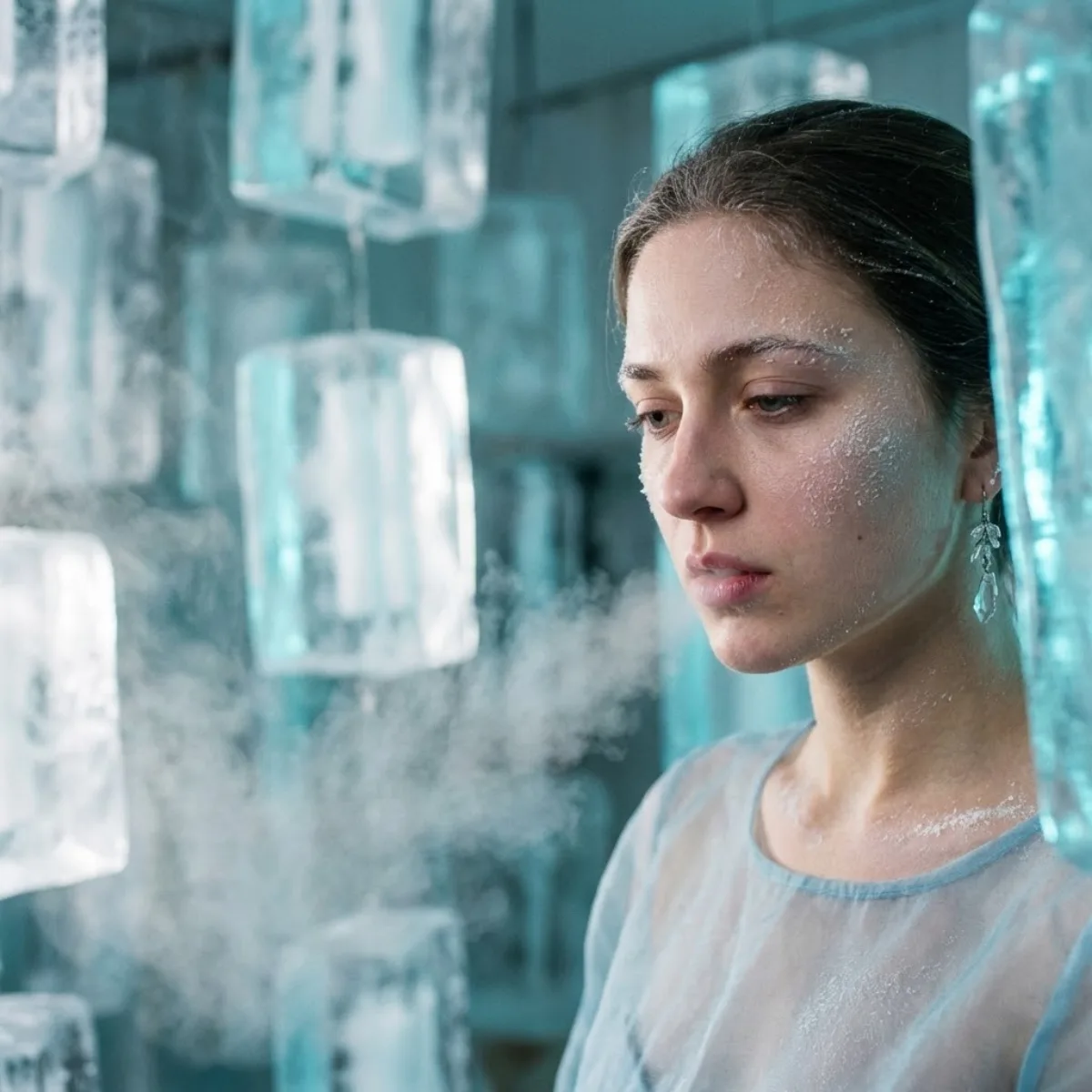
Crystallized Melancholy: Editorial Surrealism Portrait: A Curated Take
Subject
Shot description: {
"vibe_title_en": "Crystallized Melancholy",
"master_prompt": "A hyper-photorealistic, cinematic portrait of The Protagonist captured in a high-concept 'Ice Sculptor's Atelier.' The composition strictly follows the rule of thirds, placing the subject on the far right, leaving vast negative space filled including translucent, suspended blocks of raw ice and freezing mist. Shot on a Hasselblad H6D-100c featuring an 80mm f/1.9 lens for extremely shallow selective focus, focusing sharply on the skin texture while blurring the icy background. The subject is looking down and away including a soft, vulnerable expression, captured in the fragile moment of exhaling, including a
Composition
Rule of Thirds, High Negative Space.
Lighting
Lighting involves cool cyan ambient light passing through the ice blocks to create volumetric rays, contrasted with a mild, focused white beam on the face.
Setting
Shot on a Hasselblad H6D-100c featuring an 80mm f/1.9 lens for extremely shallow selective focus, focusing sharply on the skin texture while blurring the icy background.
Style
Master_prompt": "A hyper-photorealistic, cinematic portrait of The Protagonist captured in a high-concept 'Ice Sculptor's Atelier.
Details
Premium finish — clean edges, true-to-life shadows, color-graded contrast.