 portrait
2:3
portrait
2:3
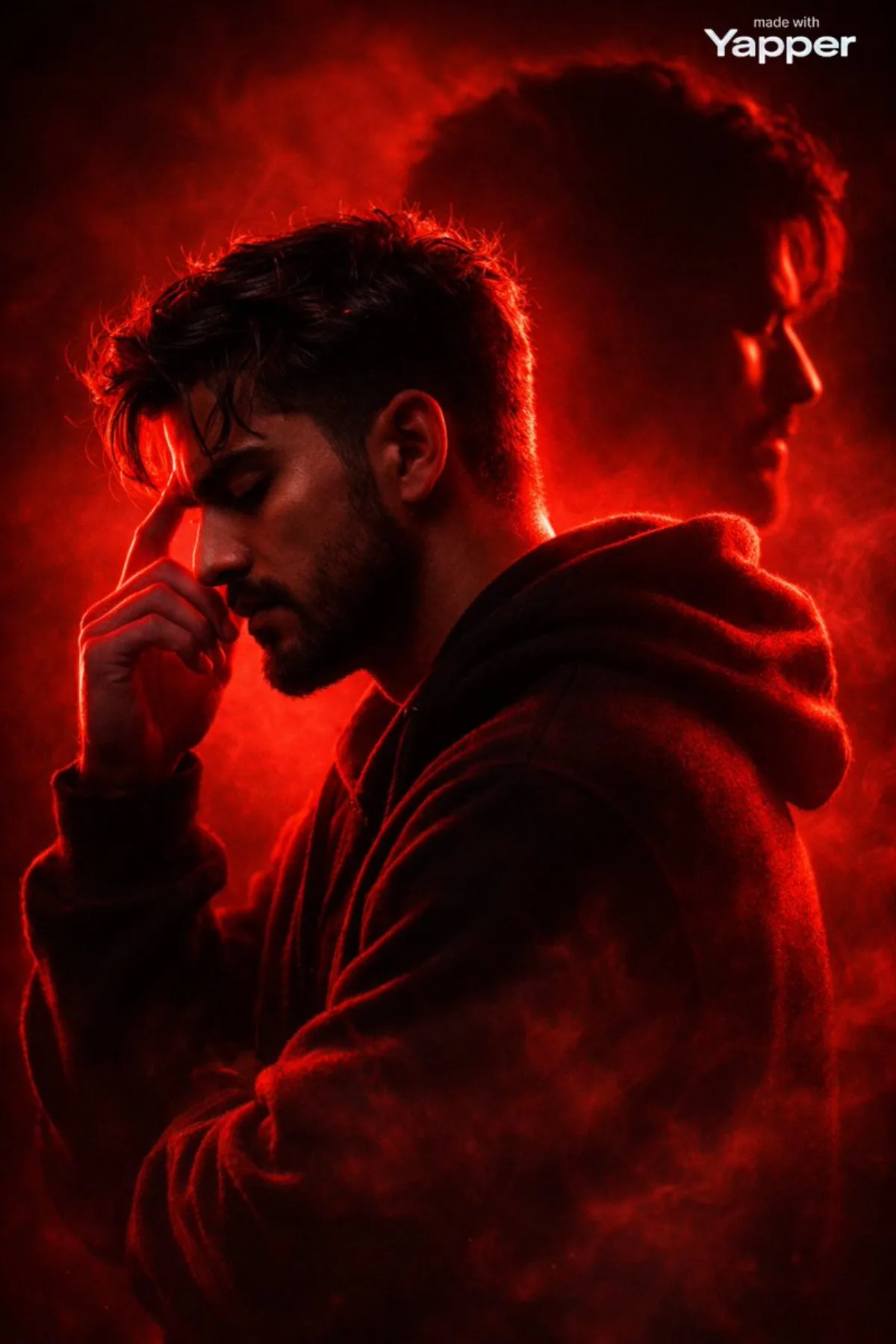
Dramatic Red Silhouette Portrait with Double Exposure: A Stylized Take
Subject
Composition idea: generate an Ultra-cinematic striking red silhouette portrait of a young man in side profile, captured from the shoulders up, standing in a contemplative pose. The background is minimalistic and atmospheric, consisting of a smooth red-to-dark gradient with soft volumetric haze and drifting smoke particles surrounding the figure. A radiant red backlight outlines the man’s silhouette, producing radiant rim light along his hair, face profile, beard, and hoodie edges. The layered composition creates depth and visual storytelling. The front of the figure remains mostly in shadow, creating a deep black silhouette with subtle red highlights. This secondary silhouette is slightly bl
Composition
Composition idea: generate an Ultra-cinematic striking red silhouette portrait of a young man in side profile, captured from the shoulders up, standing in a contemplative pose.
Lighting
The background is minimalistic and atmospheric, consisting of a smooth red-to-dark gradient with soft volumetric haze and drifting smoke particles surrounding the figure.
Setting
Seamless background in a neutral palette for visual focus.
Style
Editorial photographic style with cinematic color grading.
Details
Photographic-grade depth of field with subtle bokeh in the background.