 illustration
1:1
illustration
1:1
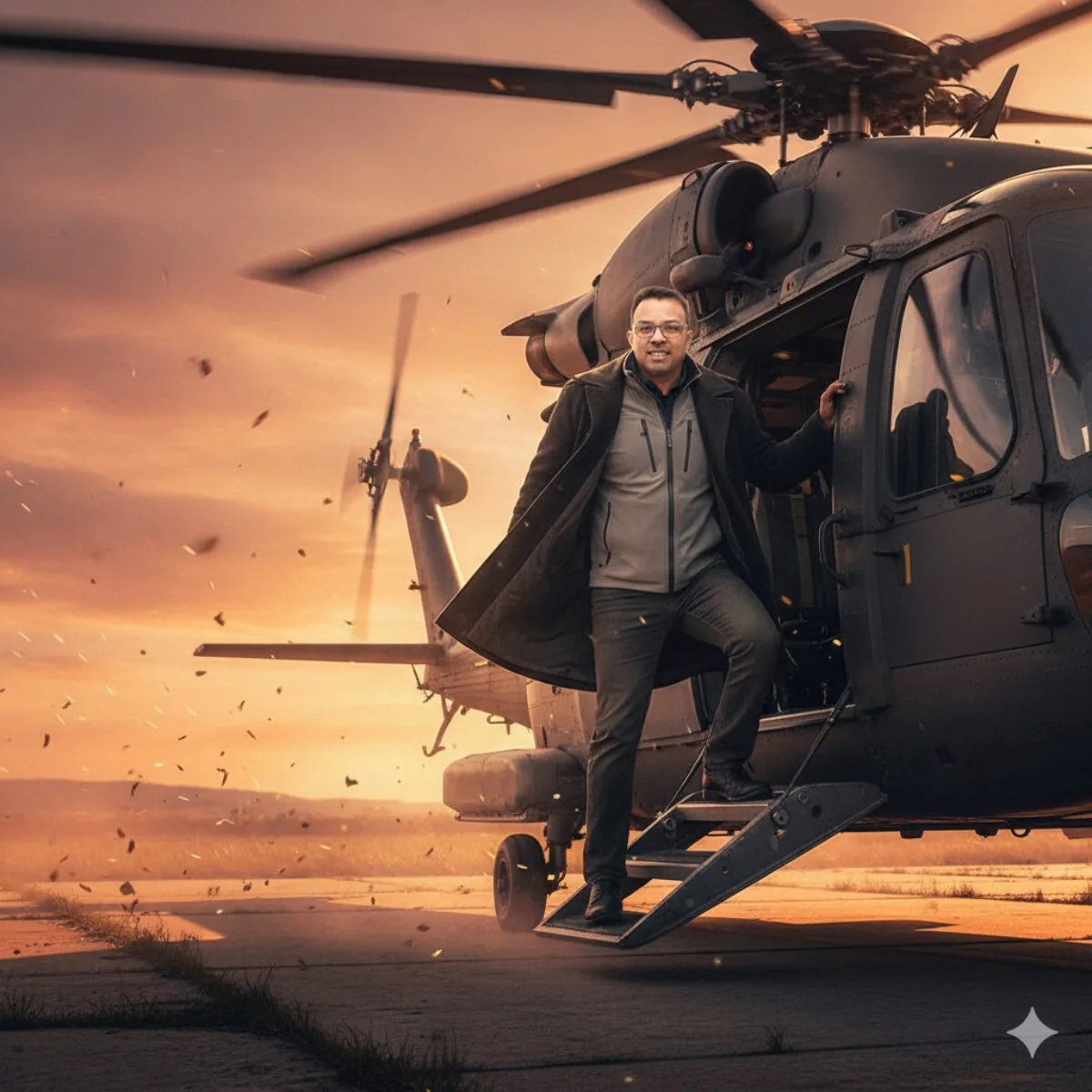
Modern Elite Operative Boarding Helicopter at Golden Hour
Subject
Concept: seja do fiel e Mantenha 100% do rosto da imagem, não mude nada, não altere nada, A cinematic, ultra-realistic image of a confident, with the same face as the uploaded image, entering a powerful helicopter on a windswept airstrip during golden hour. His expression is firm and fearless, as if he is an elite operative embarking on a high-risk mission. One foot is firmly placed on the boarding ramp, while one hand grips the edge of the hatch. that reflect the fiery sky. He is wearing a coat layered featuring a light grey techwear jacket that billows dramatically in the rotor wash from the spinning blades. Dust, sparks, and dry leaves swirl dramatically around him from the helicopter's e
Composition
Three-quarter angle with the subject slightly off-center for visual interest.
Lighting
Moody low-key lighting with selective highlights on the focal area.
Setting
That reflect the fiery sky.
Style
Hyper-realistic finish leaning toward magazine cover aesthetic.
Details
Sharp focus on the subject with refined fabric, skin, or surface detail.