 portrait
3:4
portrait
3:4
High-Fashion Studio Portrait with Dramatic Lighting (Curated)
Subject
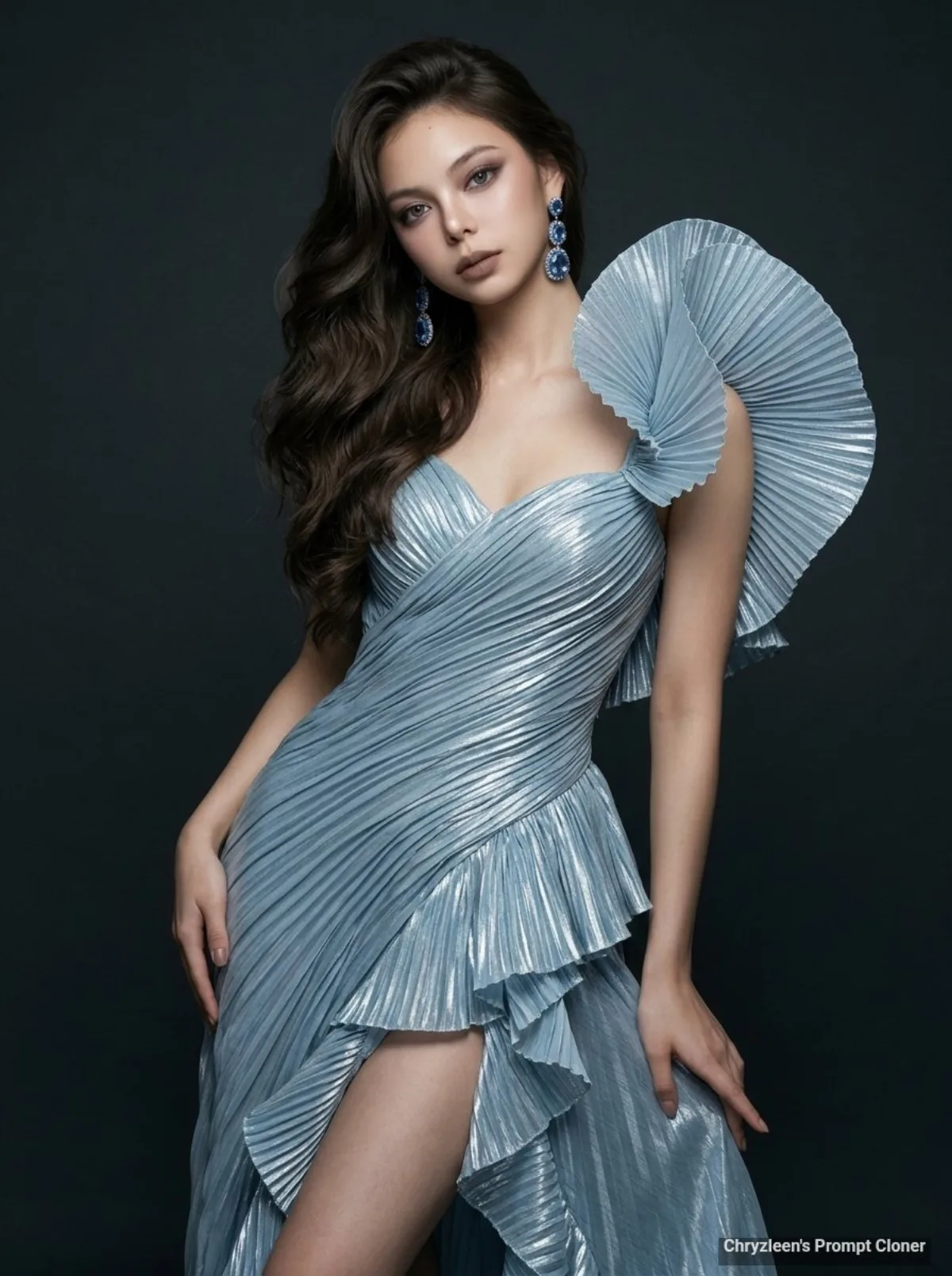
Create image: Use the attached reference image as a visual guide for the character’s appearance, maintaining strong resemblance to the person in the reference. She wears an architectural couture gown made of shimmering, pleated icy-blue metallic lamé that catches the light along every sharp ridge. Her voluminous dark brown hair is styled in dramatic, cascading curls swept heavily to one side, creating an asymmetrical flow of texture and deep shadows. The skirt includes a wrap-around front featuring a high thigh-level slit, bordered by vertical cascading ruffles that suggest mid-motion fluidity. Her skin is depicted with microscopic detail, showcasing a radiant glass-skin finish featuring vis
Composition
Shot on a Phase One XF including a Schneider-Kreuznach 80mm f/2.
Lighting
Her skin is depicted with microscopic detail, showcasing a radiant glass-skin finish featuring visible pores and a healthy glow on her exposed shoulders and collarbone.
Setting
The lighting is professionally executed including a primary softbox from the front-side creating gentle shadows under the jawline and deep, movie-quality contrast against a minimalist, dark charcoal…
Style
Preserve key visual traits such as facial structure and overall proportions, while allowing small authentic variations typical of real photography.
Details
She wears an architectural couture gown made of shimmering, pleated icy-blue metallic lamé that catches the light along every sharp ridge.