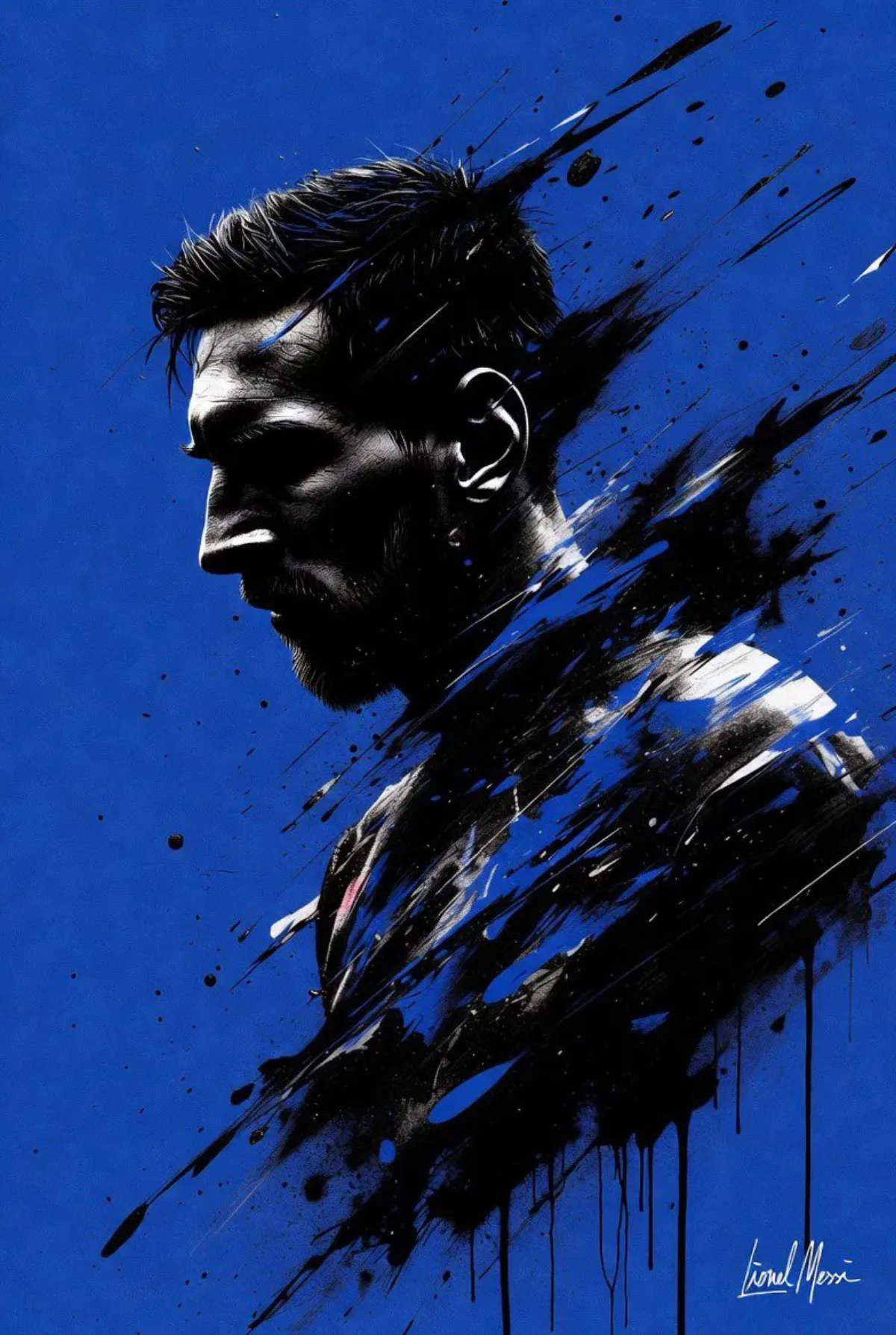
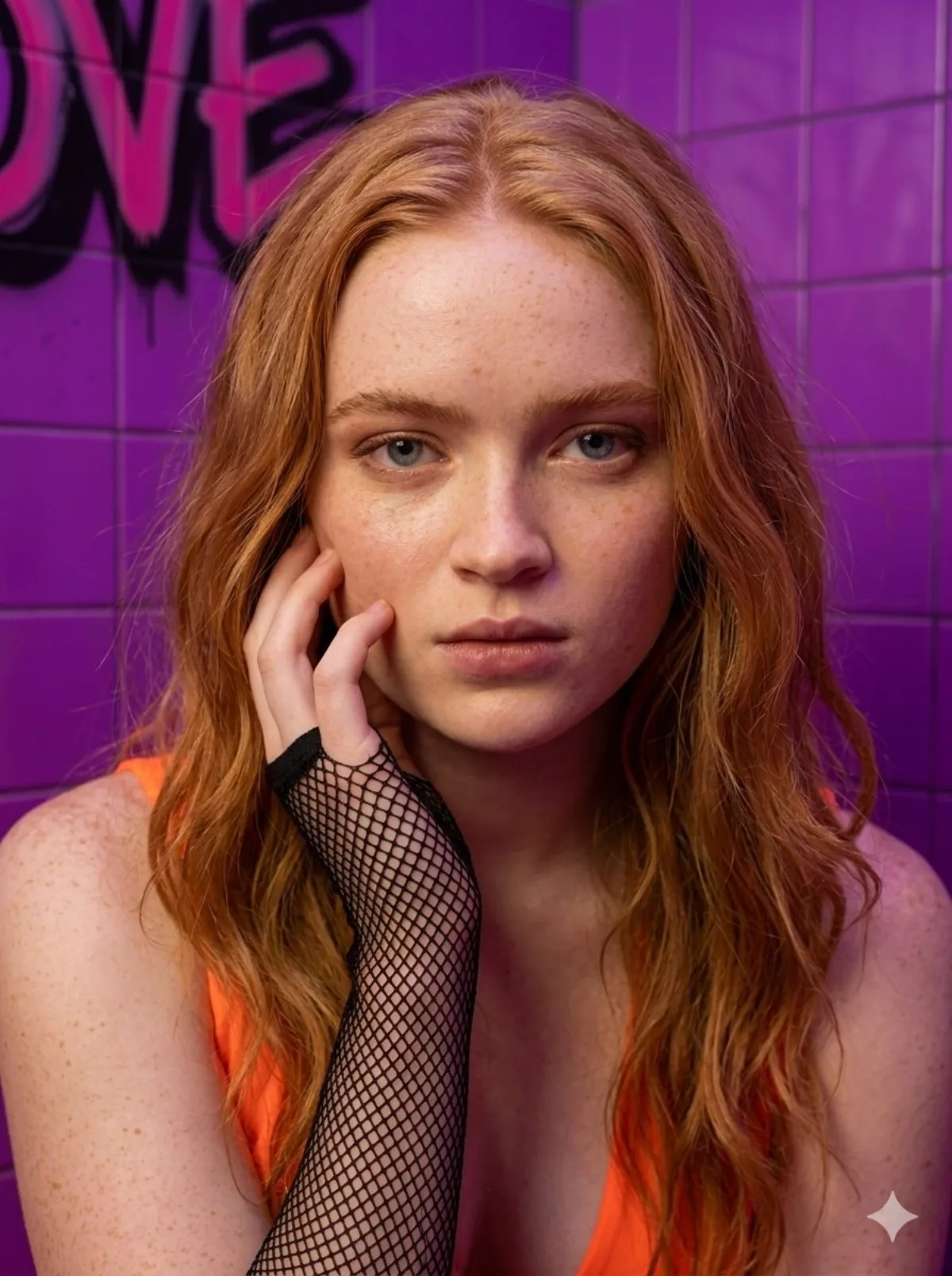
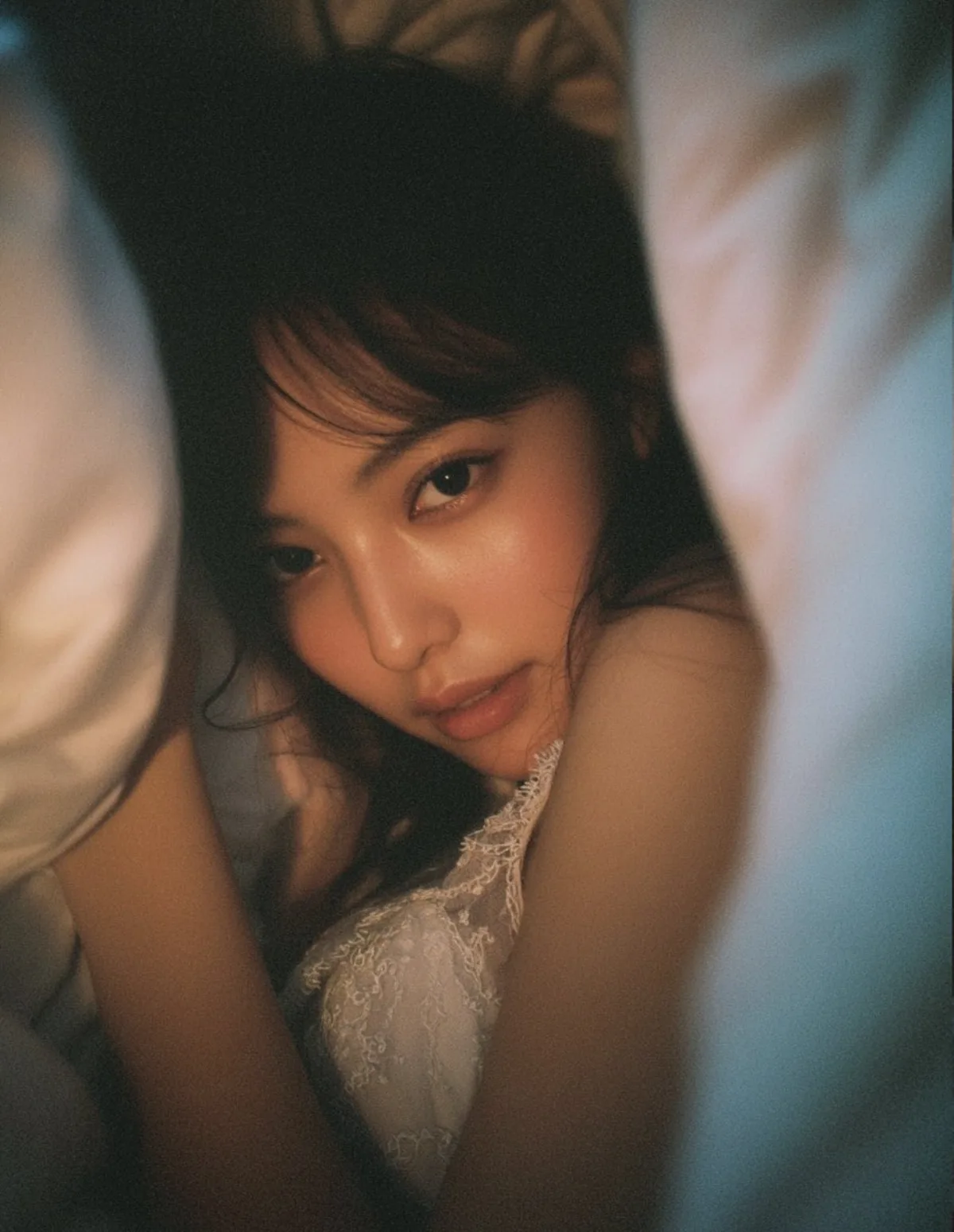
 portrait
16:9
portrait
16:9
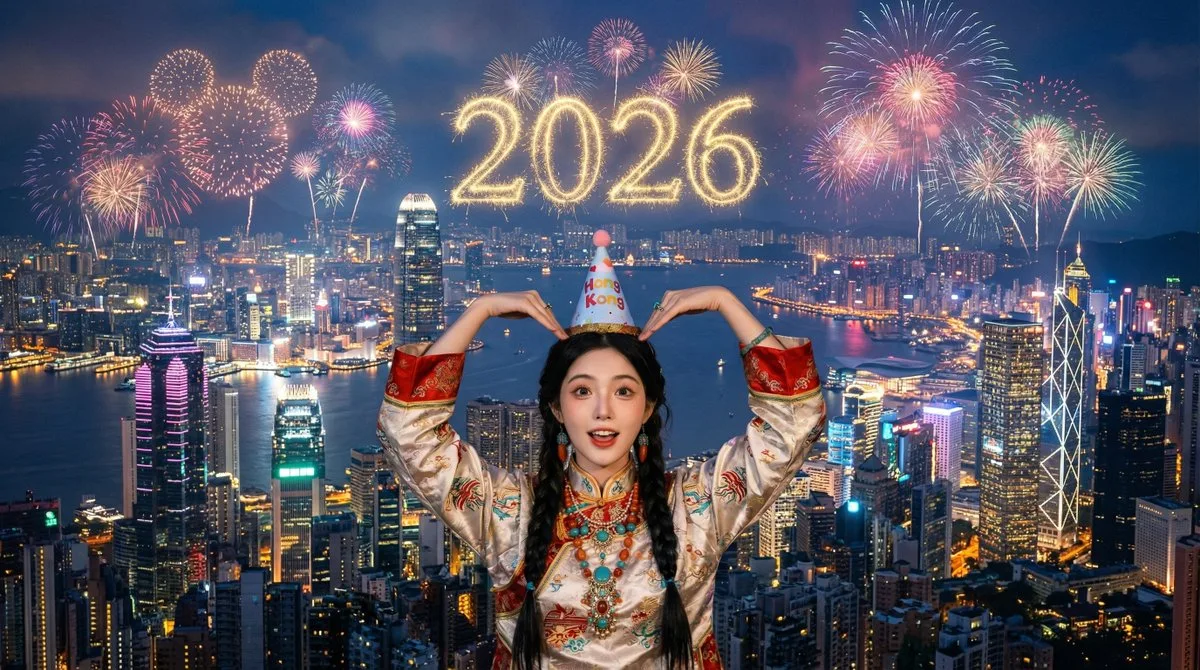
A Curated New Year City Skyline Celebration
Subject
A child, based on the uploaded reference, standing atop a towering mountain peak overlooking a city skyline, wearing a whimsical party hat and festive attire echoing the target city's culture or landmarks; supports custom action and front/back orientation.
Composition
A stunning cinematic shot with a bird's-eye long-shot composition, camera at a 60-degree angle to the figure so the person does not block the city night view, fully revealing the magnificent skyline; supports reference-based character customization, viewpoint switching (front/back), and custom actions.
Lighting
Spectacular Disney-style fireworks lighting up the whole sky, with cinematic film grain.
Setting
A breathtaking target-city night skyline (default: Shanghai night view with the Oriental Pearl Tower, the Bund and the winding Huangpu River; example: Hong Kong's Victoria Harbour) under a starry sky; giant glittering gold fireworks spell out '2026' clearly at the center; sky lit by a spectacular Disney-style fireworks display featuring Mickey-Mouse-shaped fireworks, fairytale-soft colors, sparkling magic dust and dreamy cascading sparks.
Style
8K resolution, photorealistic, cinematic film grain; dreamy, grand and hopeful mood with highly detailed cityscape.
Details
Usage: upload a character reference image plus the prompt and change the last two sentences. Variables: target_city (city name and main landmark), target_city_short (short keyword for outfit matching), city_fireworks_effect (firework style/shape/color/mood), view_orientation (default 'back silhouette'; recommended 'back silhouette' or 'front with a wondering smile'), character_action (default: both hands raised overhead and opened to the sky, body leaning slightly back, full of wonder and excitement). Outfit must match the background city; action: hands over shoulders making a heart. Suggestion: swap the background to a brand's primary color for campaign-ready marketing material.