 illustration
9:16
illustration
9:16
Hero Photorealistic Digital Scrapbook Collage Birthday Card
Subject
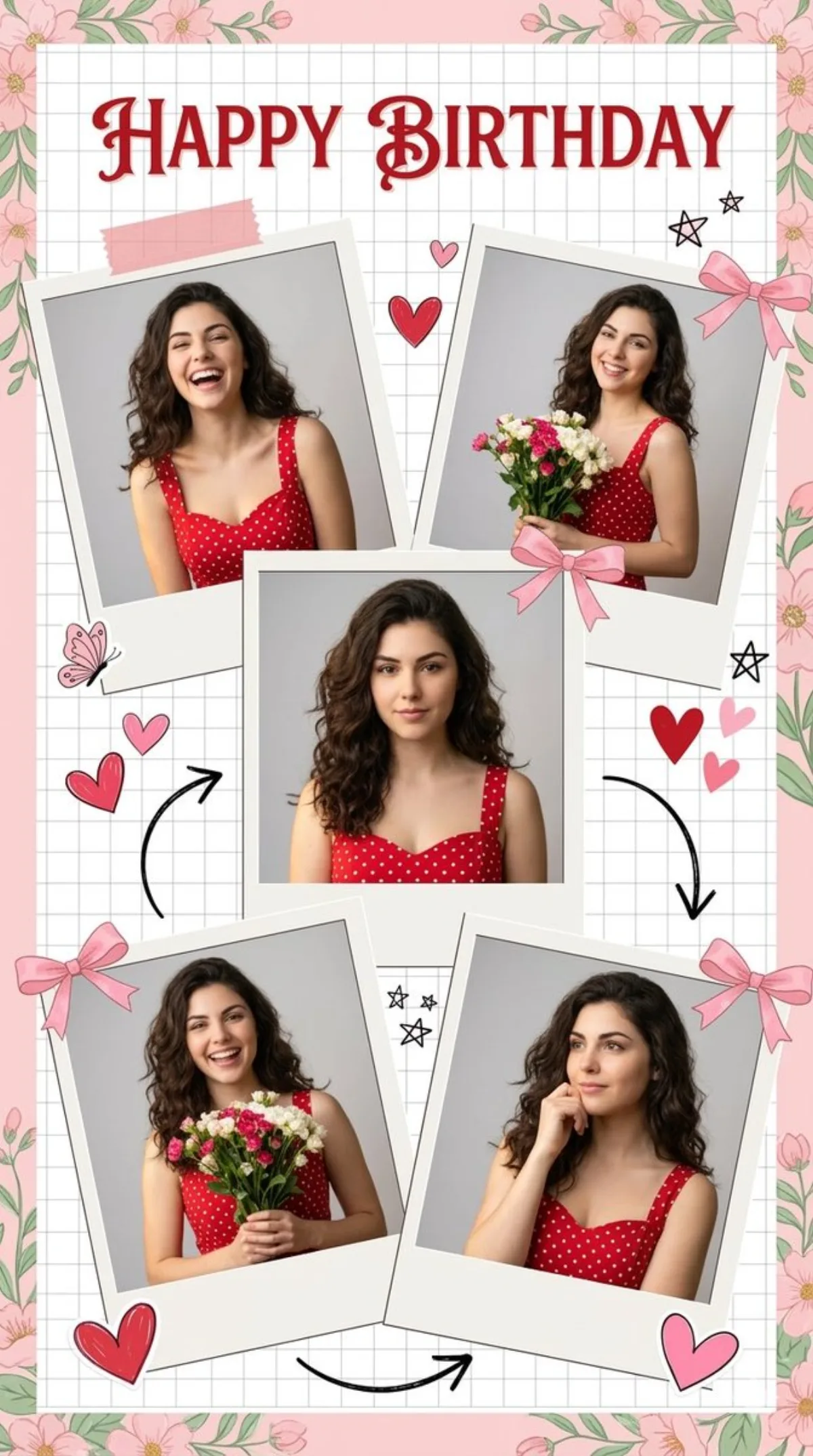
Scene: use the uploaded photo as the ONLY facial reference. Graceful powerful red cursive text reading "{argument name="text" default="HAPPY BIRTHDAY"}" on The top of the collage. Center a square portrait, surrounded by four tilted Polaroid-style photos showing her in various poses. Face must remain identical to reference. A high-resolution, photorealistic digital scrapbook collage featuring five photos of a woman alongside long wavy dark hair wearing a red sleeveless sweetheart-neckline dress alongside white polka dots. Use diffused, inviting natural lighting against light gray backgrounds within the photos. Set the layout on a white grid paper background framed by pastel pink and green flo
Composition
Center a square portrait, surrounded by four tilted Polaroid-style photos showing her in various poses.
Lighting
Use diffused, inviting natural lighting against light gray backgrounds within the photos.
Setting
Atmospheric environment that complements the subject without distraction.
Style
Editorial photographic style with cinematic color grading.
Details
Create a cheerful, nostalgic, and romantic mood with sharp fabric textures and highly detailed features, vertical portrait, 4K quality.