 portrait
1:1
portrait
1:1
Plum Blossom in the Snow: A Crafted Take
Subject
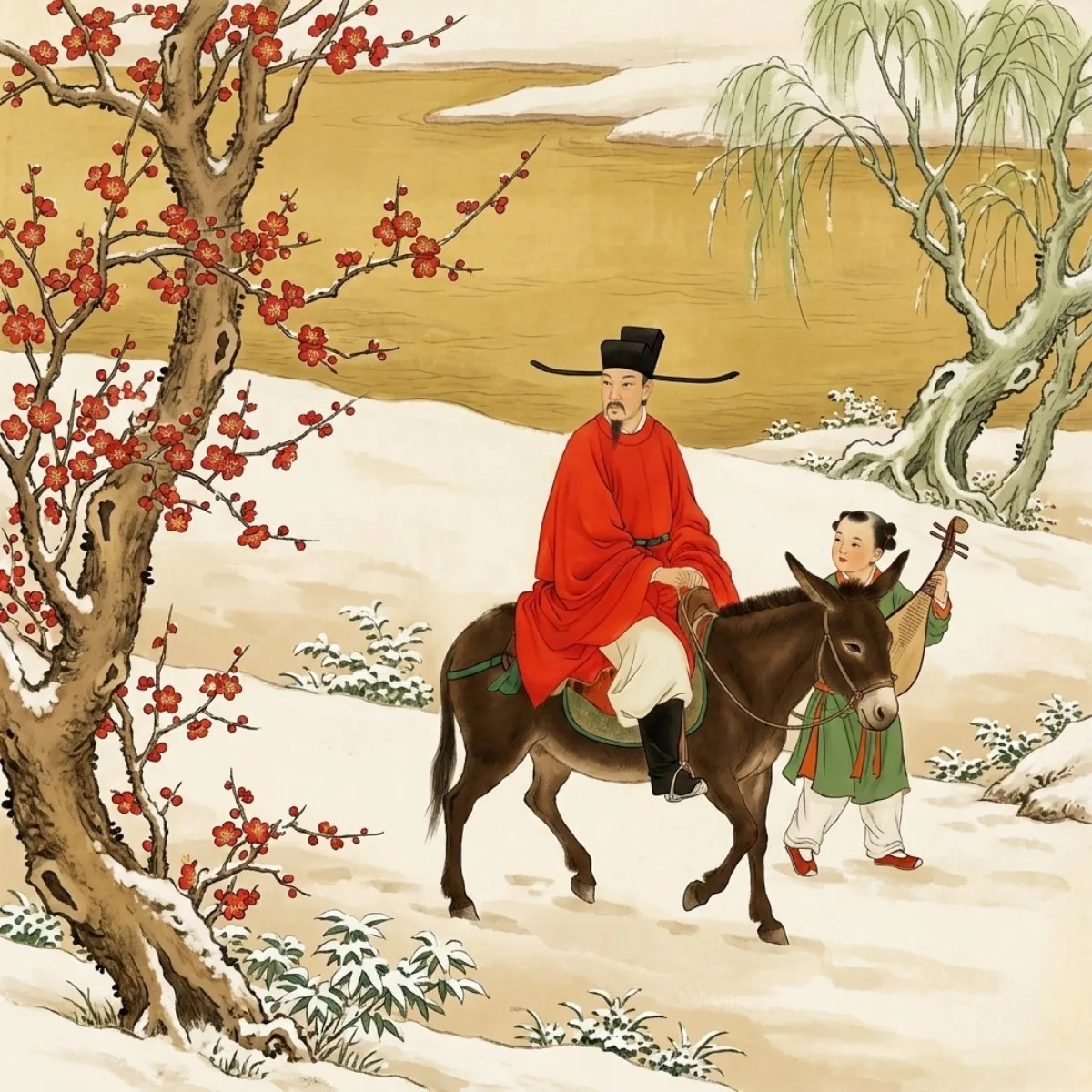
A scholar riding sidesaddle on a small donkey, serene and at ease, followed by a young attendant carrying a pipa, on a journey through the snow seeking plum blossoms.
Composition
Aspect ratio 16:9; the scholar on the donkey leads in front with the boy following behind; the upper third dominated by a broad ochre-yellow river running horizontally, contrasting with the snowy ground below; well-placed negative space; variation idea: render the same composition in an illustration style for social cards and a realistic version for e-commerce detail pages.
Lighting
Soft natural light over a freshly cleared snowscape; gentle, atmospheric.
Setting
A snow scene just after heavy snow, white ground washed with a warm pale beige tint; an aged, thick ancient plum tree (branches #A78350) with full cinnabar-red blossoms (#BE2D14) and yellow stamens, plus a pale-green weeping willow signaling late winter to early spring.
Style
New-Chinese ink painting picture-book in boneless (Mogu) style, with the painterly clumsy-yet-skilled brush feel and rice-paper texture, low-saturation mineral colors, minimalist negative space.
Details
Scholar wears a black zhanjiao futou (long flat side-wings), a wide cinnabar-red robe (#E43818), white trousers tucked into black high boots; donkey is dark brown (#563818), plump, walking gently; attendant wears a grass-green outer robe (#739D68), red-orange lining (#E06324), white trousers, small red shoes (#B72E15); all forms built purely from color tonal transitions with no outlines; aged paper renders a faintly yellowed antique tone.