 illustration
2:3
illustration
2:3
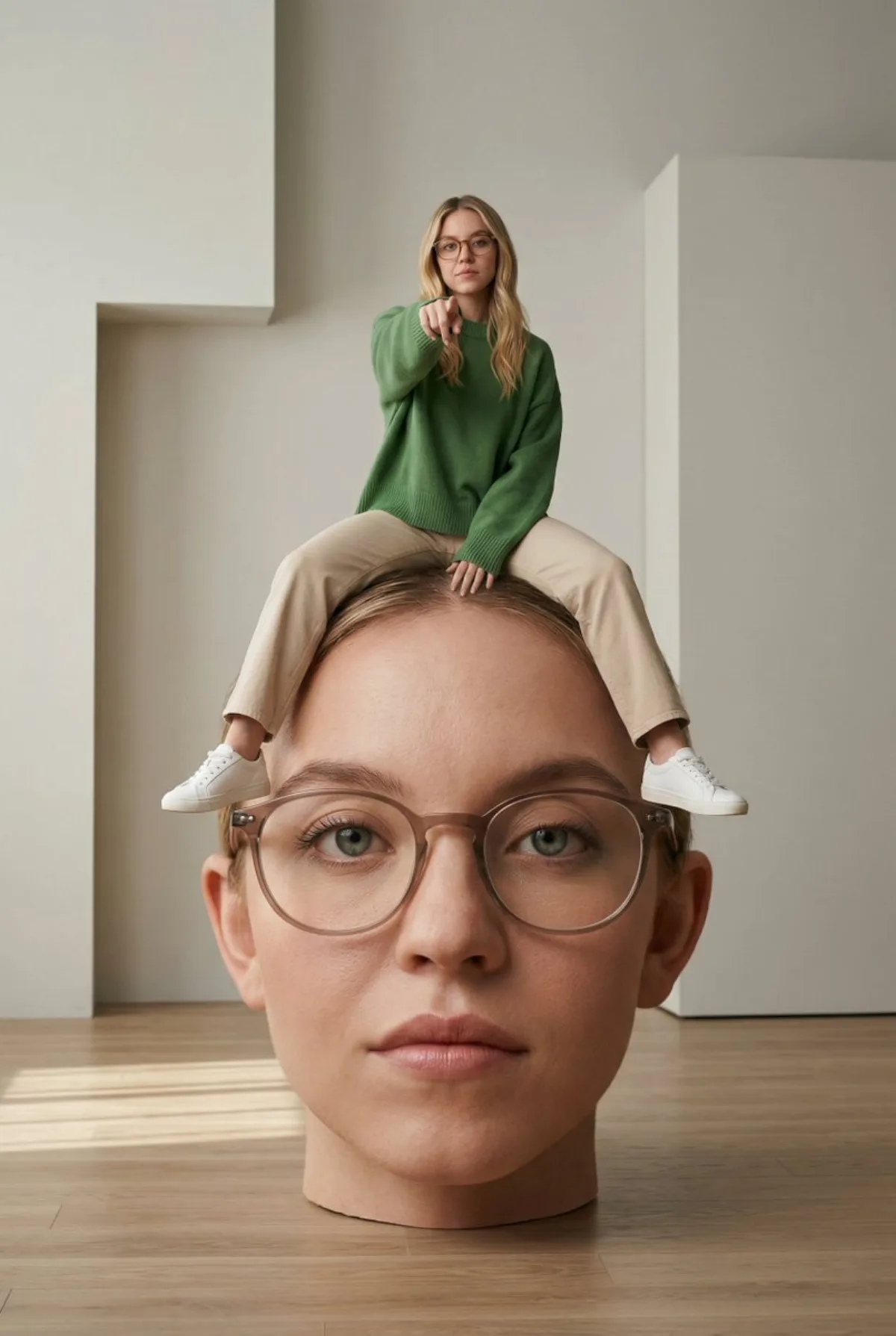
Surreal Interior with Oversized Head and Figure (Modern)
Subject
Visualization: surreal conceptual scene including scale distortion, pared-back contemporary interior featuring soft unforced light, wooden floor and clean angular wall shapes, subject sitting casually alongside legs apart on top of an oversized lifelike human head placed on the floor, wearing casual outfit ({argument name="outfit description" default="green oversized sweater, beige pants, white sneakers"}), using exact face and identity from reference image for both body and oversized head, head highly detailed and lifelike featuring glasses and skin texture, body slightly cropped at neck creating surreal effect, subject pointing forward confidently, balanced composition, soft shadows, neutr
Composition
Wide editorial framing that gives the scene room to breathe.
Lighting
Soft diffused key light with subtle rim separation, balanced shadow falloff.
Setting
Surreal Interior with Oversized Head and Figure (Modern.
Style
Hyper-realistic finish leaning toward magazine cover aesthetic.
Details
Premium finish — clean edges, true-to-life shadows, color-graded contrast.