 illustration
2:3
illustration
2:3
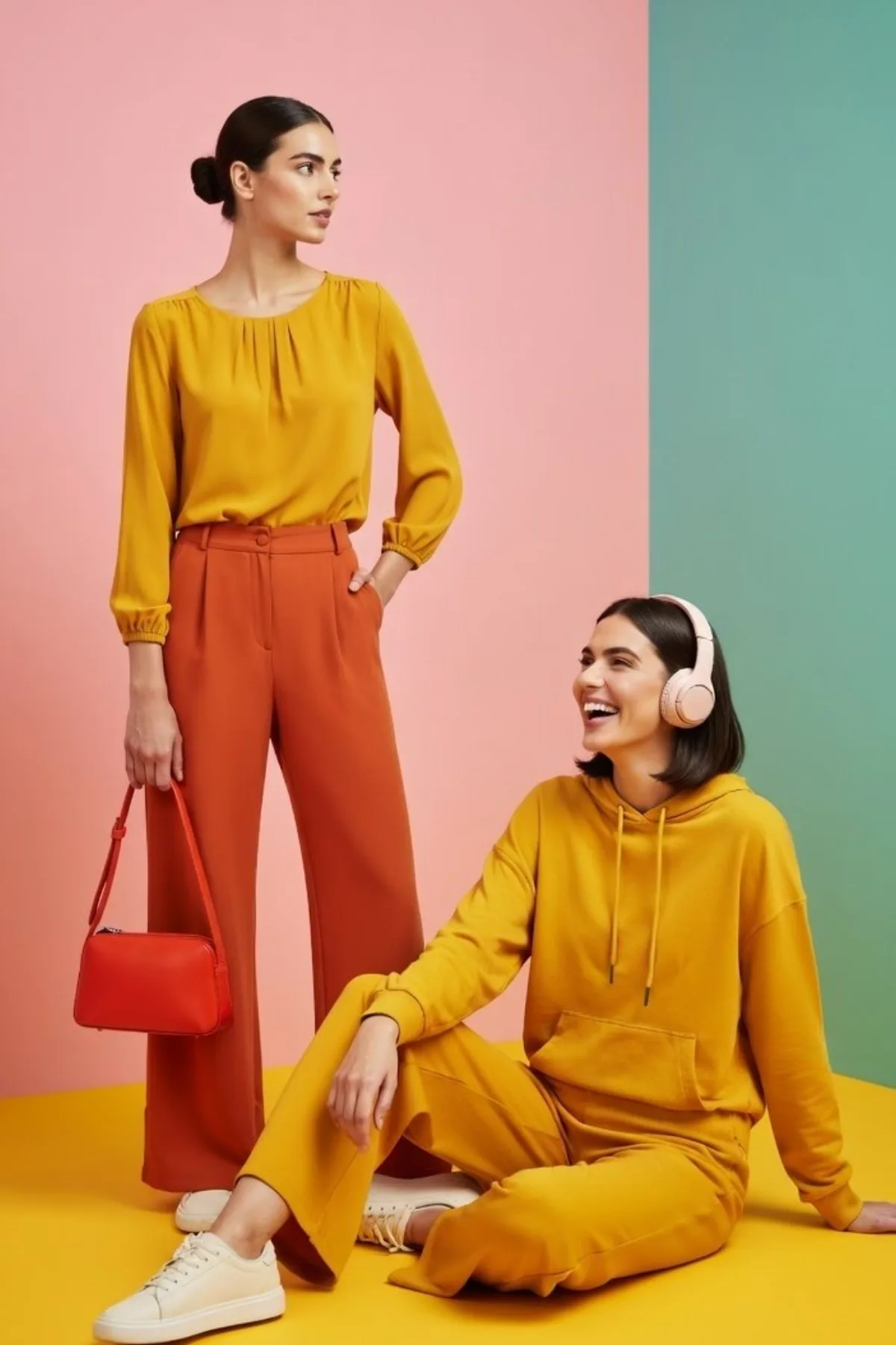
Three-Panel Fashion Collage with Bold Colors - Crafted Style
Subject
A high-resolution three-panel collage including a clean-lined editorial aesthetic. The layout features one full-height vertical panel on the left and two equal square panels stacked vertically on the right, separated by thin white borders. The color story is a powerful mix of candy pink, bright yellow, and soft teal. Left panel: A full-body shot of a woman in a {argument name="top color" default="mustard yellow"} blouse and {argument name="bottom color" default="terracotta"} wide-leg pants holding a red handbag against a solid pink background. Top right panel: A woman sitting on a yellow floor against a teal and pink geometric backdrop, wearing a yellow hoodie and headphones, smiling. Bottom
Composition
A high-resolution three-panel collage including a clean-lined editorial aesthetic.
Lighting
Premium commercial photography, studio lighting, crisp focus, vibrant saturation, 8k resolution.
Setting
Left panel: A full-body shot of a woman in a blouse and wide-leg pants holding a red handbag against a solid pink background.
Style
Hyper-realistic finish leaning toward magazine cover aesthetic.
Details
Carefully tuned color palette and lighting to keep brand mood consistent.