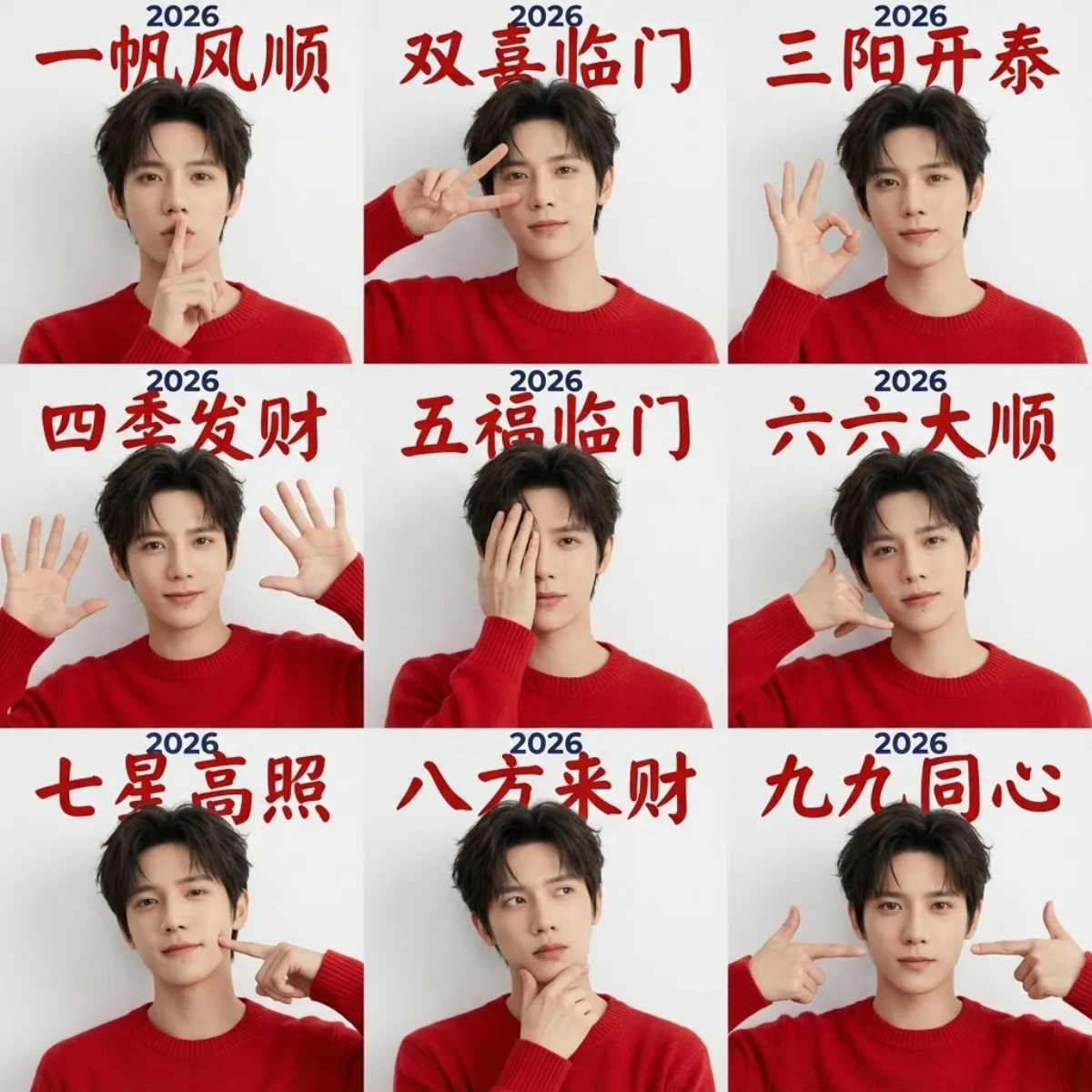
Year of the Horse Nine-Grid Boy Avatars portrait 1:1

Year of the Horse Nine-Grid Boy Avatars

Intermediate portraitminimalisttypographyillustration
Subject
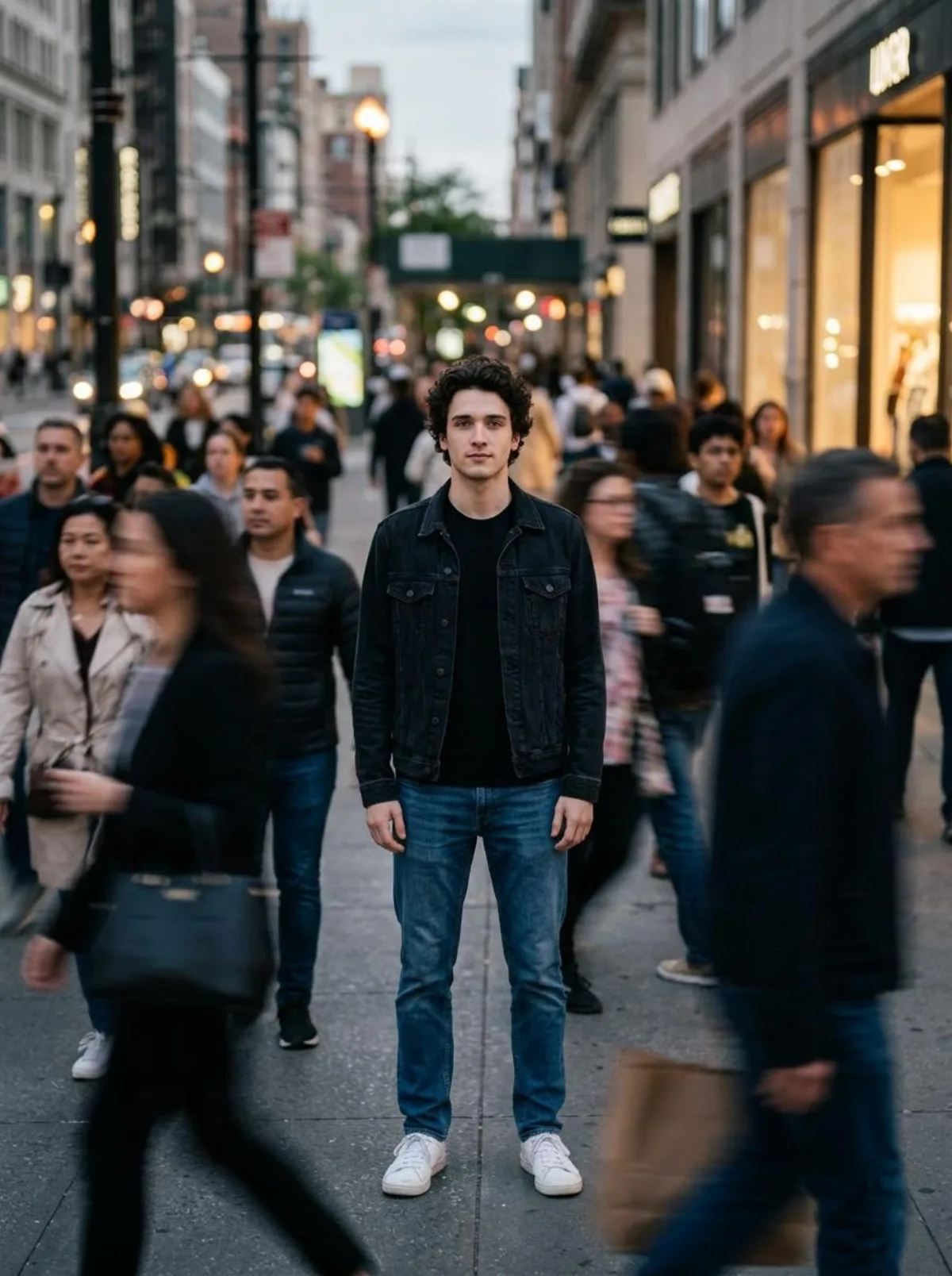
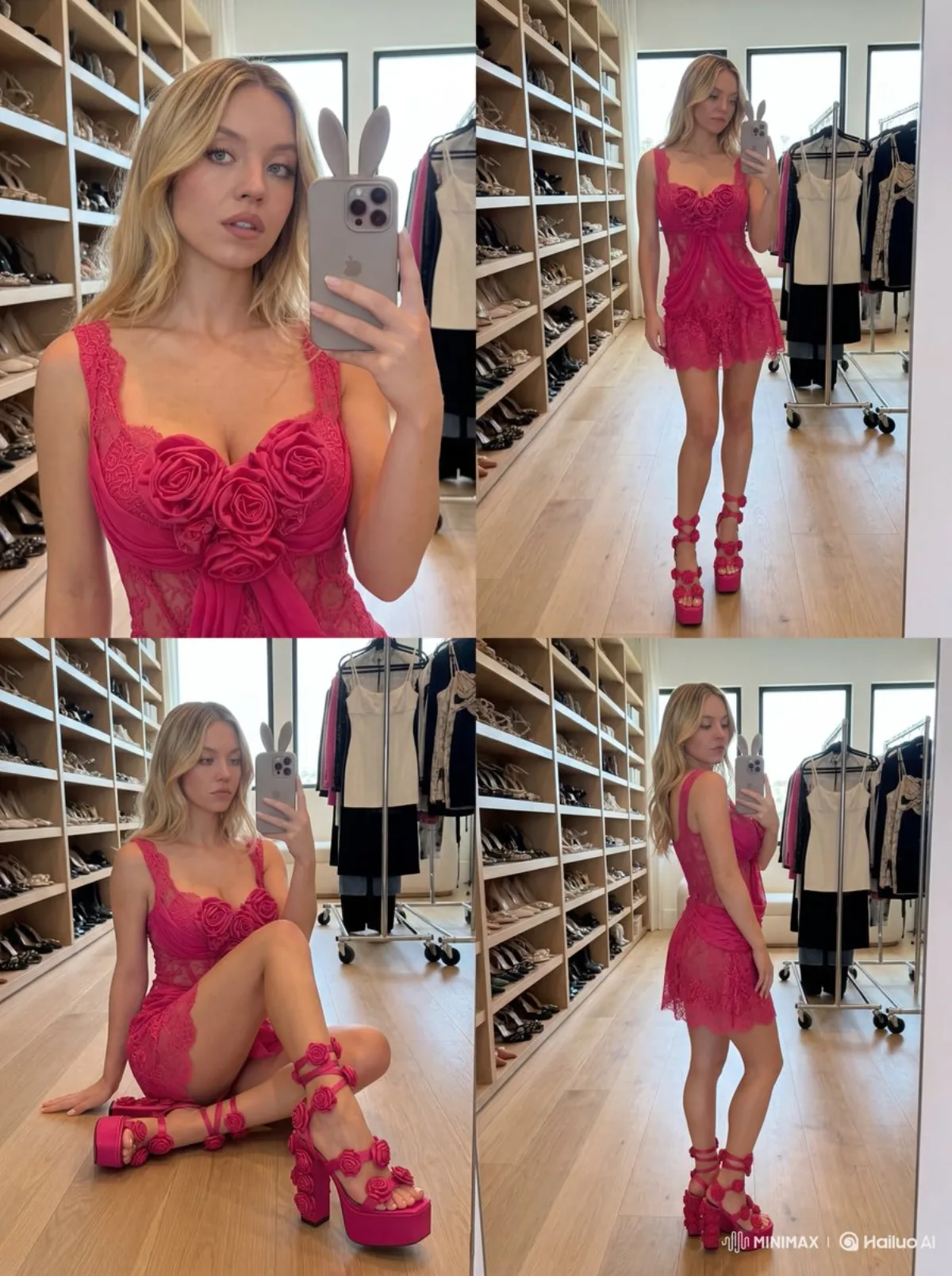
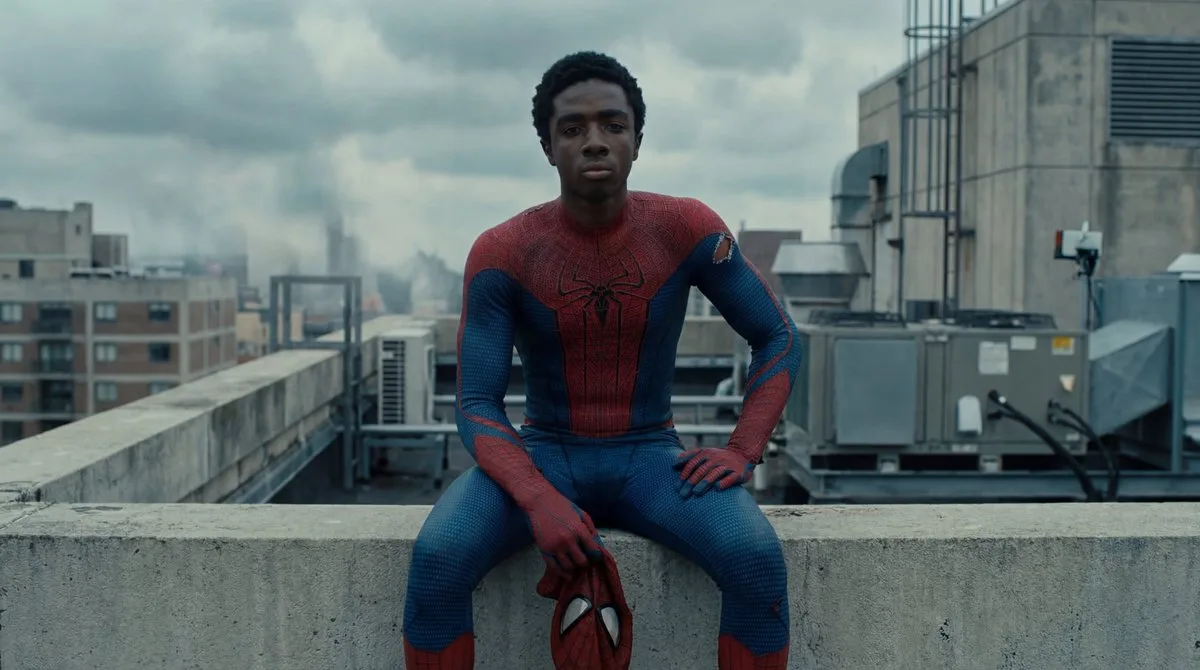
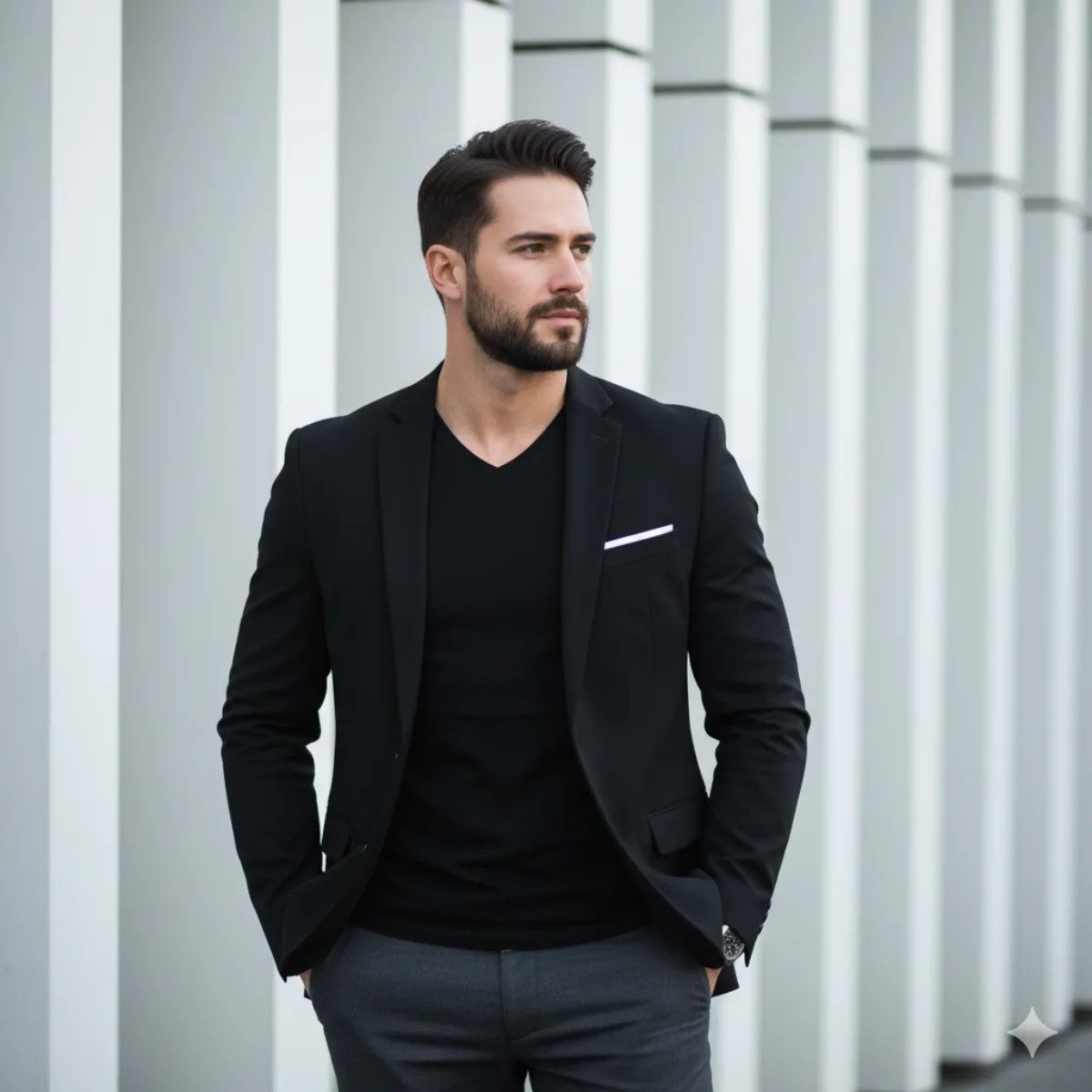
九宫格新年祝福肖像(男生版) | 极简新年祝福风 | 干净、温和、克制的节日感 | 纯色白墙面,无装饰 | 自然柔光,均匀无强阴影 | 中国红(服装 + 文字) | 九宫格内为同一位人物 | 干净、阳光、自然,不油腻 | 黑色短发,自然蓬松,简洁利落 | 红色针织毛衣或卫衣,简洁无图案 | 无明显妆感,真实自然肤质 | 开心,克制的微笑,不夸张 | 食指竖于嘴前,轻松安静手势 | 单手比 V 手势靠近脸部 | 单手做 OK 或三指手势 | 双手举起做轻松俏皮手势(不过度卖萌) | 单手张开遮住半边脸 | 单手做电话手势靠近脸侧 | 单手轻点脸颊或下巴 | 单手托下巴,轻微思考姿势 | 双手指向脸部或克制比心变体 | 传统中文新年书法字体 | 每一格顶部居中 | 四字祝福语 + 年份 | grid_1 | grid_2 | grid_3 | grid_4 | grid_5 | grid_6 | grid_7 | grid_8 | grid_9 | 不改变人物身份 | 不女性化姿态 | 不使用复杂背景 | 不添加节日道具 | 不风格化面部 | 人物脸型五官保持完全一致 | 服装颜色与材质一致 | 拍摄角度与距离基本一致 | 男生新年纪念照 | 个人春节祝福九宫格 | 社交平台头像矩阵 | 品牌新年男生模板. Use case: pair this with a hero-shot variant for an end-to-end product page.
Composition
Lighting
Setting
Style
Details

How to Use This Prompt

Get from copy-paste to final image in 4 quick steps.

1
Copy the prompt
Hit the 📋 Copy button above — your clipboard now has the full prompt, with the tip text auto-stripped.
2
Replace any placeholders
Look for bracketed terms like [SUBJECT], [BRAND COLOR], or {style}. Swap them with your specifics for best results.
3
Pick your aspect ratio
This prompt was tested at 1:1. Square (1:1) works well for social, 9:16 for stories, 16:9 for hero banners.
4
Generate in your favorite model
Paste into Nano Banana 2, GPT Image 2, Midjourney, Flux 2 or DALL-E. Each model interprets it slightly differently — try 2-3 to pick the winner.

Compatible AI Models

This prompt is tested and works well across these models. Click any badge to learn more.

Variation Ideas

Mini tweaks to make this prompt fit YOUR brand or story:

Try the same composition at three aspect ratios (1:1, 4:5, 16:9) to see which framing tells the story best.
Swap the main subject for your own product, character or brand identity while keeping the lighting + style intact.
Switch the lighting (golden hour ↔ studio softbox ↔ blue hour ↔ neon night) to dramatically change the mood.
Add a single style modifier at the end — e.g. 'shot on 85mm', 'film grain', 'editorial Vogue style', 'cinematic anamorphic'.

Frequently Asked Questions

Which AI model produces the best result for this prompt?
All four major models (Nano Banana 2, GPT Image 2, Midjourney v7, Flux 2) can render this prompt well. Nano Banana 2 excels at character consistency and text. GPT Image 2 is strongest at multi-element scenes with text. Midjourney has the most painterly artistic style. Flux 2 is the best open-source option.
Can I use this prompt for commercial work?
Yes — every prompt on AI Image Free is free for commercial use. The reference image is AI-generated and serves as visual inspiration. The actual image you generate using this prompt is owned by you (subject to your chosen AI model's terms of service).
How do I customize this prompt for my own brand?
Look for bracketed placeholders like [SUBJECT], [COLOR], [BRAND]. Replace those with your specifics. You can also append your own style descriptors at the end (e.g. 'in our brand colors #FF6B35 and #2D3142') for a branded version.