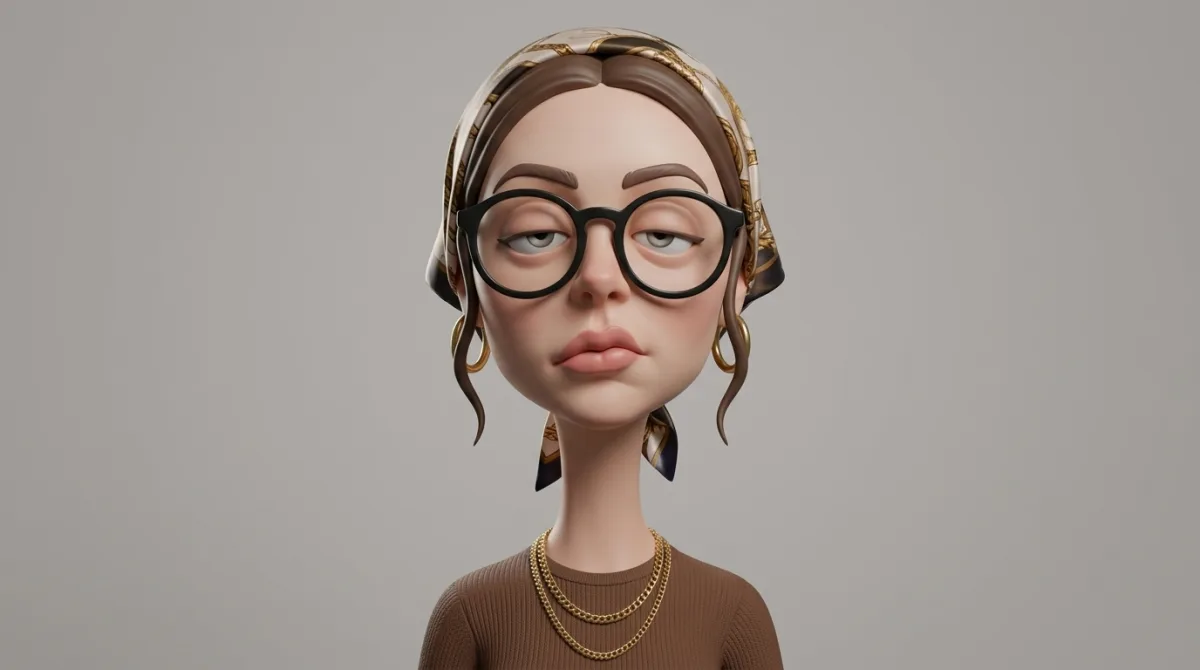
 character
16:9
character
16:9
Studio-Lit 3D Caricature Portrait
Subject
Produce an exaggerated stylized 3D caricature character portrait with strong intentional deformation and a clean, controlled surface finish. Employ neutral studio lighting with tender shadows and even illumination, no dramatic contrast, against a plain neutral grey or off-white background. Preserve the subject’s identity, facial likeness, skin tone, and defining features, but reinterpret them into a bold caricatured 3D form with an elongated neck, oversized head-to-neck ratio, droopy eyelids, heavy lips, and slightly asymmetrical facial structure.Render as a human-like 3D character including smooth, studio-clean skin and intentionally designed detail, avoiding random texture or noise. The ov
Composition
Produce an exaggerated stylized 3D caricature character portrait with strong intentional deformation and a clean, controlled surface finish.
Lighting
Employ neutral studio lighting with tender shadows and even illumination, no dramatic contrast, against a plain neutral grey or off-white background.
Setting
Atmospheric environment that complements the subject without distraction.
Style
Mood-driven art-direction blending photographic realism and graphic flair.
Details
Ultra high definition, premium movie-quality 3D render quality, ultra-realistic hyper realism, clean materials, no freckles, no dirt, no grain, no noise, no speckling, no text, no logos, no watermarks.