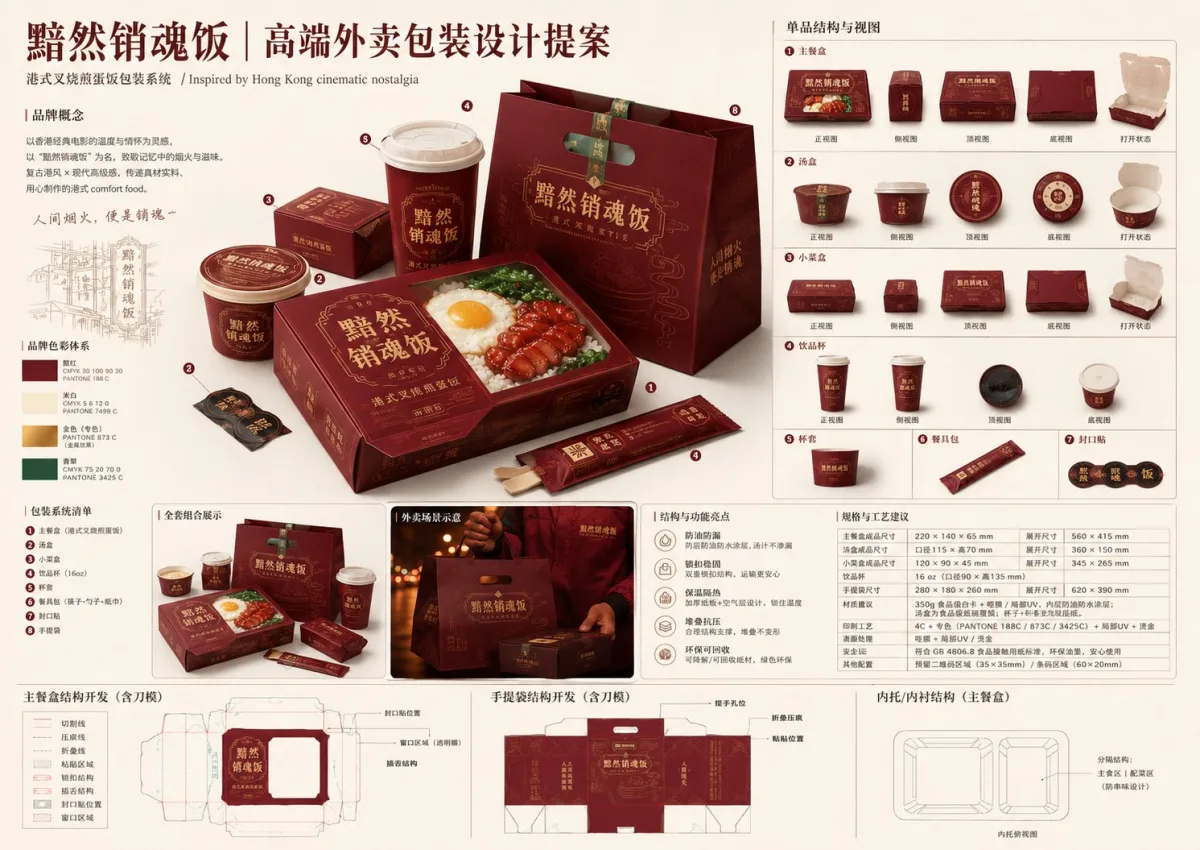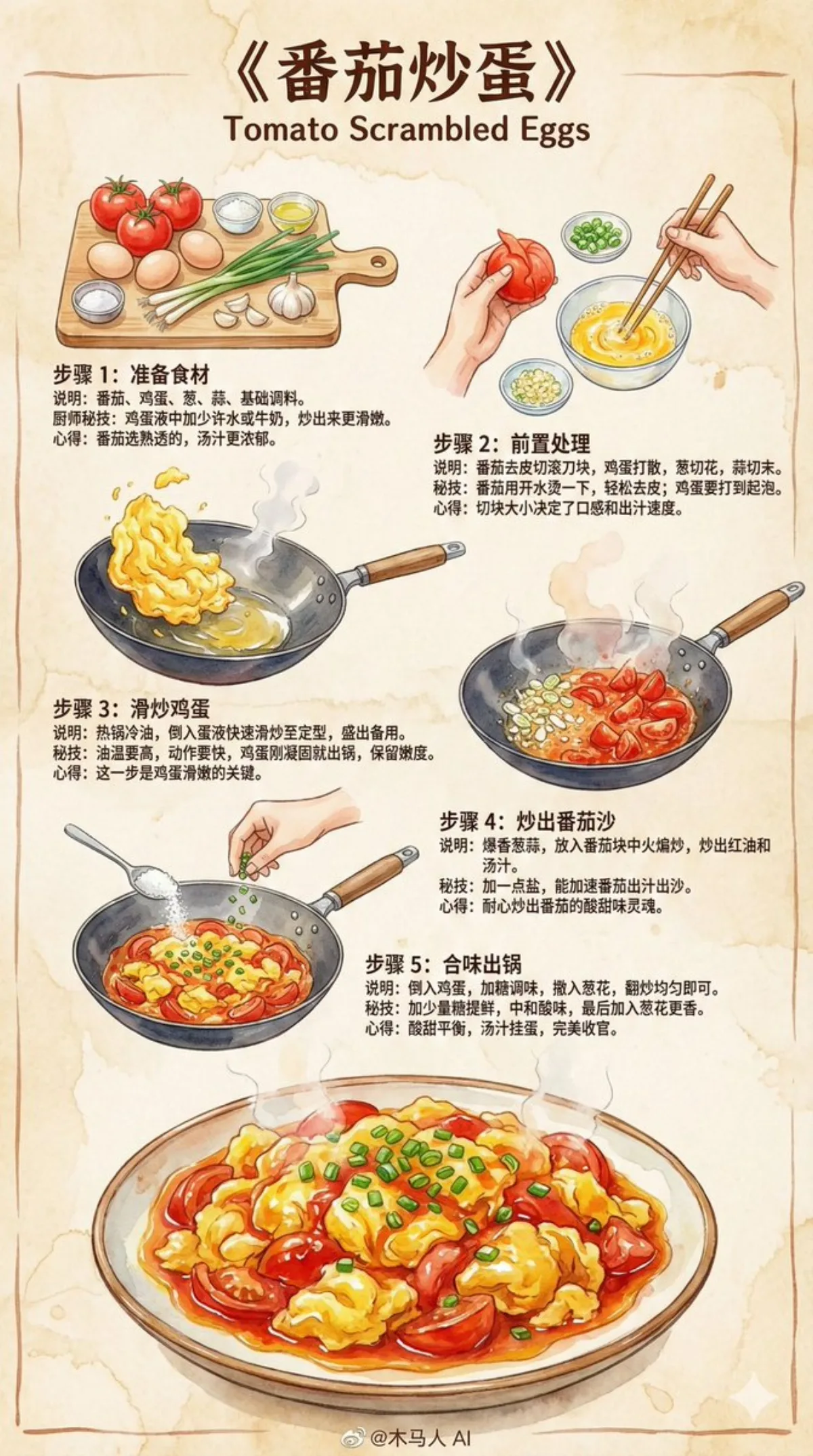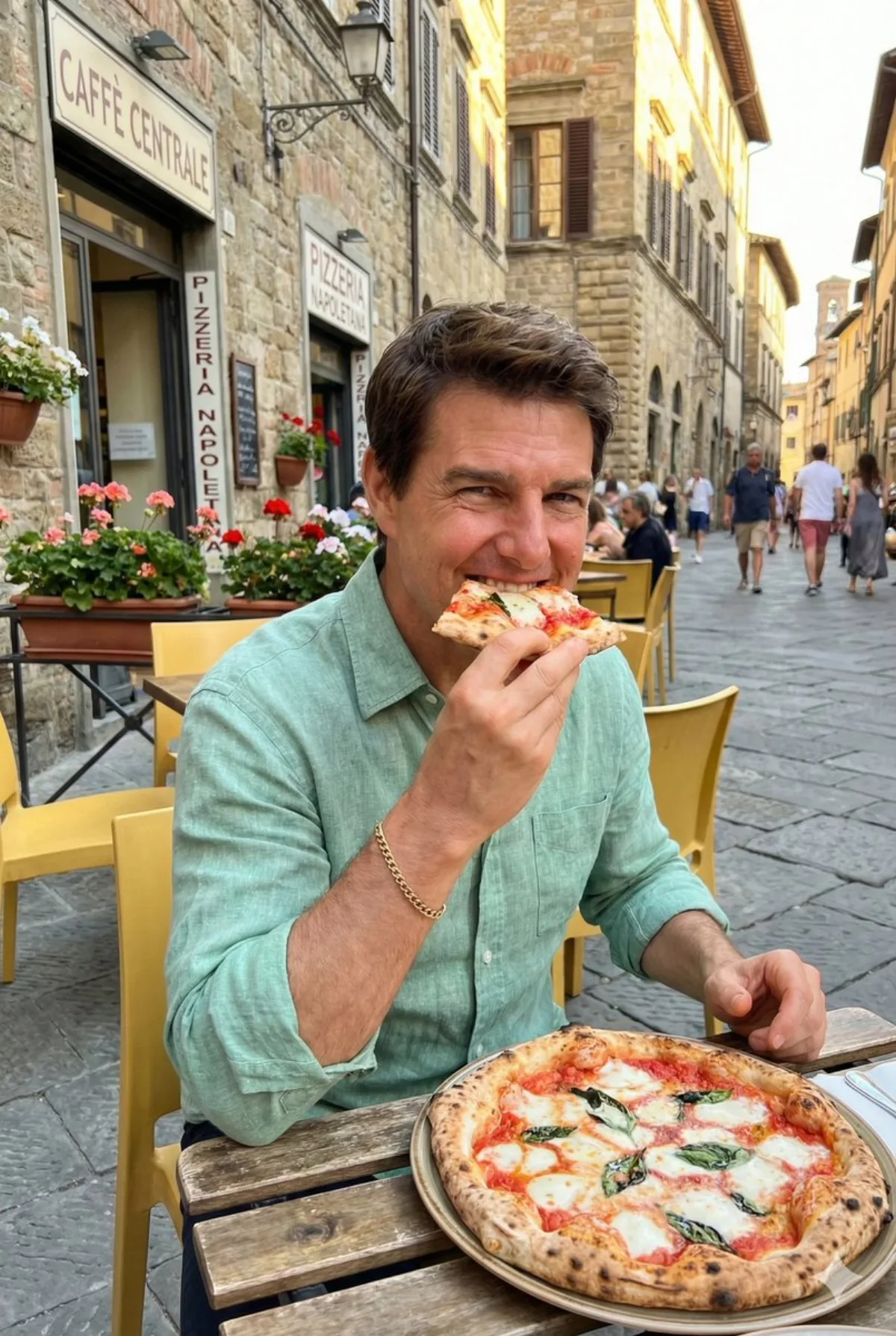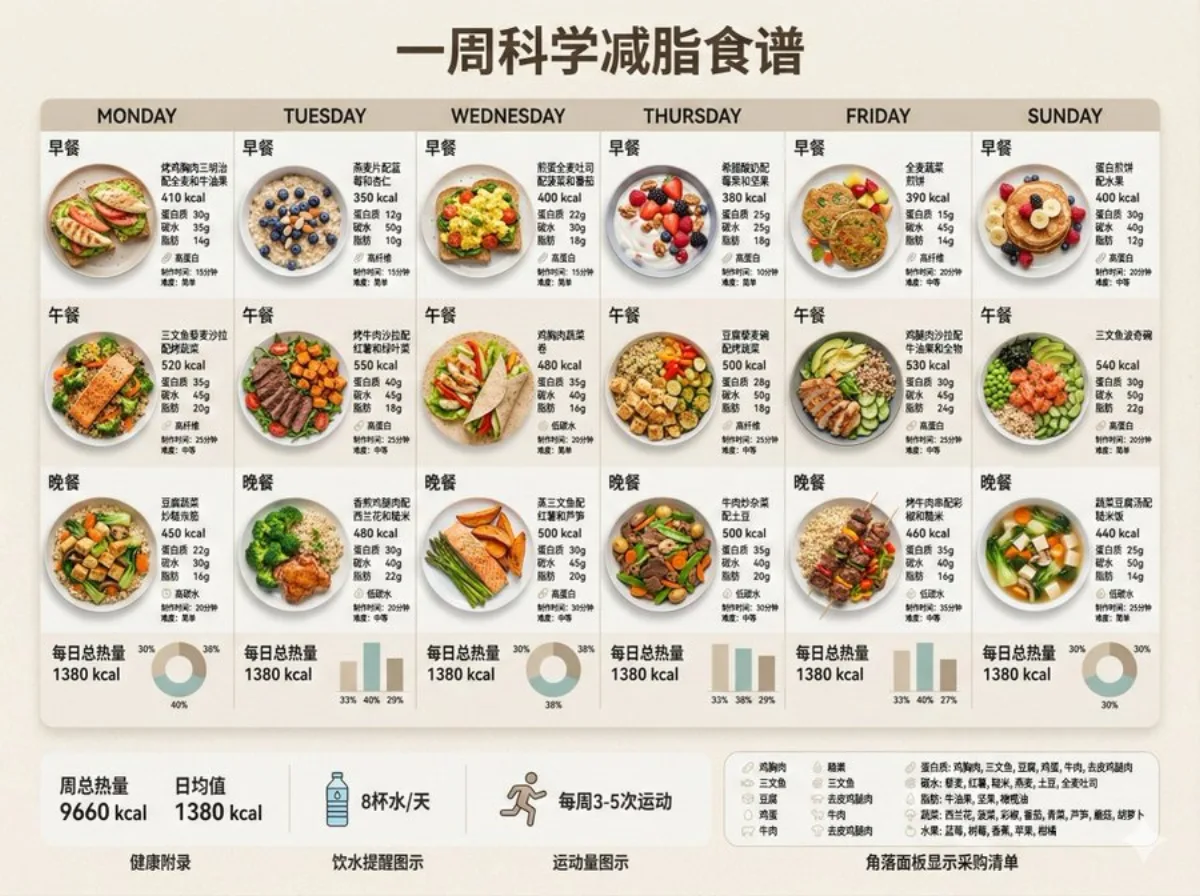
Fat Loss Meal Plan: A Signature Take food 4:3

Fat Loss Meal Plan: A Signature Take

Intermediate infographicfoodminimalistphotography
Subject
Scene: 创建一周减脂食谱信息图,简约设计,包含以下要素: 设计风格: - 博物馆展览美学,极简米色/奶油色背景 - 简洁无衬线字体 - 7天网格布局(周一至周日) - 专业配色(柔和大地色、雾霾绿、静谧蓝) 每日内容: - 三餐明确标注:早餐、午餐、晚餐 - 高品质美食摄影风格 - 每餐标注卡路里数值 - 营养素分解:蛋白质、碳水、脂肪(克数) - 每日总热量突出显示,确保汇总数据准确 视觉元素: - 精美摆盘的健康餐食(烤制蛋白质、新鲜蔬菜、全谷物、水果) - 数据可视化:简洁柱状图或环形图显示热量分布 - 营养标识图标(高蛋白、低碳水、高纤维) - 极简分割线 自动选择健康食材: - 优质蛋白:鸡胸肉、三文鱼、豆腐、鸡蛋、牛肉、去皮鸡腿肉 - 复合碳水:藜麦、红薯、糙米、燕麦、土豆 - 健康脂肪:牛油果、坚果、橄榄油 - 蔬菜:西兰花、菠菜、彩椒、番茄、青菜 - 水果:浆果、苹果、柑橘、低糖水果 健康附录: - 周总热量及日均值 - 制作时间标识(15分钟、30分钟、45分钟) - 难度图标(简单/中等) - 角落面板显示采购清单 - 饮水提醒图示 - 运动量图示 设计规格: - 高对比度易读性 - 留白呼吸空间 - 一致的分量展示 - 专业美食造型 - 柔和阴影和微妙层次 - 可打印质量,高分辨率 确保数据准确。 确保文字渲染准确。. Tip: tweak the aspect ratio if your subject reads better tall or wide.
Composition
Lighting
Setting
Style
Details

How to Use This Prompt

Get from copy-paste to final image in 4 quick steps.

1
Copy the prompt
Hit the 📋 Copy button above — your clipboard now has the full prompt, with the tip text auto-stripped.
2
Replace any placeholders
Look for bracketed terms like [SUBJECT], [BRAND COLOR], or {style}. Swap them with your specifics for best results.
3
Pick your aspect ratio
This prompt was tested at 4:3. Square (1:1) works well for social, 9:16 for stories, 16:9 for hero banners.
4
Generate in your favorite model
Paste into Nano Banana 2, GPT Image 2, Midjourney, Flux 2 or DALL-E. Each model interprets it slightly differently — try 2-3 to pick the winner.

Compatible AI Models

This prompt is tested and works well across these models. Click any badge to learn more.

Variation Ideas

Mini tweaks to make this prompt fit YOUR brand or story:

Try the same composition at three aspect ratios (1:1, 4:5, 16:9) to see which framing tells the story best.
Swap the main subject for your own product, character or brand identity while keeping the lighting + style intact.
Switch the lighting (golden hour ↔ studio softbox ↔ blue hour ↔ neon night) to dramatically change the mood.
Add a single style modifier at the end — e.g. 'shot on 85mm', 'film grain', 'editorial Vogue style', 'cinematic anamorphic'.

Frequently Asked Questions

Which AI model produces the best result for this prompt?
All four major models (Nano Banana 2, GPT Image 2, Midjourney v7, Flux 2) can render this prompt well. Nano Banana 2 excels at character consistency and text. GPT Image 2 is strongest at multi-element scenes with text. Midjourney has the most painterly artistic style. Flux 2 is the best open-source option.
Can I use this prompt for commercial work?
Yes — every prompt on AI Image Free is free for commercial use. The reference image is AI-generated and serves as visual inspiration. The actual image you generate using this prompt is owned by you (subject to your chosen AI model's terms of service).
How do I customize this prompt for my own brand?
Look for bracketed placeholders like [SUBJECT], [COLOR], [BRAND]. Replace those with your specifics. You can also append your own style descriptors at the end (e.g. 'in our brand colors #FF6B35 and #2D3142') for a branded version.