 illustration
1:1
illustration
1:1
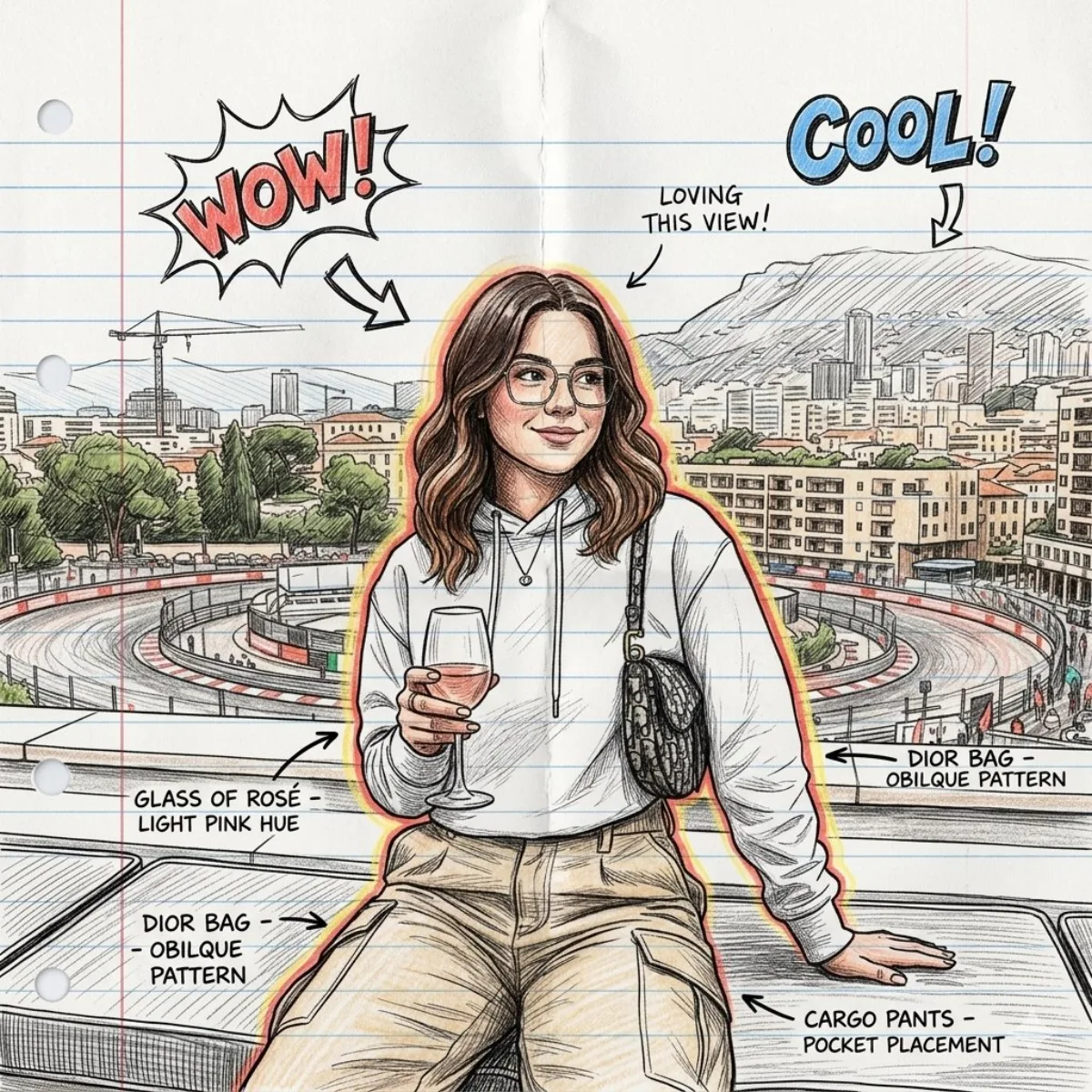
Hand-Drawn Sketchbook Character Illustration (Modern)
Subject
Picture this: apply the uploaded image as your main reference point. Add comic book-style drawings and notes around the character, such as arrows, doodles, “WOW”, “Fresh!”and design notes. The character should look like a detailed drawing in colored pencil and ink featuring cross-hatching and shading of the sketch. Turn the image into a hand-drawn illustration on lined notepad paper. Keep the same pose, facial features, proportions, and composition of the person. Circle the character with the smooth red-yellow glow of the sketch. Keep the concentrated composition of the portrait and the proportions of the whole body as in the original photo.The style should be similar to a conceptual drawing
Composition
Keep the same pose, facial features, proportions, and composition of the person.
Lighting
Circle the character with the smooth red-yellow glow of the sketch.
Setting
Concept art for a sketchbook, drawings of characters on sheets of paper, illustrations featuring colored pencils, a background made of paper for a notebook, design notes made by hand You can choose…
Style
Add comic book-style drawings and notes around the character, such as arrows, doodles, “WOW”, “Fresh!”and design notes.
Details
Premium finish — clean edges, true-to-life shadows, color-graded contrast.