 character
1:1
character
1:1
Character Figure
Subject
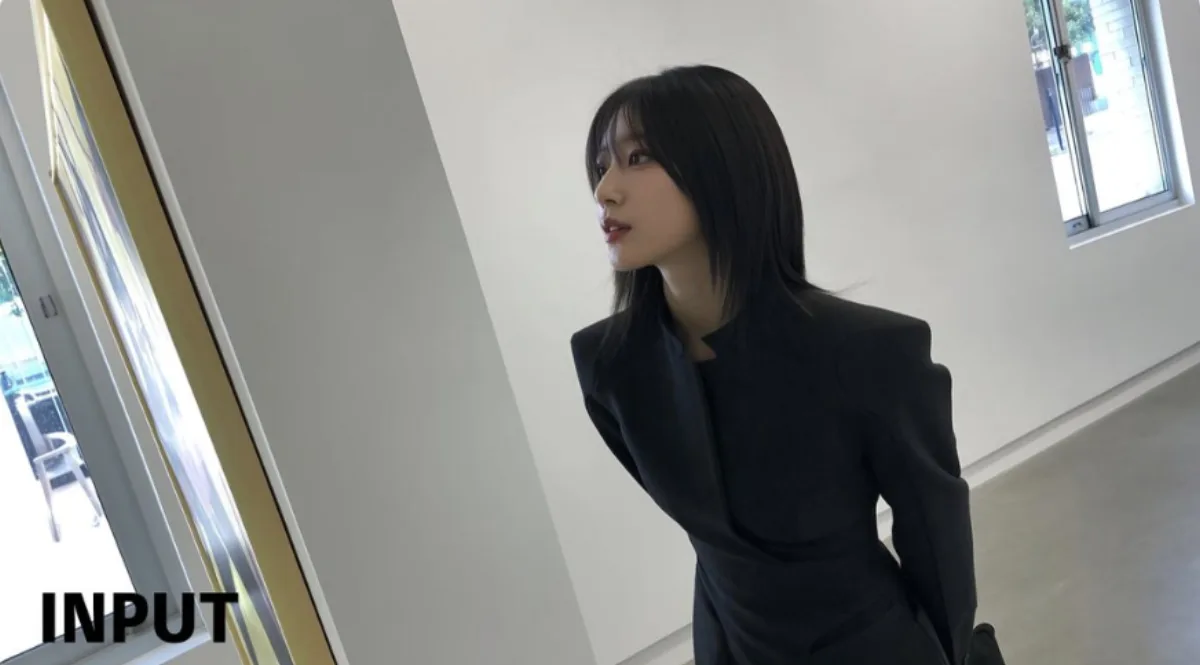
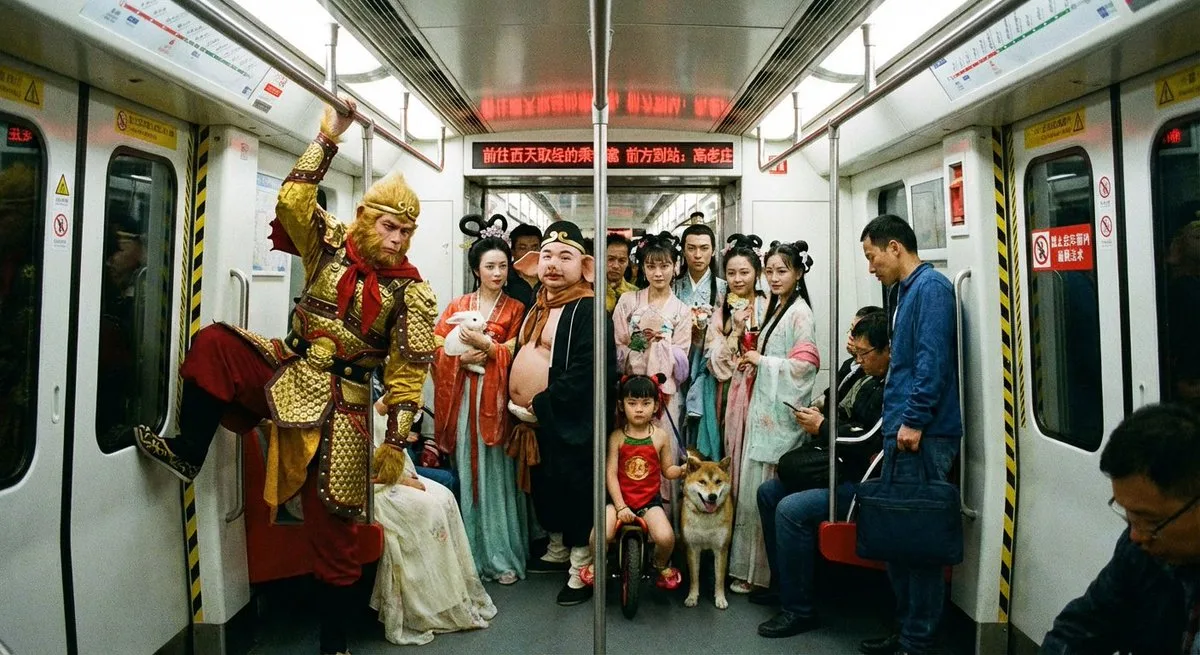
turn this photo into a character figure. Behind it, position a box featuring the character's image printed on it, and a computer showing the Blender modeling process on its screen. In front of the box, add a round plastic base including the character figure standing on it. set the scene indoors if possible. Use case: drop your own product or character into this scene with a reference image.
Composition
Tight medium-shot composition with clear focal point and balanced negative space.
Lighting
Even high-key studio lighting for clean product clarity.
Setting
Set the scene indoors if possible.
Style
Illustration to Figure.
Details
Premium finish — clean edges, true-to-life shadows, color-graded contrast.