 illustration
3:4
illustration
3:4
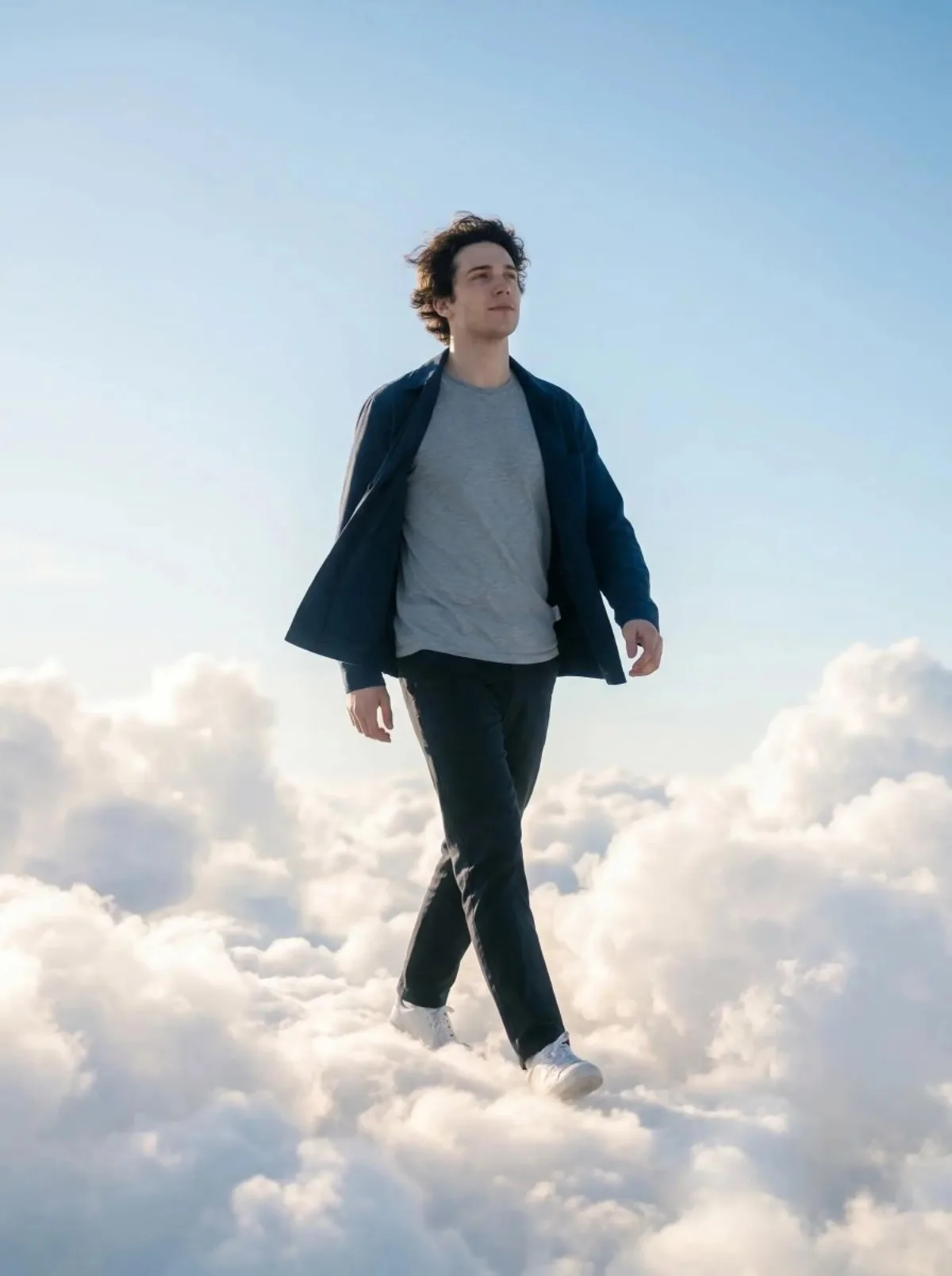
A Stylized Person Walking Through Glowing Clouds, Cinematic Photo
Subject
Produce a realistic cinematic photo of a person using the face from the uploaded image. The person is wearing simple, stylish clothes like a t-shirt, jacket, pants, and sneakers. Their clothes and hair move slightly in a gentle breeze. The person is walking calmly through soft white clouds as if they are above the sky. The clouds look fluffy and glowing featuring soft sunlight coming through them. The camera angle is slightly low and in front, capturing the person mid-walk. The sky is well-lit with a peaceful, otherworldly feel. The overall scene feels calm, dreamy, and cinematic with soft light, organic shadows, and a polished photography look. Try: rerun with a different focal length (35mm
Composition
The camera angle is slightly low and in front, capturing the person mid-walk.
Lighting
The clouds look fluffy and glowing featuring soft sunlight coming through them.
Setting
The person is walking calmly through soft white clouds as if they are above the sky.
Style
Hyper-realistic finish leaning toward magazine cover aesthetic.
Details
The overall scene feels calm, dreamy, and cinematic with soft light, organic shadows, and a polished photography look.