 portrait
3:4
portrait
3:4
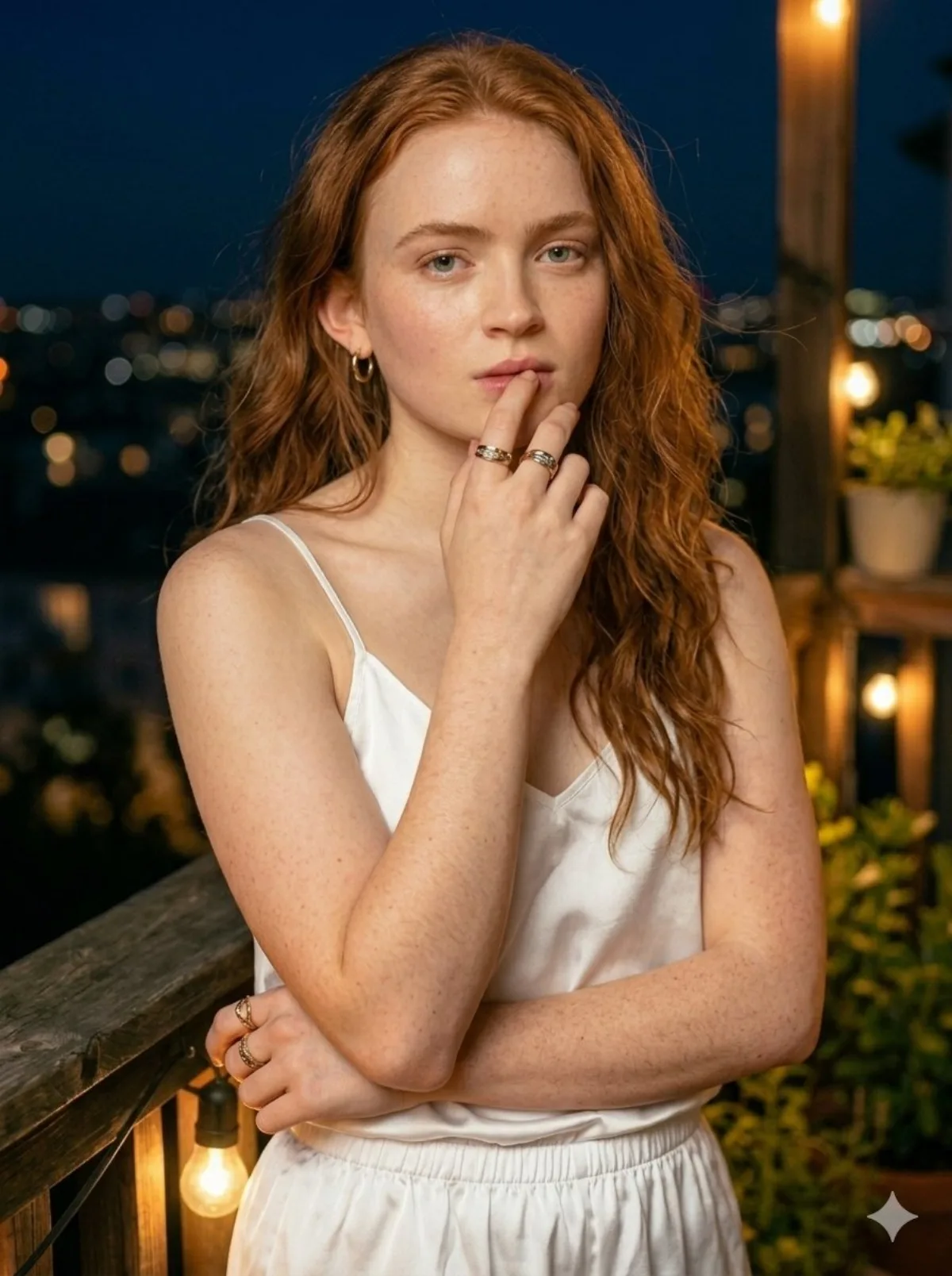
Red-Haired Woman on Balcony, Night City Background
Subject
{
"image_prompt": {
"subject": "Portrait of a young woman featuring long, wavy red hair and freckles, soft and natural makeup, looking directly at the camera with a serene expression.",
"clothing": "White satin two-piece sleepwear set, consisting of a spaghetti strap camisole top and matching shorts.",
"setting": "Standing on a rustic wooden balcony at night.",
"lighting": "Inviting, atmospheric, theatrical lighting provided by Edison-style string lights draped along the wooden railing, casting a soft glow on the subject's face and arms.",
"background": "Out-of-focus city skyline at night with striking, circular bokeh lights. The scene is illuminated by amber-toned, shi
Composition
Subject": "Portrait of a young woman featuring long, wavy red hair and freckles, soft and natural makeup, looking directly at the camera with a serene expression.
Lighting
Inviting, atmospheric, theatrical lighting provided by Edison-style string lights draped along the wooden railing, casting a soft glow on the subject.
Setting
Standing on a rustic wooden balcony at night.
Style
Photorealistic, highly detailed, 85mm lens, shallow shallow focus, professional portrait photography, nighttime aesthetic.
Details
Background": "Out-of-focus city skyline at night with striking, circular bokeh lights.