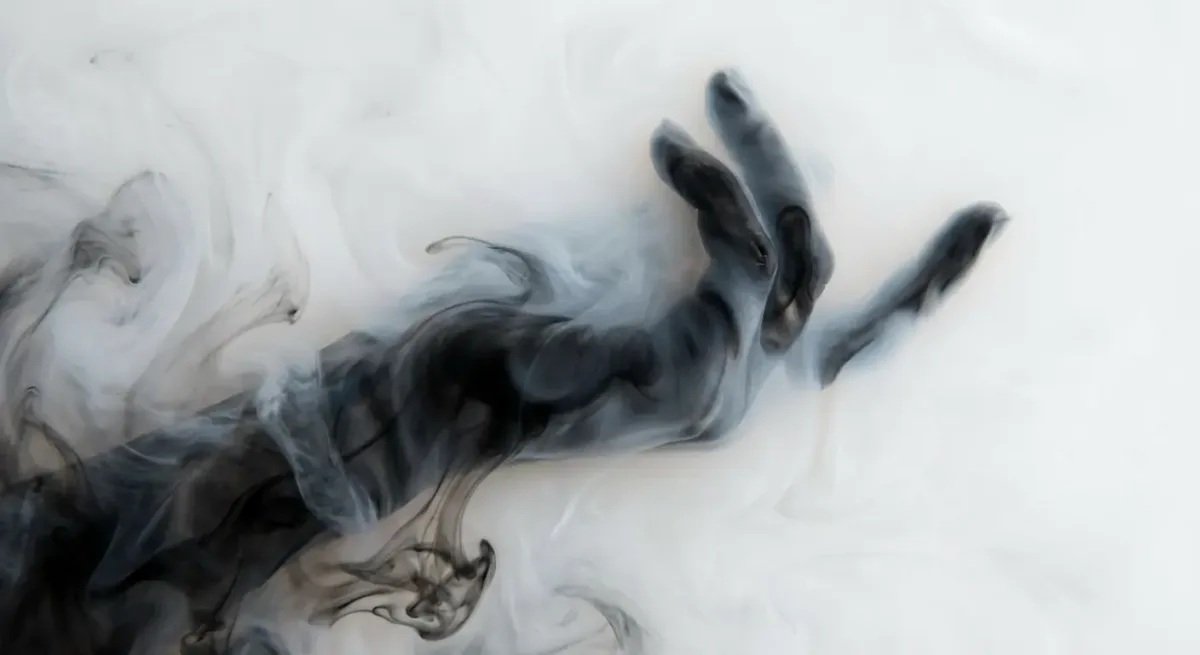
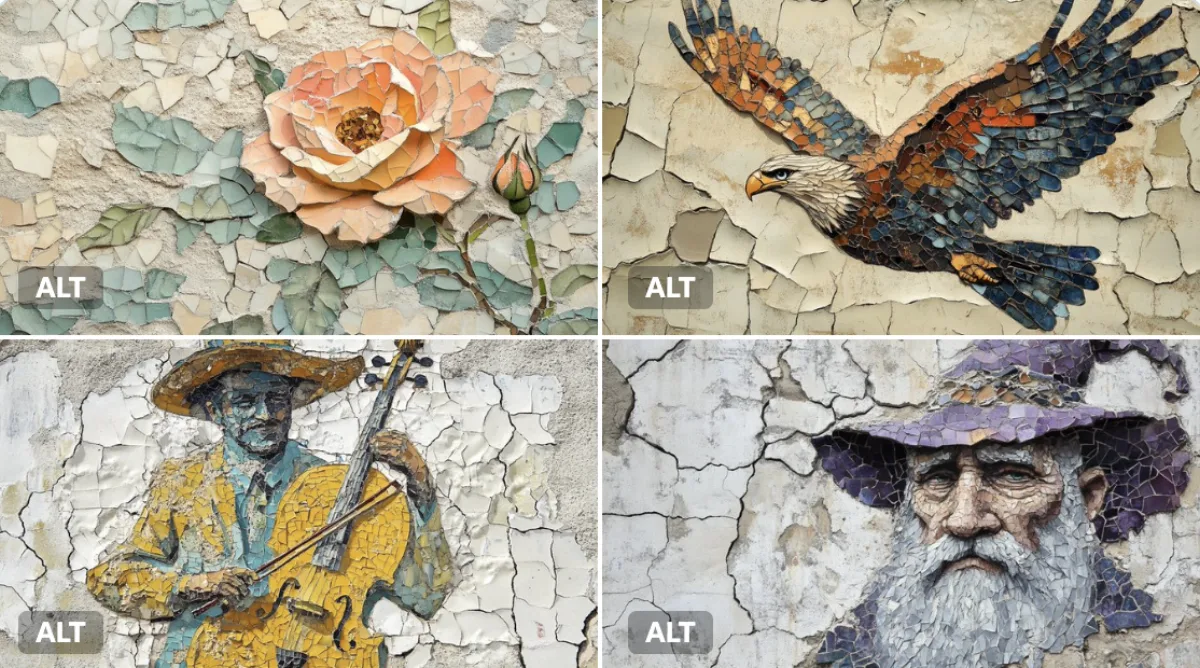
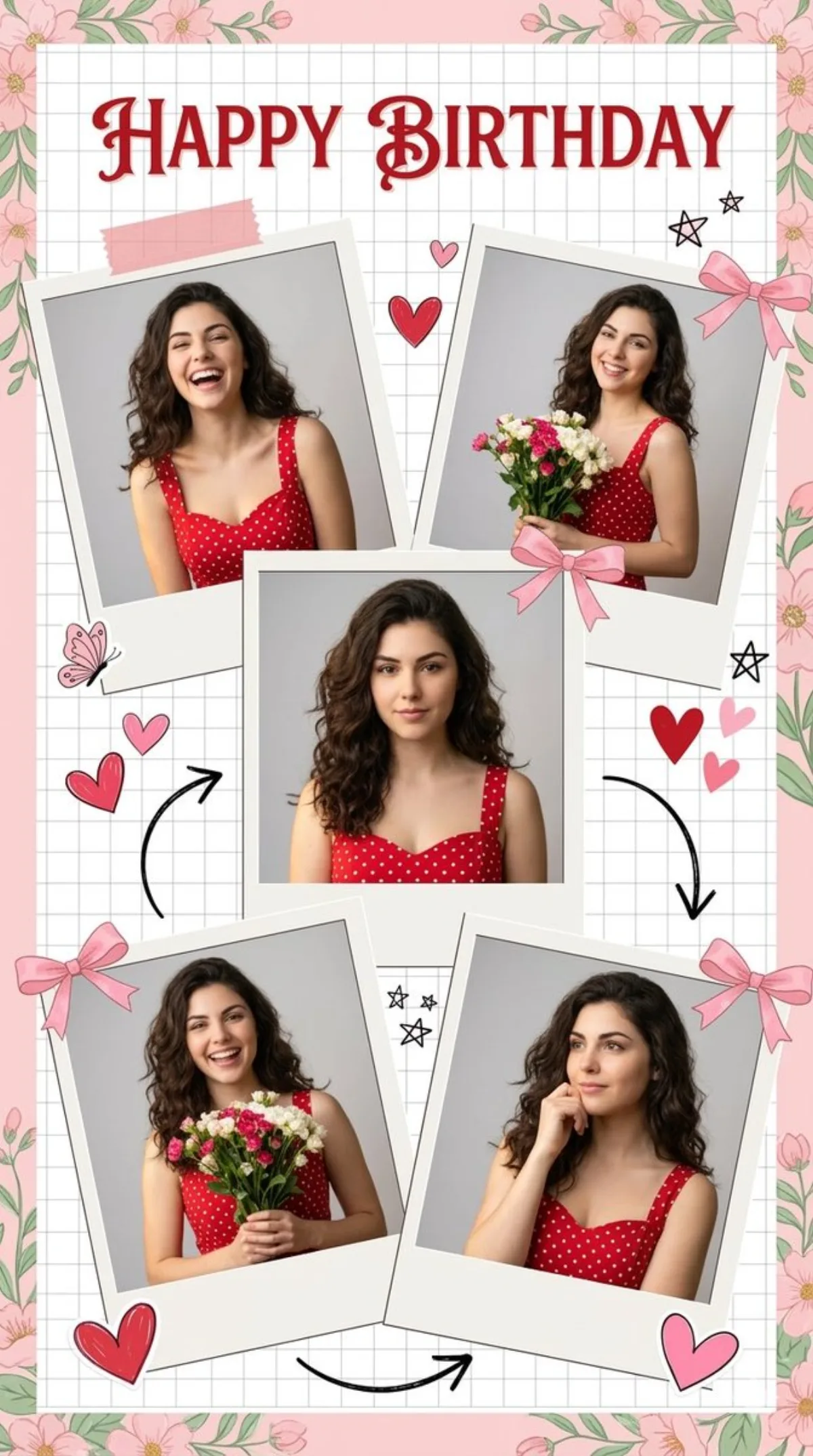
 illustration
16:9
illustration
16:9
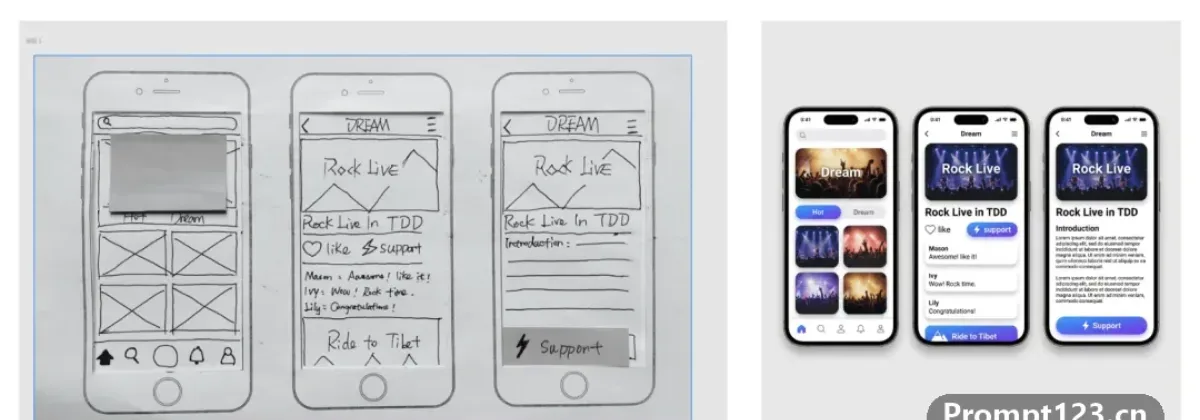
UI Hand Drawn
Subject
Convert this rough wireframe sketch into a high-fidelity UI design mockup for a mobile app. Intelligently interpret the sketch: turn doodles into high-quality placeholder images, convert rough rectangles into formal buttons with gradients, and turn lines into realistic text blocks.
Composition
Ensure perfect padding and consistent spacing between elements. Place the design inside a realistic iPhone 16 mockup frame.
Lighting
Soft drop shadows and clean even UI lighting.
Setting
Set inside a realistic iPhone 16 mockup frame.
Style
Modern, clean aesthetic similar to iOS 18 or Material Design 3, using rounded corners, soft drop shadows and vibrant primary colors.
Details
Components: turn doodles into high-quality placeholder images, rough rectangles into formal buttons with gradients, and lines into realistic text blocks. Tip: adding surface texture descriptions (such as fine grain, silk sheen) maxes out the detail level.