 illustration
4:5
illustration
4:5
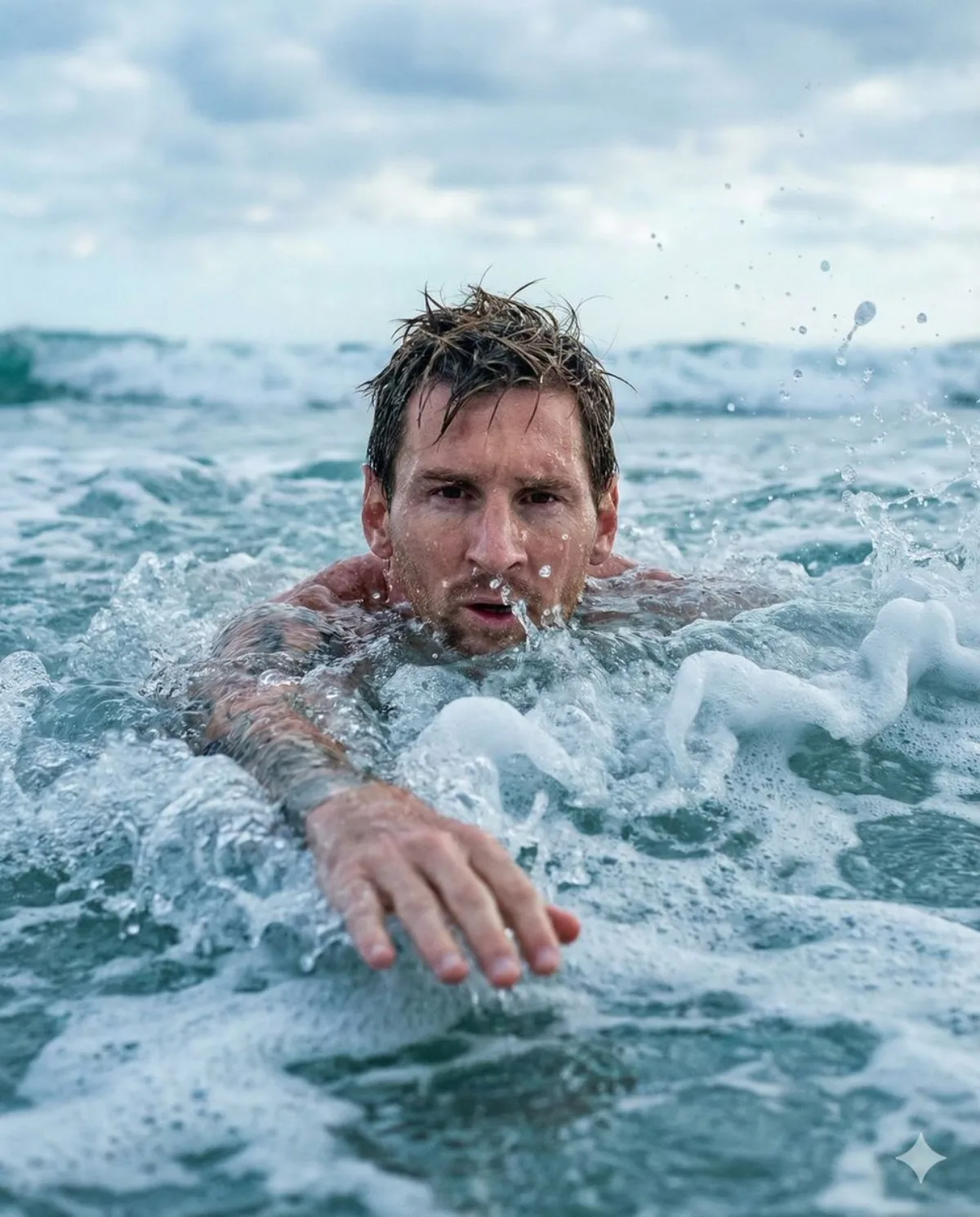
You on the Crest: Ocean Close-Up
Subject
🚨 SEE YOURSELF SWIMMING THROUGH THE WAVES 🌊✨
"copy the prompt below" and CREATE YOUR OWN PHOTO LIKE THIS 🫵 with Nano Banana Pro
How to:
Bookmark 🔖 this now and recreate this with your selfie later.
1) Download the Gemini app from the Play Store or App Store.
2) Open the app and tap on the "🍌 Generate image" button.
3) Tap the + icon, click Gallery, and select a photo of yourself.
> Note: For best results, use a photo where your face fills about 70% of the screen.
4) Go to the @NanoBanana_Labs page, pick a photo you like, and copy the text prompt from that photo's description.
5) Return to the Gemini app and paste that text into the "Describe your image" box. The camera is very cl
Composition
The camera is very close, about 30–50 cm in front of the subject's face, with an eye-level angle so that the intense expression is clearly visible.
Lighting
Follow @NanoBanana_labs for daily AI glow-ups & viral prompts 🚀.
Setting
Contextual scene placement reinforcing the narrative behind the image.
Style
The background features a swirling wave tunnel, alongside a texture of white foam and realistic water splashes.
Details
Sharp focus on the subject with refined fabric, skin, or surface detail.