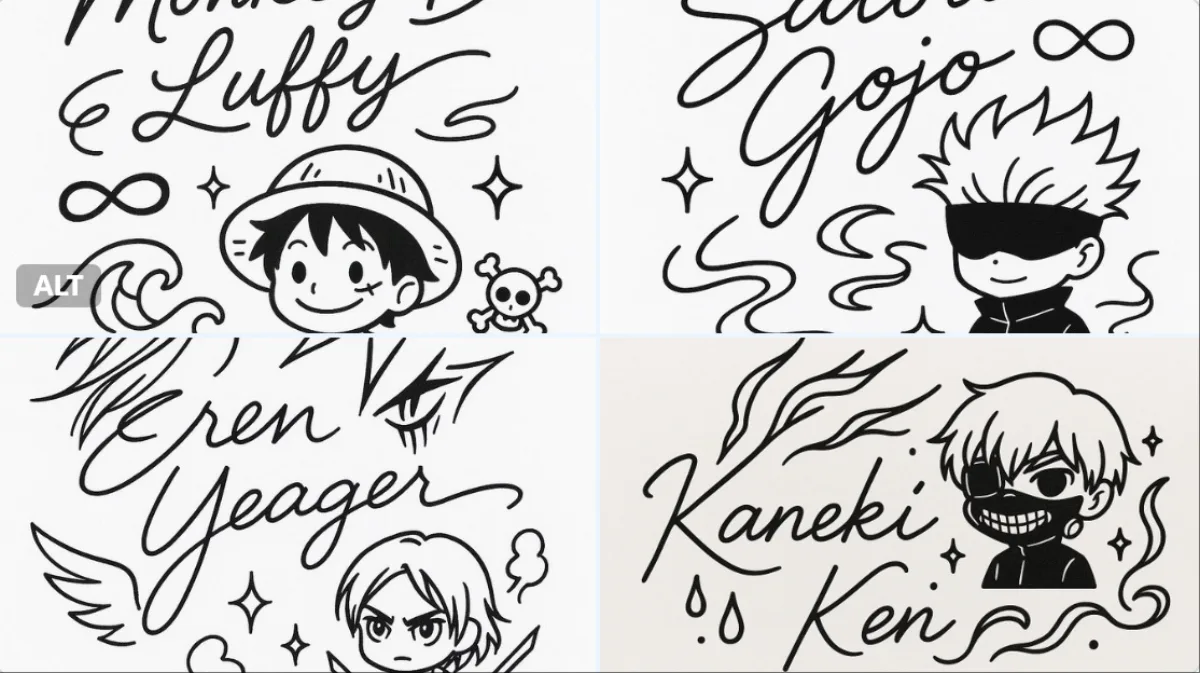
 角色
2:3
角色
2:3
小朋友学字
主体
画面构思:"小朋友每日学个字" 简化版 v7.0 (移除技术参数)
## 📐 完整通用系统提示词(精简版)
```plaintext
Create a modern Apple Design-inspired "Daily Character Learning for Kids" (小朋友每日学个字) calendar page for {月}月{日}日, {年份}. Ultra-minimalist, clean, playful, and child-friendly layout in 4K quality.
**TODAY'S CHARACTER: "{汉字}"**
Category: {主题分类}
═══════════════════════════════════════════════════════
PART 1: LAYOUT STRUCTURE
═══════════════════════════════════════════════════════
**Header Area (Top-Left):**
- Main date: "{月}月{日}日" - Large and prominent
- Weekday: "星期{X}" - Small, below date
- **ARTISTIC YEAR DISPLAY:** "— {年份} —"
* Elegant serif OR artistic sans-serif font
* Soft warm gray color
* Centered below weekday
* Integrated into header typography hierarchy
* Like art print edition number
**Calendar Widget (Top-Right Corner):**
**Position & Styling:**
- Location: Top-right corner
- Proper margins from edges
- Subtle rounded rectangle background with soft shadow
- Clean, modern appearance
**Calendar Header:**
- Text: "{年份}年{月}月"
- Centered above grid
- Clean sans-serif, medium weight
**Weekday Labels:**
- 一 二 三 四 五 六 日 (Monday to Sunday)
- Sans-serif, regular weight
- Medium gray color
- Evenly spaced across 7 columns
**═══════════════════════════════════════════════════════**
**2026 COMPLETE CALENDAR DATA**
**═══════════════════════════════════════════════════════**
```yaml
2026年日历数据:
1月: 31天, 1日=周四
网格: [空][空][空][1][2][3][4] / [5][6][7]...
2月: 28天, 1日=周日
网格: [空][空][空][空][空][空][1] / [2][3][4]...
3月: 31天, 1日=周日
网格: [空][空][空][空][空][空][1] / [2][3][4]...
4月: 30天, 1日=周三
网格: [空][空][1][2][3][4][5] / [6][7][8]...
5月: 31天, 1日=周五
网格: [空][空][空][空][1][2][3] / [4][5][6]...
6月: 30天, 1日=周一
网格: [1][2][3][4][5][6][7] / [8][9][10]...
7月: 31天, 1日=周三
网格: [空][空][1][2][3][4][5] / [6][7][8]...
8月: 31天, 1日=周六
网格: [空][空][空][空][空][1][2] / [3][4][5]...
9月: 30天, 1日=周二
网格: [空][1][2][3][4][5][6] / [7][8][9]...
10月: 31天, 1日=周四
网格: [空][空][空][1][2][3][4] / [5][6][7]...
11月: 30天, 1日=周日
网格: [空][空][空][空][空][空][1] / [2][3][4]...
12月: 31天, 1日=周二
网格: [空][1][2][3][4][5][6] / [7][8][9]...
```
**GRID CONSTRUCTION (Follow exactly):**
1. Look up {月}月 data from above
2. First row: Weekday labels (一二三四五六日)
3. Second row: Place empty cells according to starting pattern, then fill with dates
4. Following rows: Continue sequentially until reaching total days
5. Highlight date {日} with soft colored background
**Highlight Styling:**
- Visual: Soft rounded circle OR rounded rectangle
- Background: Theme color at moderate opacity
- Text: Bold weight, darker color
- Optional: Subtle outer glow
- Make it clearly visible but not harsh
**Calendar Typography:**
- Clean sans-serif font
- Small, readable size
- Current date: Bold weight with highlight
- Other dates: Regular weight, medium gray
- Proper spacing between cells
═══════════════════════════════════。
构图
小朋友每日学个字" 简化版 v7.0 (移除技术参数。
光线
均匀柔和的清晰灯光,日历小部件下方有细腻柔和阴影。
场景
超极简、整洁、趣味且适合儿童的数字版式。
风格
超极简现代苹果设计美学,4K品质。
细节
年份以优雅衬线或艺术无衬线字体显示,柔和暖灰色,如艺术版编号;日历标题以整洁中等粗细无衬线字体呈现;星期标签以常规中灰色无衬线字体显示;2026年准确日历数据(如1月=31天,1日=周四;2月=28天,1日=周日),星期对齐正确,无占位日期。