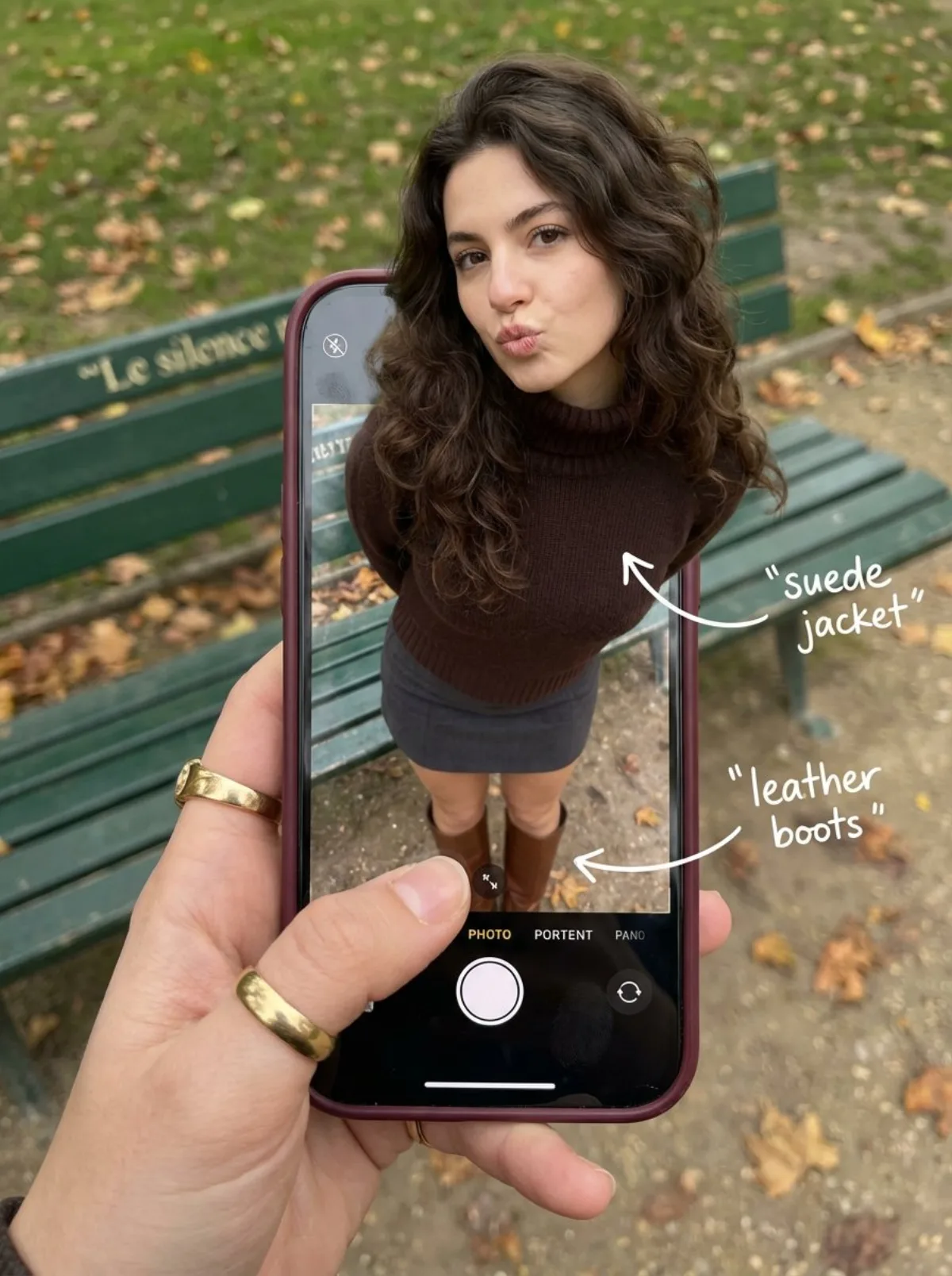
时尚幻觉:从手机走出的她 时尚 3:4

时尚幻觉:从手机走出的她

高级 photographyfashionrealistic
完整提示词
Create some interesting image effects

{

"subject": {

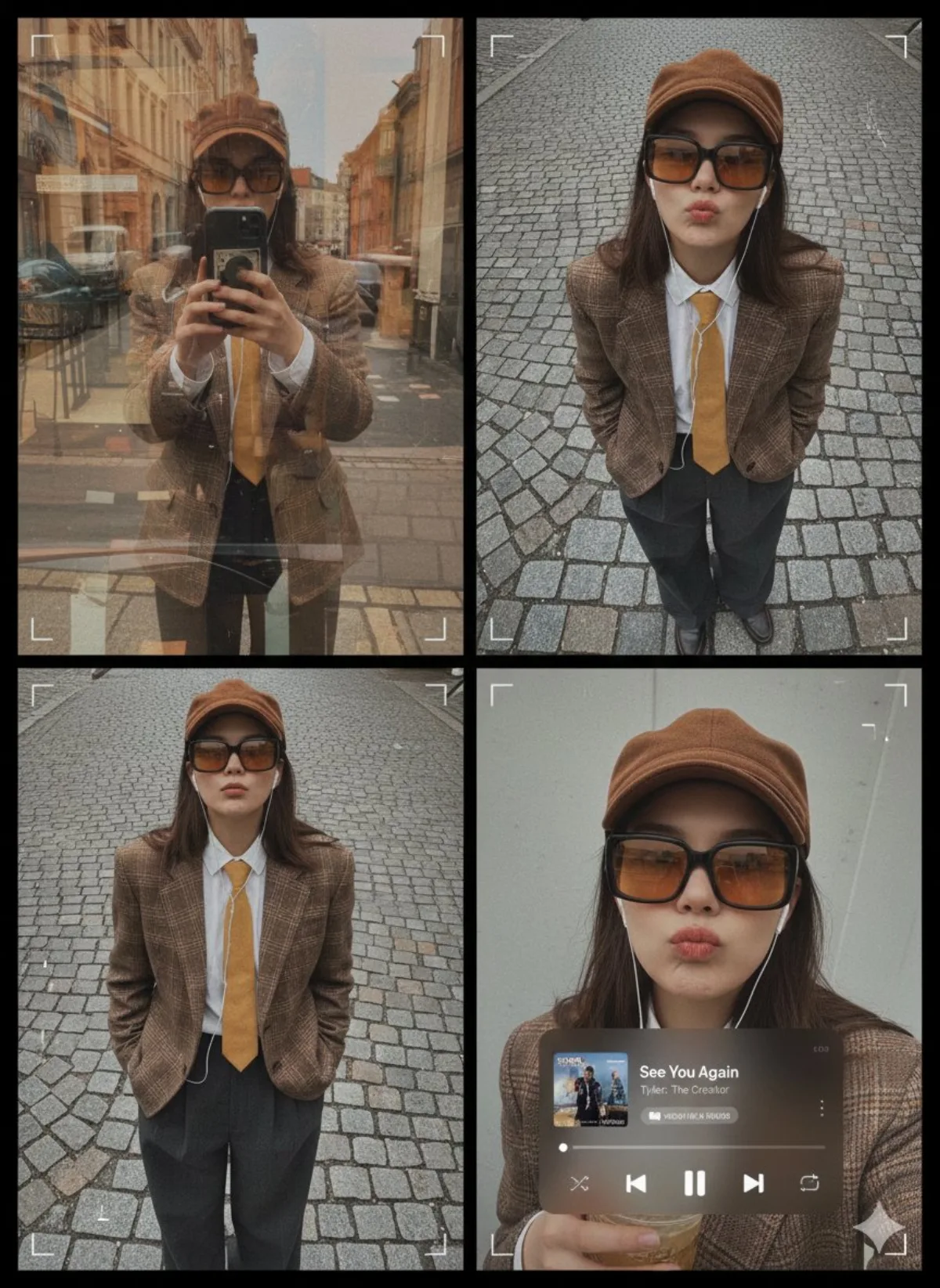
"description": "A hyper-realistic optical illusion photograph. A young Caucasian woman appears to be stepping out of a smartphone screen held in a hand. The screen displays the camera interface, capturing her boots, while her real upper body extends out of the phone into reality.",

"mirror_rules": "Ensure the phone screen clearly shows the iOS Camera UI (shutter button, mode text). Handwritten annotations must be legible and not mirrored.",

"age": "20s",

"expression": {

"eyes": {

"look": "Alluring and playful",

"energy": "Confident, direct",

"direction": "Looking at the viewer"

},

"mouth": {

"position": "Blowing a kiss or pouting",

"energy": "Chic and charming"

},

"overall": "Lifelike, engaging interaction"

},

"face": {

"preserve_original": "false",

"makeup": "Natural glam, matte foundation, defined European features",

"features": "High nose bridge, double eyelids, defined jawline"

},

"hair": {

"color": "Dark brown",

"style": "Long, loose waves, voluminous",

"effect": "Realistic shine, wind-blown effect"

},

"body": {

"frame": "Petite but proportionally realistic",

"waist": "Defined",

"chest": "Covered by turtleneck",

"legs": "Visible INSIDE the phone screen interface wearing boots",

"skin": {

"visible_areas": "Face, hands",

"tone": "Fair Caucasian skin",

"texture": "Ultra-realistic skin texture, visible pores, natural imperfections",

"lighting_effect": "Soft daylight"

}

},

"pose": {

"position": "Torso and head emerging vertically from the phone, legs displayed on the screen",

"base": "Dynamic standing pose",

"overall": "充满活力的随机姿势,让人感觉生命力满满"

},

"clothing": {

"top": {

"effect": "精致的穿搭,High-quality textile photography"

},

"bottom": {

"type": "Mini Skirt and Leather Boots",

"color": "Dark Grey (skirt), Brown (boots)",

"details": "Boots visible on the screen beneath the UI elements"

}

}

},

"accessories": {

"jewelry": "Gold rings on the photographer's hand (foreground)",

"device": "Smartphone with burgundy case. The screen is ACTIVE and DETAILED: it displays the IOS Camera App Interface (white circular shutter button at bottom, 'PHOTO' text).",

"prop": "On the phone screen: White handwritten-style text overlays with arrows pointing to the outfit elements (e.g., text 'suede jacket' with arrow, 'leather boots' with arrow)."

},

"photography": {

"camera_style": "DSLR photography, Macro lens for phone details",

"angle": "POV, High angle looking down at hand",

"shot_type": "Composite photography",

"aspect_ratio": "3:4",

"texture": "Sharp screen pixels, fingerprint smudges on screen, realistic fabric texture",

"lighting": "Overcast soft natural light",

"depth_of_field": "Background bench blurred (Bokeh), Phone screen UI and subject sharp"

},

"background": {

"setting": "Parisian Park in Autumn",

"wall_color": "Green bench, grey ground",

"elements": [

"Green park bench with text 'Le silence'",

"Autumn leaves"

],

"atmosphere": "Cinema。小建议:根据主体形态调整宽高比,竖图突出人物、横图适合产品全貌。
← 返回画廊

如何使用这条提示词

从复制粘贴到出图,只需 4 步。

1
复制提示词
点击上方「📋 复制完整提示词」按钮——剪贴板就有完整提示词了,「提示:」温馨贴士已自动剥离。
2
替换占位符
留意 [主体]、[品牌色]、{风格} 这样的占位符,换成你的具体内容效果更好。
3
选择宽高比
本提示词原始测试比例为 3:4。方图(1:1)适合社交分享,9:16 适合短视频/竖屏,16:9 适合 banner/封面。
4
粘贴到你的图像模型
可粘贴到 Nano Banana 2、GPT Image 2、Midjourney、Flux 2 或 DALL-E。每个模型理解会略有不同,多试 2-3 个挑最佳。

兼容的 AI 模型

本提示词在以下模型中均测试可用。点击任意徽章查看模型详情。

变体灵感

几个让这条提示词适配你的品牌/故事的小调整:

用同一构图测试三个宽高比(1:1、4:5、16:9),挑最适合你内容的画幅。
保持构图和光线不变,把主体换成你的产品、角色或品牌形象。
调整光线(黄金时刻 ↔ 工作室柔光箱 ↔ 蓝调时刻 ↔ 霓虹夜景)就能大幅改变情绪。
末尾加一个风格修饰词——例如 'shot on 85mm'、'film grain'、'编辑风 Vogue'、'电影感变形宽屏'.

常见问题

这条提示词在哪个 AI 模型上表现最佳?
四大主流模型(Nano Banana 2、GPT Image 2、Midjourney v7、Flux 2)都能很好地渲染本提示词。Nano Banana 2 在角色一致性和文字渲染方面最强;GPT Image 2 擅长多元素场景和文字排版;Midjourney 美学风格最有绘画感;Flux 2 是最强的开源选项。
这条提示词可以商用吗?
可以——AI Image Free 上所有提示词均可免费商用。卡片中的参考图是 AI 生成的视觉示例,你用这条提示词实际生成的图片归你所有(受你使用的具体 AI 模型服务条款约束)。
我怎么把这条提示词改造成我自己品牌的风格?
留意提示词中的占位符(如 [主体]、[颜色]、[品牌]),替换成你的具体内容。你也可以在提示词末尾追加自己的风格修饰词(例如「使用品牌色 #FF6B35 和 #2D3142」),打造品牌专属版本。